Scanning Electron Microscope EM-30PLUS Operating Manual
56
4.2 Setting up of Electron Beam
4.2.1 Turning on the Electron Beam
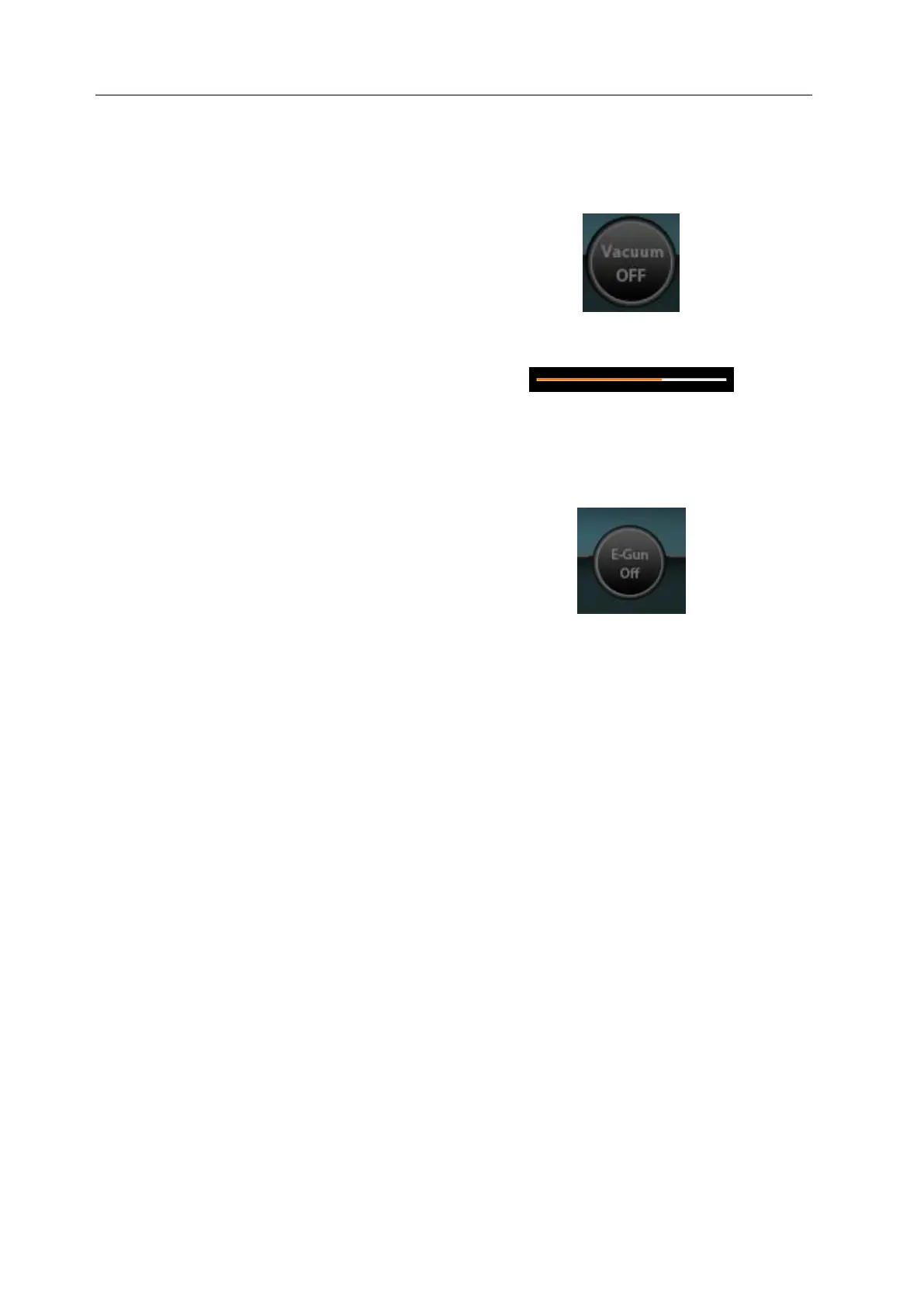
1) When specimen is mounted, set
vacuum state by pressing [Vacuum
OFF] button of NS.
2) Check the vacuum state of equipment.
The color of the vacuum bar of
Electron-Gun changes as vacuum
degree increases.
3) When vacuum degree reaches 100%,
the vacuum bar disappears. Then, turn
the power on by pressing [E-Gun Off]
button.



 To Next Page