Scanning Electron Microscope EM-30PLUS Operating Manual
25
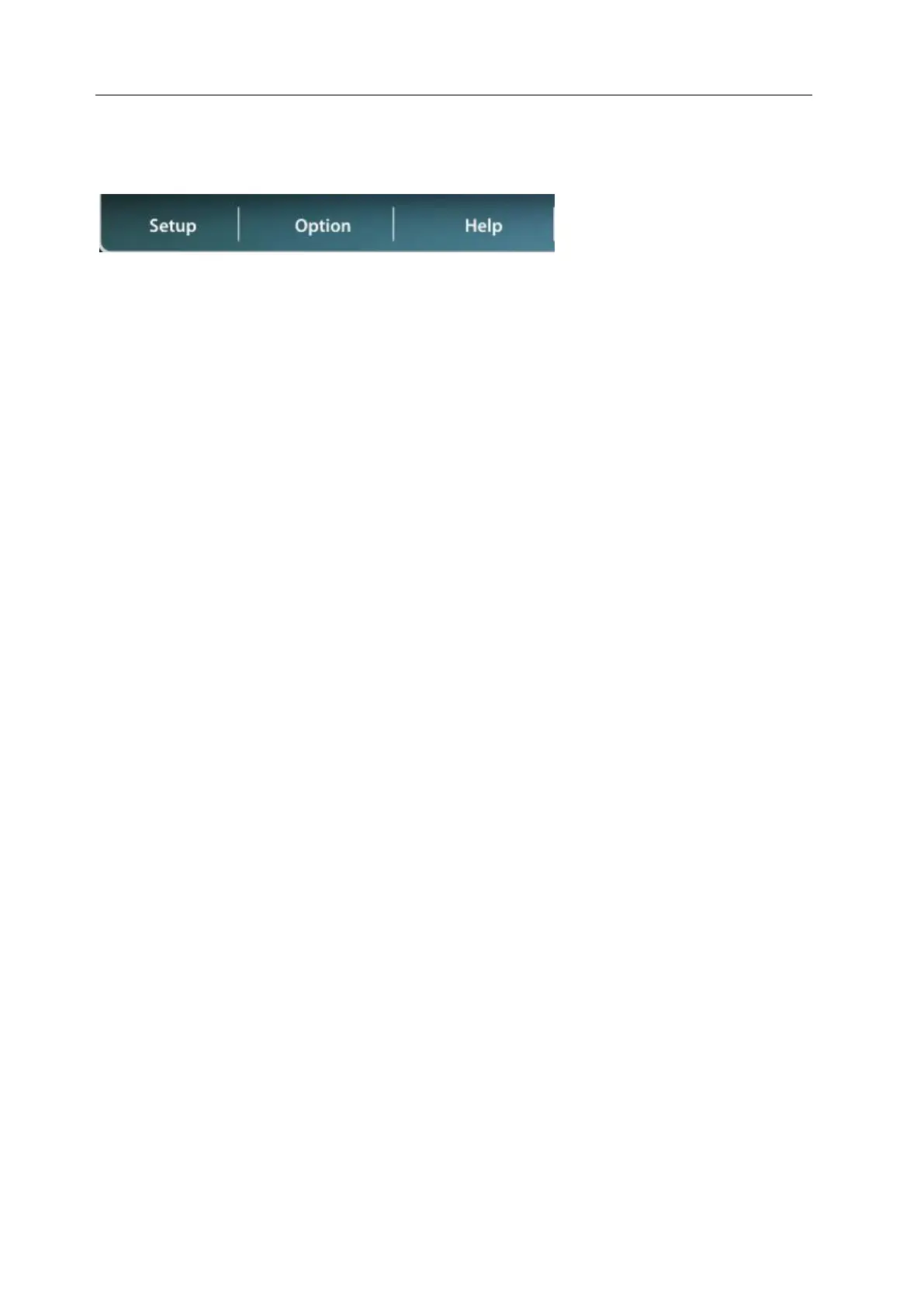
2.7 Top Function Tap
Some of the functions can be applied using the top function tap as the NS 3.0 interface is
made conveniently.
Setup: It controls Acceleration Voltage, Vacuum Type, Emission Current, Spot Size(SP), and
BSE image setting.
Option: It changes Line profile and image save path or controls other functions.
Help: You can refer to various manuals.



 To Next Page