Scanning Electron Microscope EM-30PLUS Operating Manual
22
2.6 Right Function Tap
2.6.1 Function
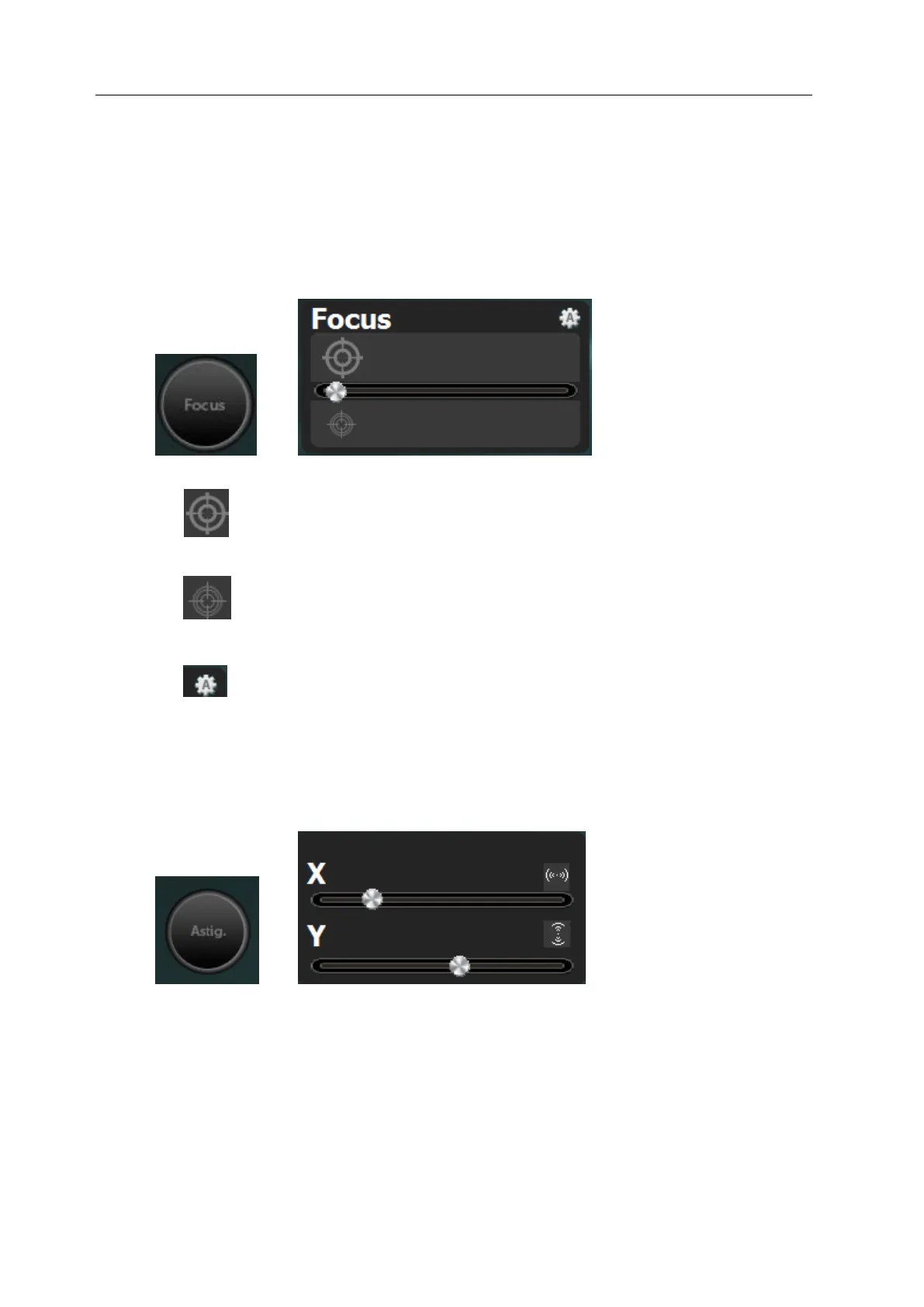
Focus
Focus the image by adjusting current intensity of objective lens.
: After selecting button, you can find coarse focus fast in wide area by adjusting
focus large using mouse.
: After selecting button, you can adjust the image in coarse focus more finely
and find the optimal focus using mouse.
: If you press button, you can find coarse focus automatically.
Astig
After adjusting images focus, make circular properties towards X, Y directions of electron
beam to make more fine images.
You can adjust it by using mouse wheel or dragging X, Y axis.



 To Next Page