Scanning Electron Microscope EM-30PLUS Operating Manual
37
2.8 Image Viewing
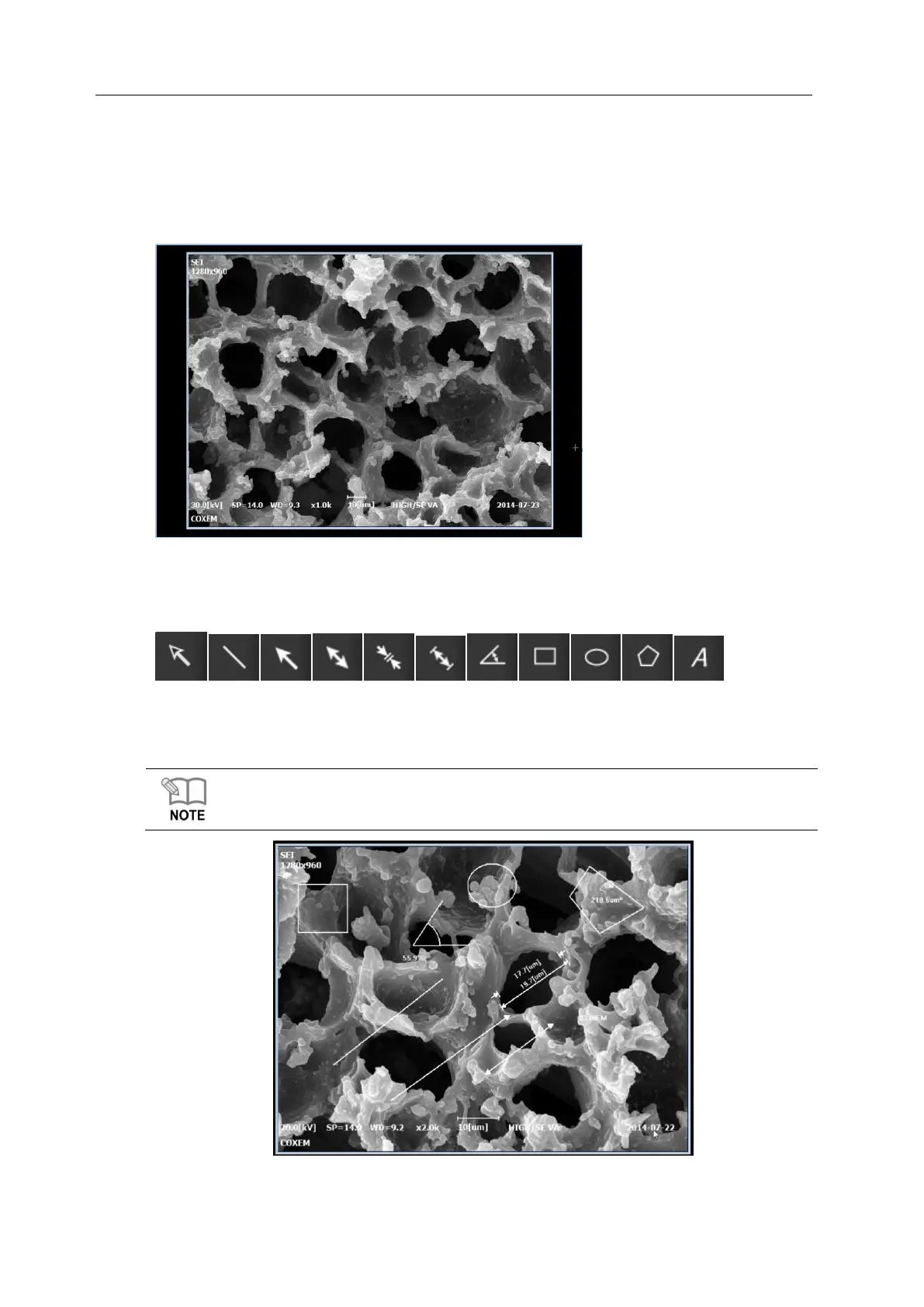
2.8.1 Screen for Image Viewing
In this screen, you can observe the specimen mounted at present.
2.8.2 Image Tools
With image tools, you can measure length or area on specimen images and then save them.
Image tools are recommended to be used on the images scanned in photo mode and the
function of length measurement is used the most.
For the details of image tools, see [7.2.1 Addition of Figures’].



 To Next Page