Scanning Electron Microscope EM-30PLUS Operating Manual
39
2.9 Other Buttons
There are 2 function buttons besides image tools.
2.9.1 Delete All
Delete all texts and figures recorded using image tools.
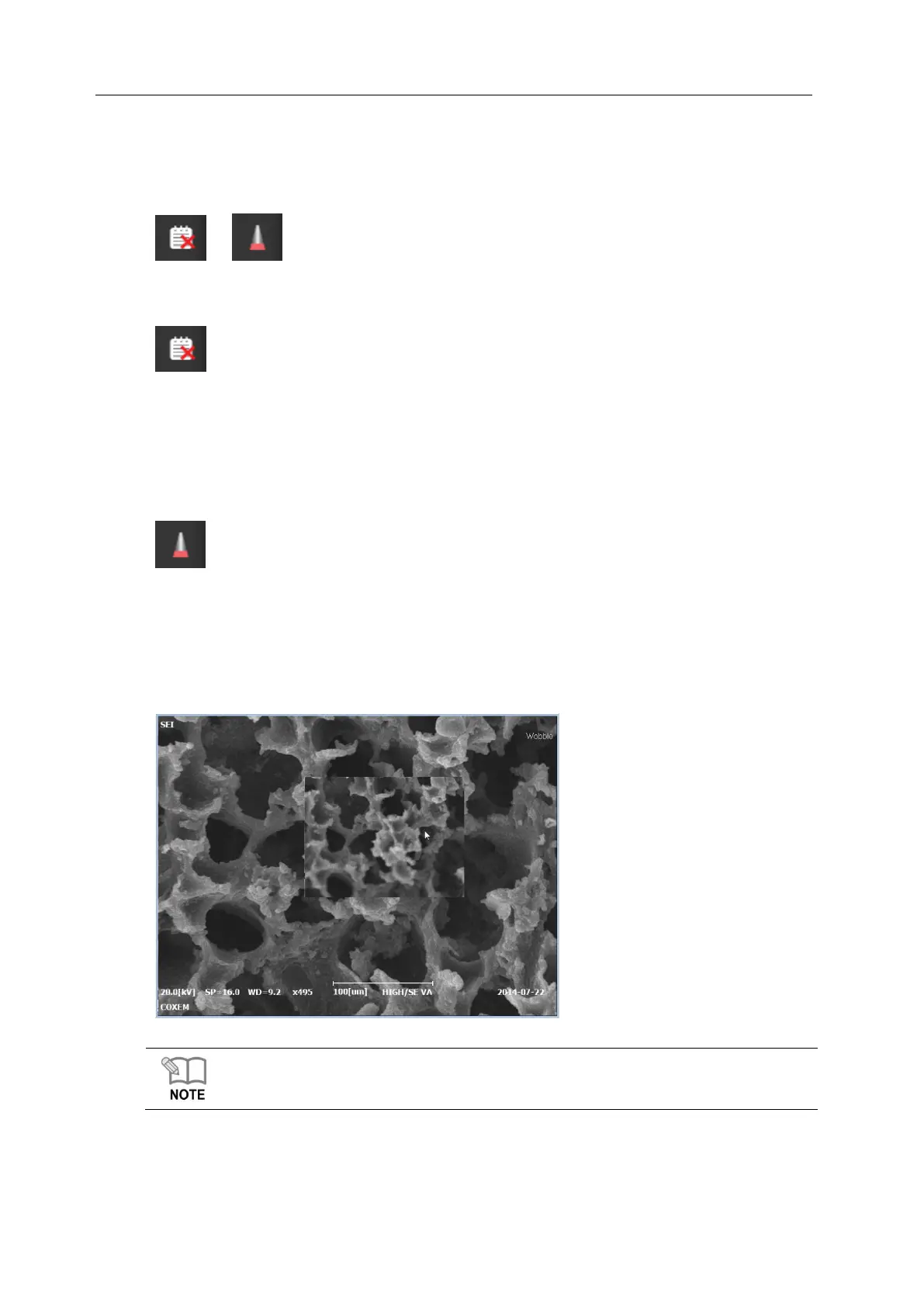
2.9.2 Wobble
It is a button used during aperture alignment. If aperture alignment is not proper, focusing
would not be easy when observing specimens and image quality is deteriorated.
Aperture alignment is needed when image moves up and down left and right during
focus correction. At this time, press the wobble button, turn the aperture X, Y knobs
and correct images lest they should move.
For the details on Wobble process, see [6. Wobble Operation for Aperture].



 To Next Page