Scanning Electron Microscope EM-30PLUS Operating Manual
60
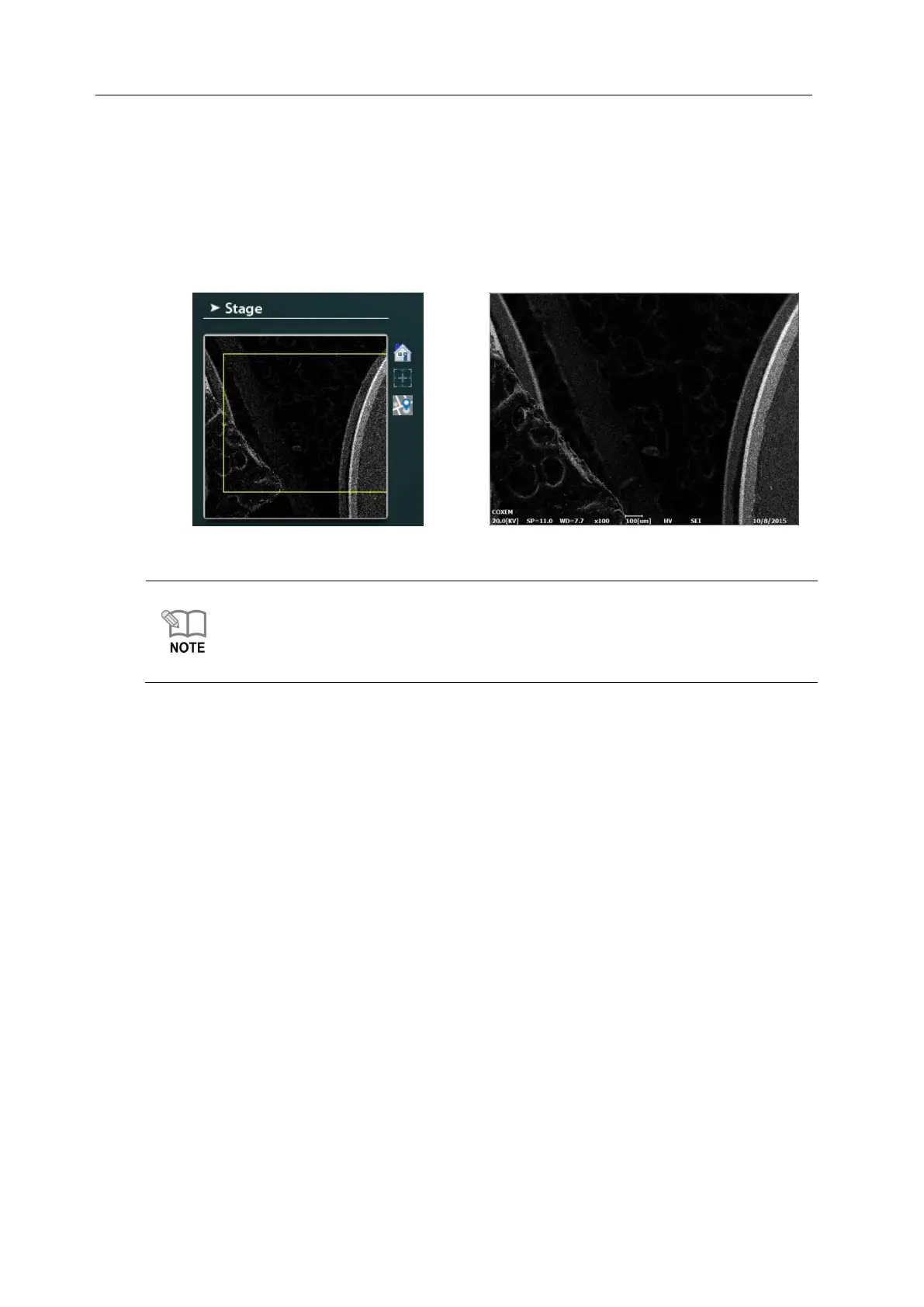
4) Once the green process bar is completed, the Mini-map photograph of the sample in
the Stub selected is taken and saved automatically on the Stage screen. (Figure 3)
5) If you double click the measurement position in the Mini-map photograph, the image is
shown in the center of the screen in the magnification selected currently. (Figure 4)
Mini-map is the minimum magnification by WD of specimens and has the function of
saving photographs on the Stage screen and serving as a guide for finding the position
you want in the specimens.
In Multi-Holder, photographs are taken automatically whenever the Stub position is
changed.
6) Move to the position you want and execute measurement on the measuring screen using
Mouse or Joy Stick.
4.3.2 Use of Stub Except Multi Holder
In case of using other Stub except Multi Holder(WD50mm Sample Mount etc.), mount the
specimen in the center of the Stub if possible.
1) If you mount the specimen and operate the equipment, the Stub is positioned in Home.
- Home: X=0, Y=0 (Confirm X/Y on the bottom of screen for coordinate.)



 To Next Page