Scanning Electron Microscope EM-30PLUS Operating Manual
80
5.3.2 Setting Spot size
Select the magnification you want, set the Spot size accordingly and save the image.
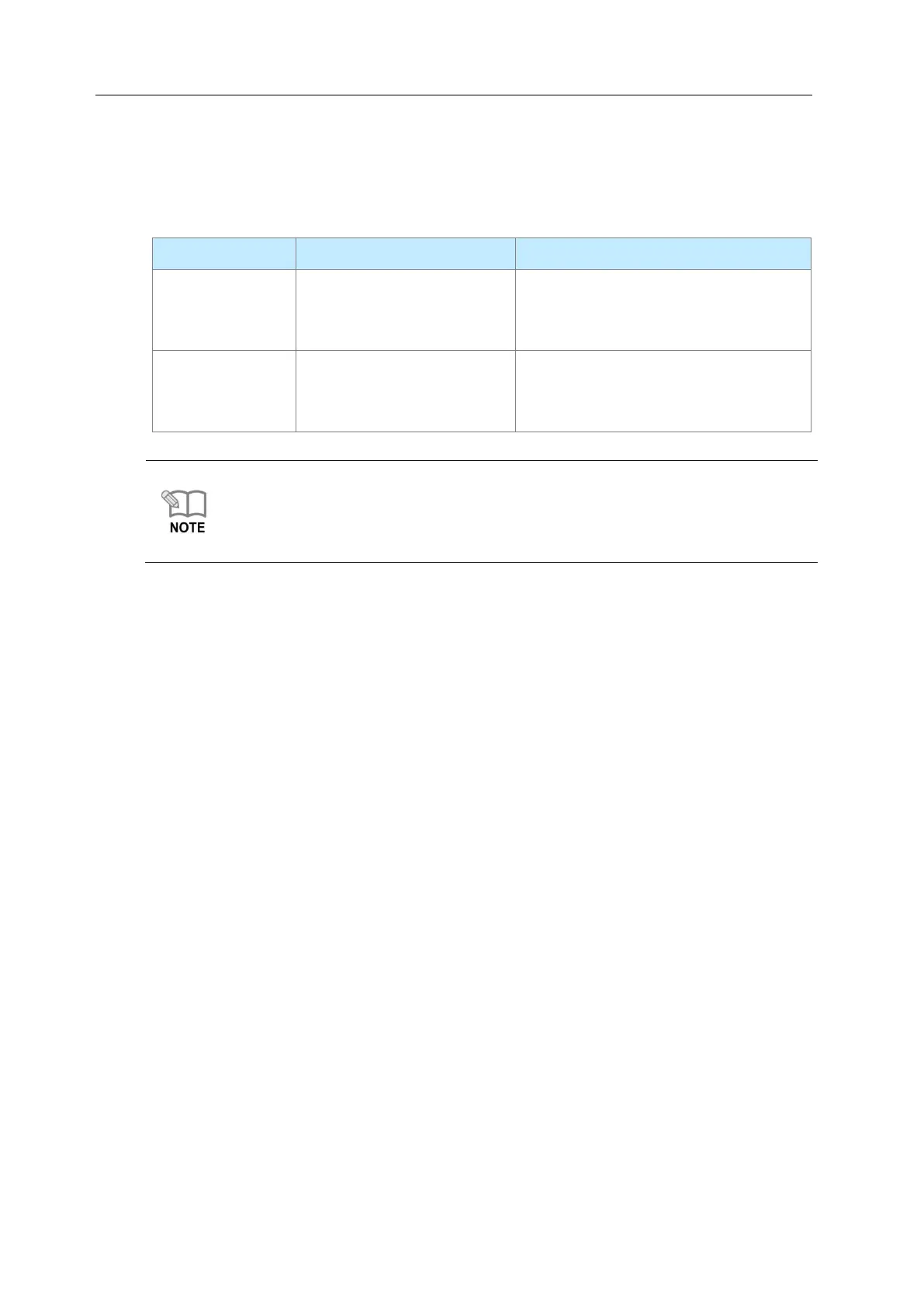
The features according to the change of Spot size are as follows.
good resolution
(set it when you observe at
high magnification)
enhanced brightness
(set it when you observe at
low magnification)
* Spot size has a great effect on resolution. Therefore set the size adequate for
magnification for acquiring clear and exact images( setting value: 5~16)
* When the value of Spot size is changed, the e-gun Align can be twisted.
Confirm the e-gun align after changing Spot size. (See [8.2 Method for E-Gun
Alignment].)
Differences of Resolution according to Spot size
Spot size is strongly related to resolution and the features are as follows.
As Spot size gets smaller, resolution increases and it is adequate for observing high
magnification images.
As Spot image gets bigger, image quality gets better and it is adequate for observing
low magnification images.
As Spot size gets bigger, the amount of secondary electron increases, which is
advantageous for image enhancement and it is used for low magnification observation
where high resolution is not necessary.
.



 To Next Page