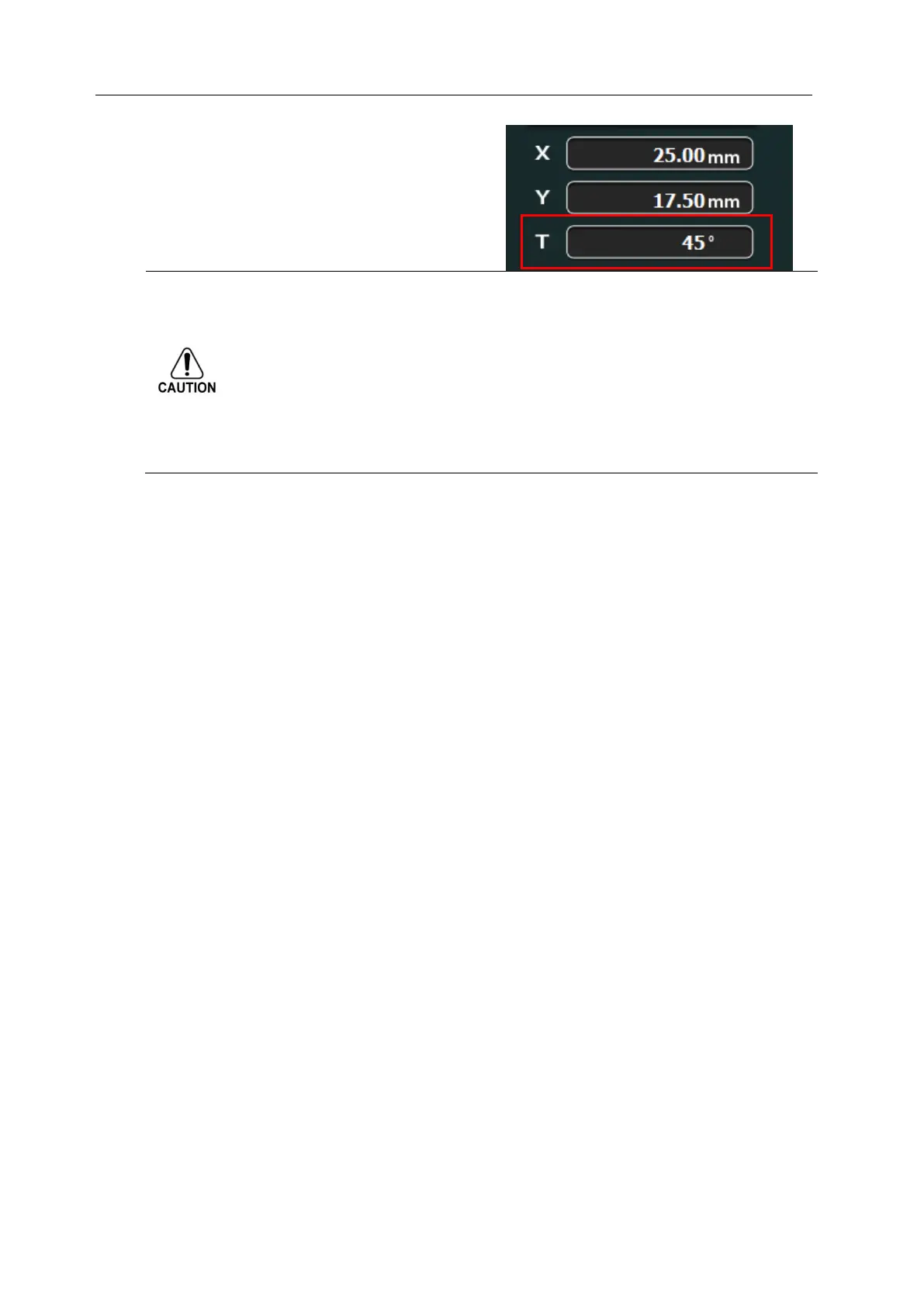
1)To prevent the collision of OL with specimens when rotating T axis, the maximum tilt
angle is limited automatically to be below 45° according to the Stub height and X, Y
coordinate.
2)If you want to use the high tilt angle, use 50mm WD Sample Mount, and set X, Y near
by the Center.
3)Record Height of Sample exactly.
* For the details on Tilt function and Height of sample, see
[Height of Sample in 2.7.1 Setup].



 To Next Page