Scanning Electron Microscope EM-30PLUS Operating Manual
68
4) Adjustment of Joy stick sensitivity
You can adjust the sensitivity of Joy stick.
Adjust the sensitivity for user convenience.
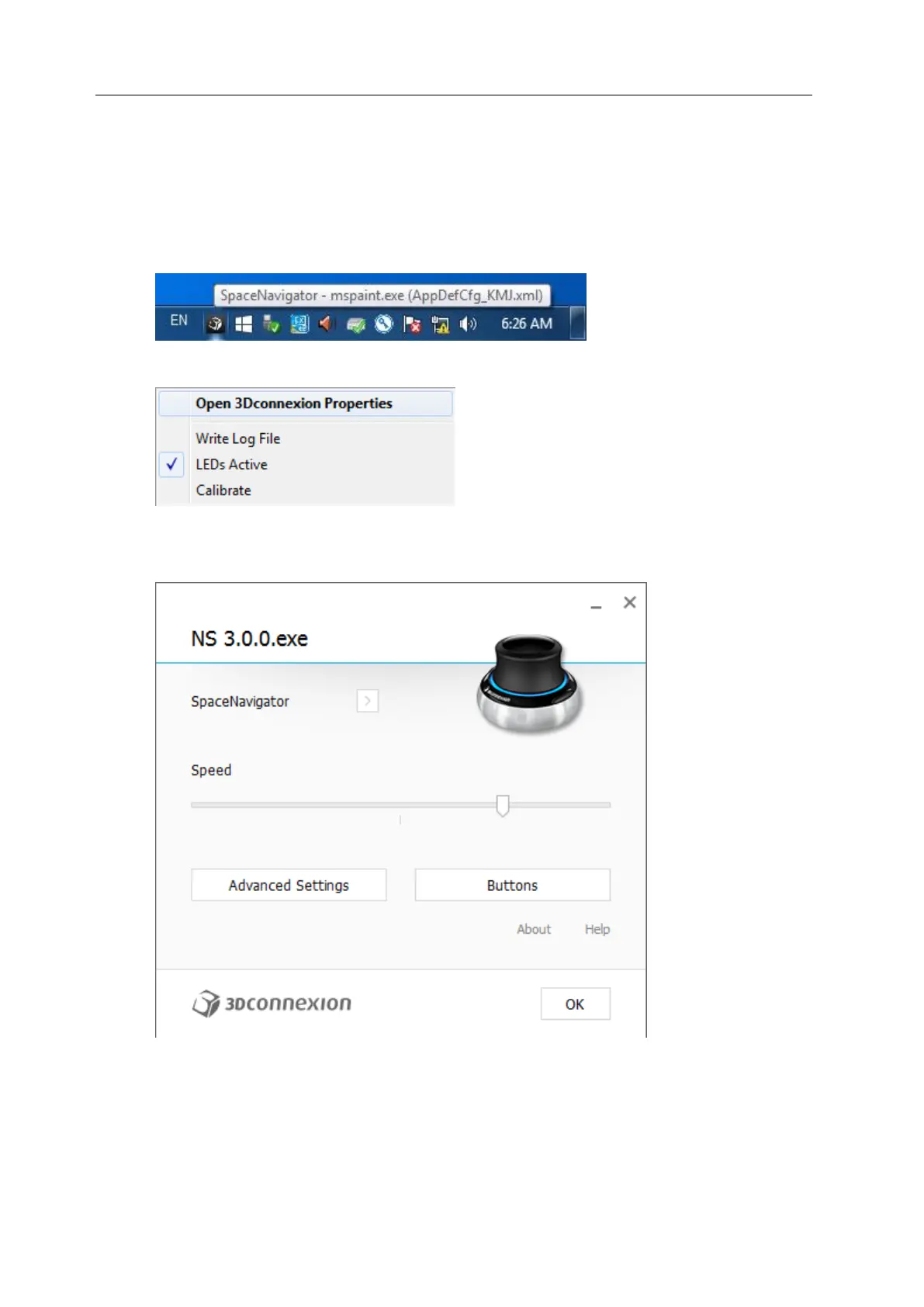
* Find the SpaceNavigator icon in the collection of small icons on the right of taskbar.
* After clicking mouse right button on the icon, click Open 3Dconnexion Properties.
* Move the button on the bottom of the Speed bar and adjust the sensitivity.
(The initial setting value is about 75%)



 To Next Page