Scanning Electron Microscope EM-30PLUS Operating Manual
95
2-1) Fix Brightness at a specific point at about 40~60% of Control Bar.
2-2) Fix Contrast at a specific point at about 25~40% of Control Bar.
2-3) Fix the value of Gamma at a specific point at about 50~80% of Control Bar.
2-4) Adjust BSE Offset. (recommended area: 30~80% point)
2-5) Adjust BSE Pre Gain. (recommended area: 20~50% point)
If you terminate NS after measurements are completed, the values of Spot Size and
Image Viewer Setting set are saved automatically. It is automatically set in these values
again when NS is executed again.
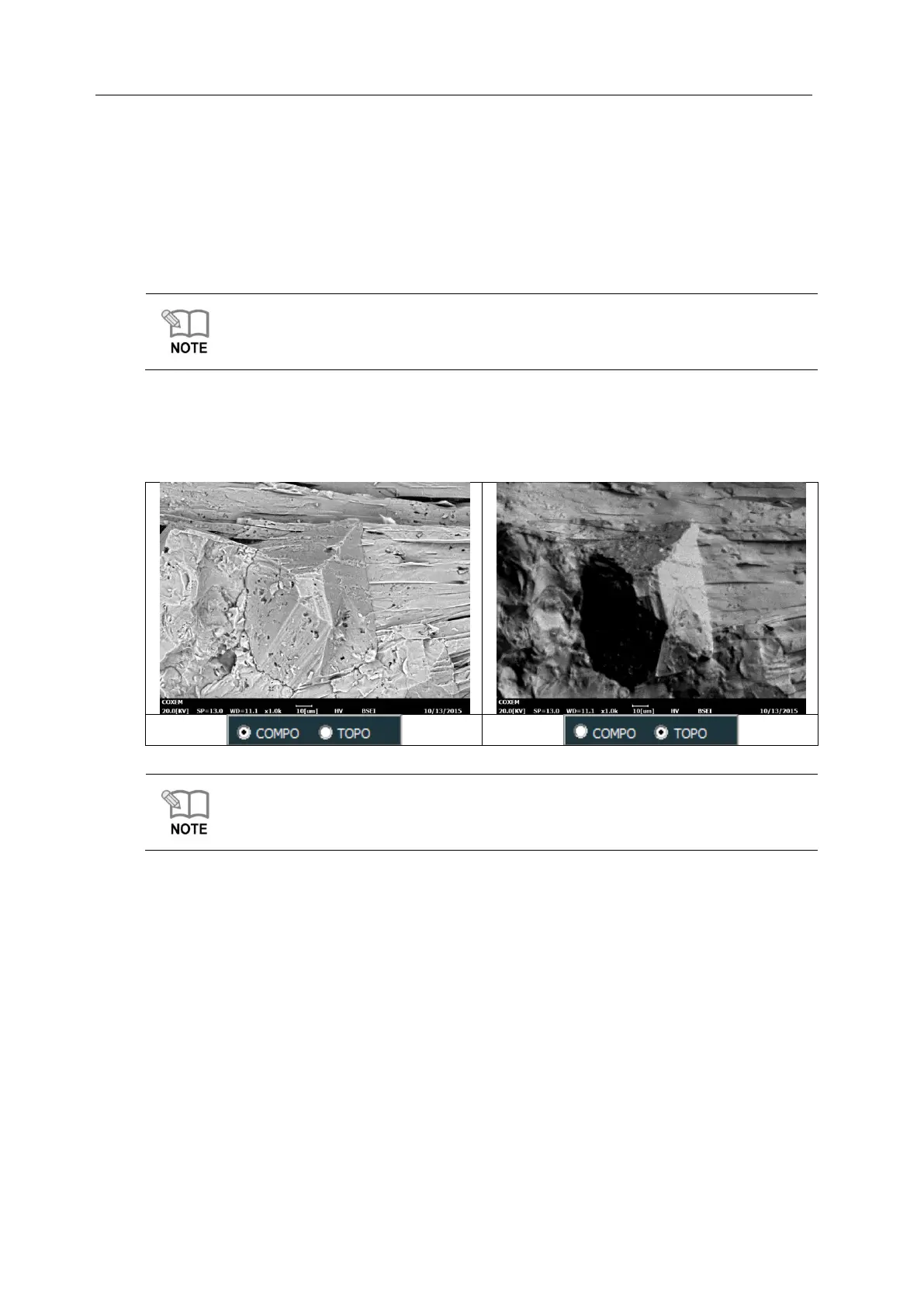
BSE Compo & Topo
BSE sensor of EM-30PLUS equipment consists of 4CHs.
When selecting + for all 4CHs, you can get Compo images.
When selecting – and + in pairs in a diagonal direction, you can get Topo images.
BSE Compo and Topo Mode can be changed in the Setup – BSE Tap at the top of NS.
For the methods for acquiring images, see [BSE Setting in 2.7.1 Setup].



 To Next Page