⚫
1.13.4 Record Control
⚫ After you set schedule record or schedule snapshot function, set auto record/snapshot function so that the NVR
can automatically record or snapshot. For detailed information, refer to "1.1.4.6.3 Record Control".
1.13.5 Advance (HDD Group)
⚫ You can set HDD group, and HDD group setup for main stream, sub stream and snapshot operation.
⚫ When you are setting HDD group, set a HDD for each channel, otherwise NVR cannot save current setup.
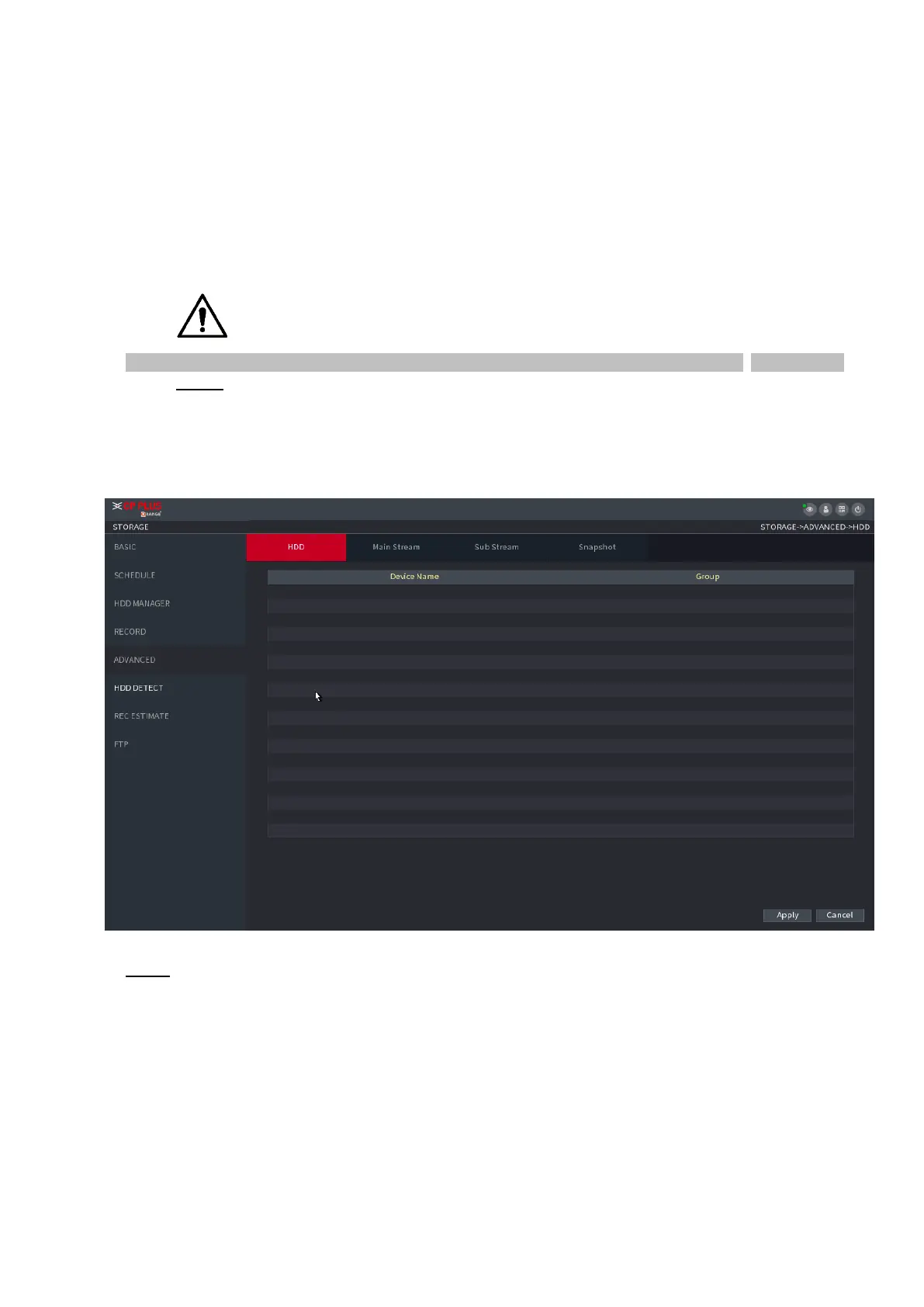
Step 1 Select Main Menu > STORAGE > ADVANCED.
⚫ The ADVANCED interface is displayed. See Figure 1-219.
⚫ Figure 1-219
⚫ Step 2 Select the group for each HDD group, and then click Save to save the settings.
⚫ After configuring HDD group, under the Main Stream tab, Sub Stream tab and Snapshot tab, configure
settings to save the main stream, sub stream and snapshot to different HDD group as selected by you.



 To Next Page