Display all channel groups under the current Window Split setting.
⚫ Add a channel group: Click Add, in the pop-up Add Group
channel, select the channels to form a group, and then click
Save.
⚫ Delete a channel group: Select the check box of any channel
group, and then click Delete.
⚫ Edit a channel group: Select the check box of any channel group
and then click Modify or double-click on the group. The Modify
Channel Group dialog box is displayed. You can regroup the
channels.
⚫ Click Move up or Move down to adjust the position of channel
group.
⚫ Step 3 Click Apply to save the settings.
1.16.3 Customized Display
⚫ You can set customized video split mode.
⚫ This function is for some series products. Refer to the actual product for detailed i n f o r m a t i o n .
⚫ Device max. supports 5 customized videos.
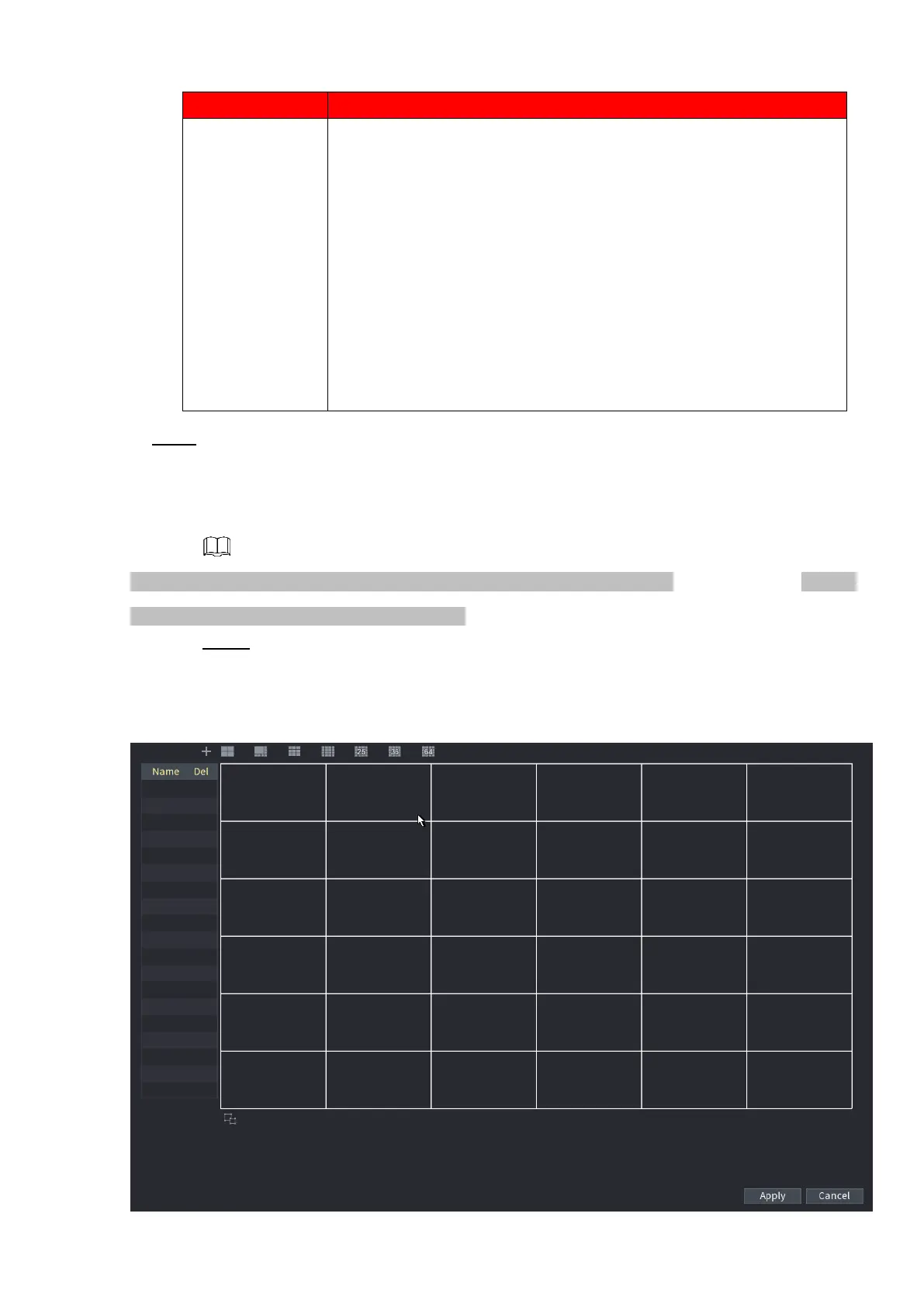
Step 1 Select Main Menu > DISPLAY > Custom Split.
The Custom Split interface is displayed. See Figure 1-249.
⚫ Figure 1-249



 To Next Page