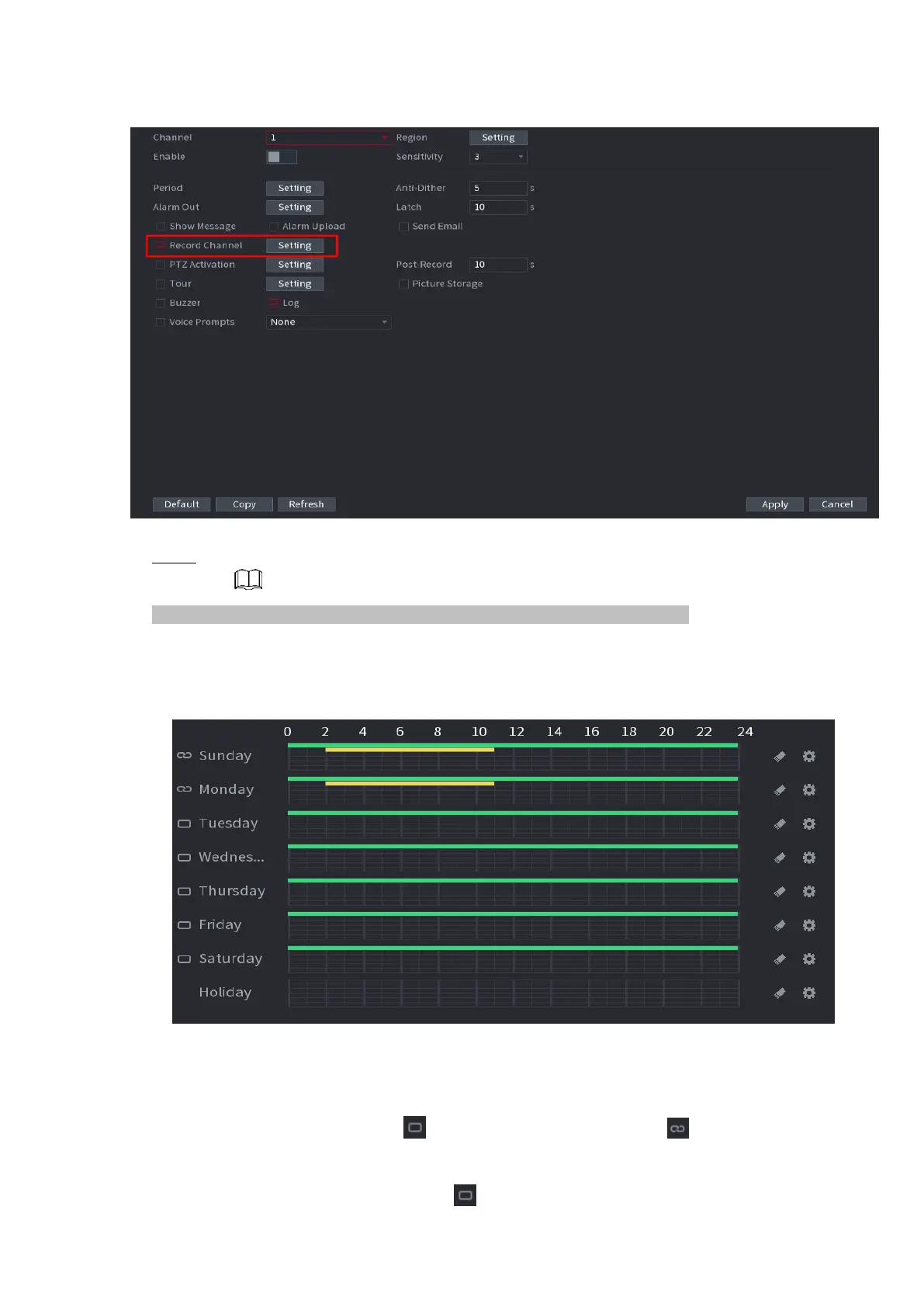
⚫ Figure 1-35
⚫ Step 4 Set record period. It includes edit mode and draw mode. See Figure 1-36.
⚫ If you have added a holiday, you can set the record period for the holiday.
⚫ .
⚫ Figure 1-36
⚫ Define the period by drawing.
1) Select a corresponding date to set.
⚫ Define for the whole week: Click next to All, all the icon switches to , you can define the
period for all the days simultaneously.
⚫ Define for several days of a week: Click before each day one by one, the



 To Next Page