⚫
⚫
⚫
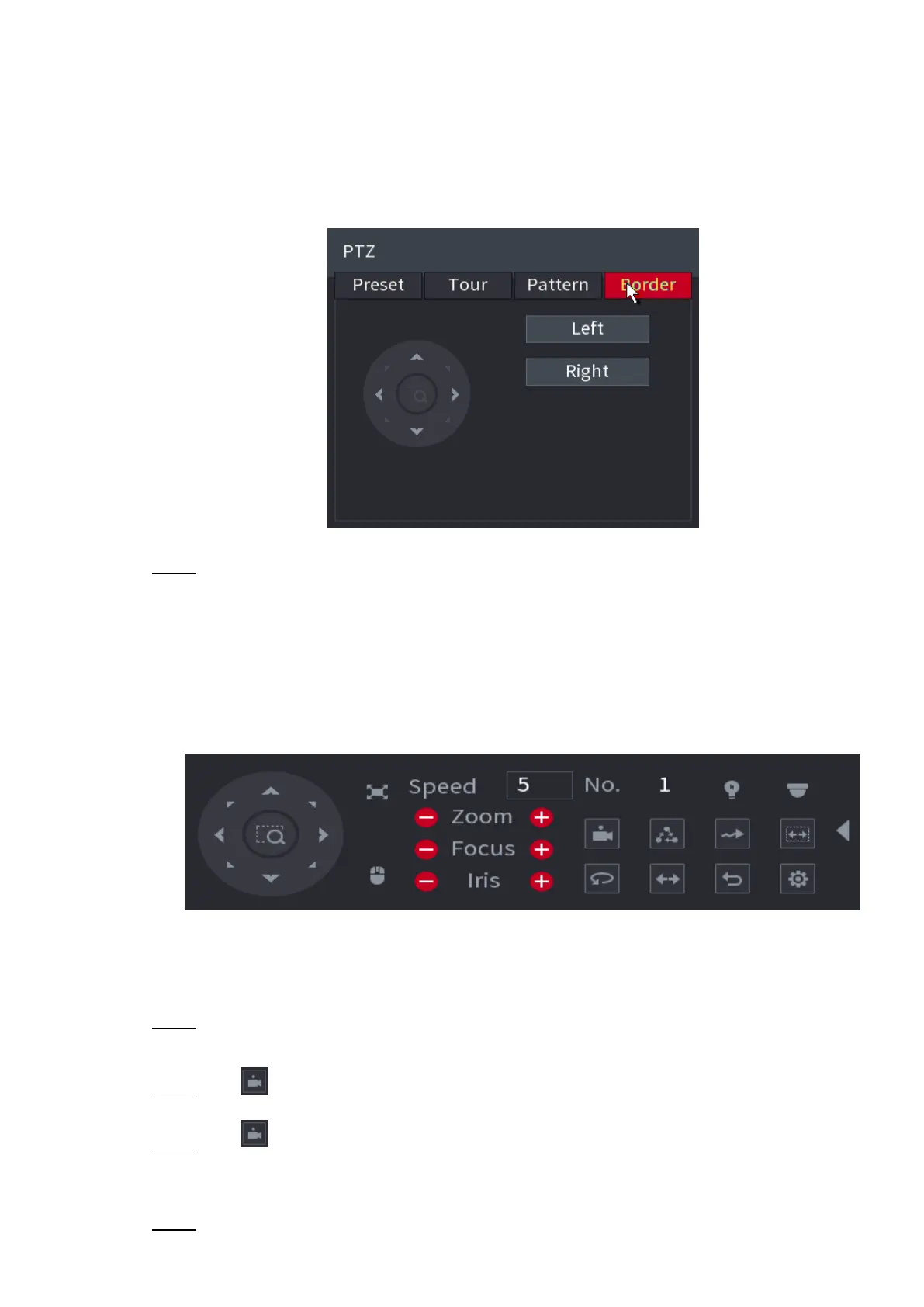
⚫ Figure 1-89
⚫ Step 3 Click the direction arrows to position the left and right borders.
1.4.4 Calling PTZ Functions
⚫ After you have configured the PTZ settings, you can call the PTZ functions for monitoring from the
Expanded PTZ Control Panel. See Figure 1-90.
⚫ Figure 1-90
⚫
⚫
⚫
⚫
⚫
⚫
⚫
1.4.4.1 Calling Presets
⚫ Step 1 On the Expanded PTZ Control Panel, in the No. box, enter the value of the preset that you
want to call.
⚫ Step 2 Click to call the preset.
⚫ Step 3 Click again to stop calling the preset.
1.4.4.2 Calling Tours
⚫ Step 1 On the Expanded PTZ Control Panel, in the No. box, enter the value of the tour that you want



 To Next Page