⚫ Click , the playback starts from the beginning.
⚫ Double-click anywhere on the time bar, the playback starts from where you click.
⚫ Figure 1-101
⚫ .
1.6.7 File List
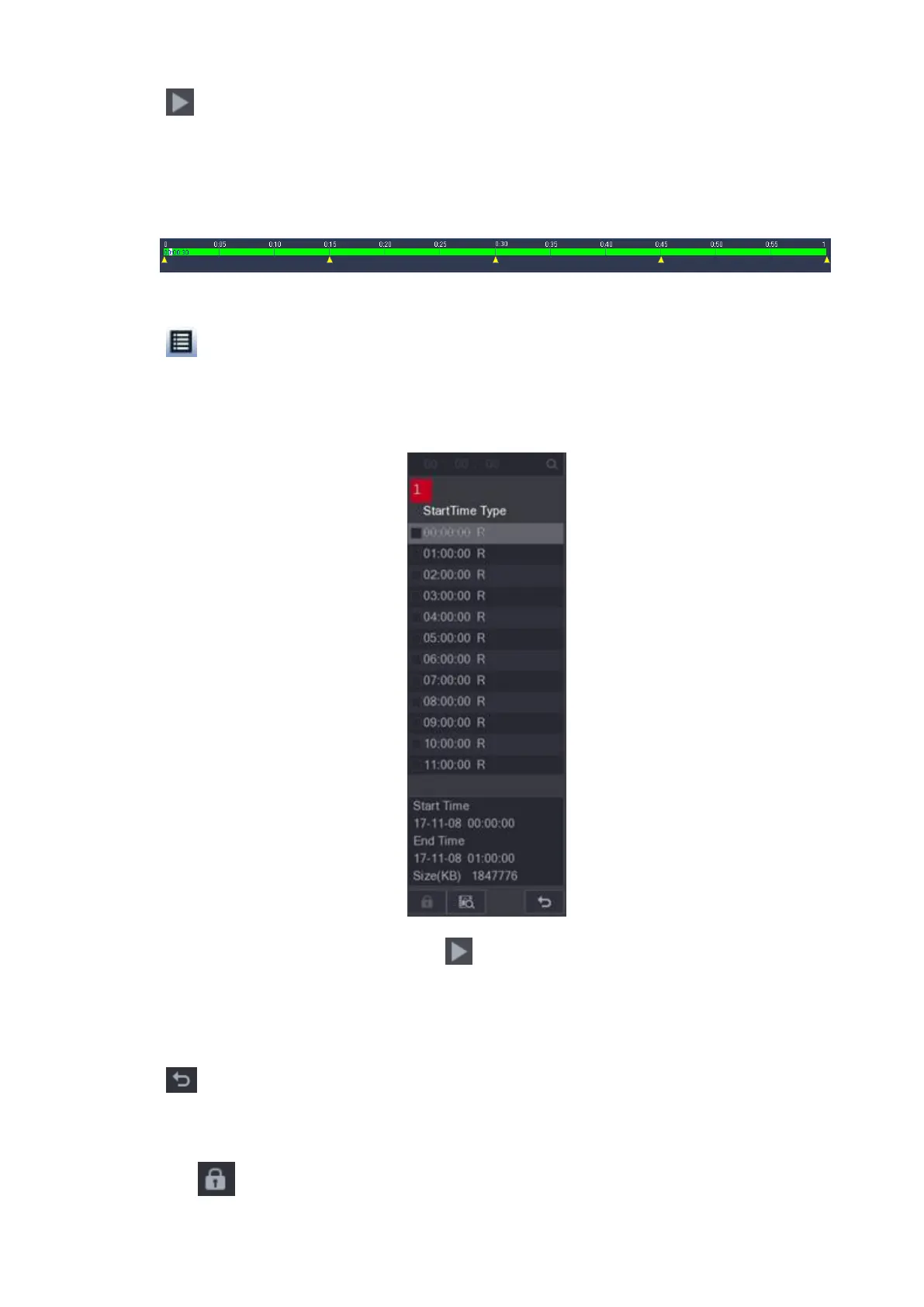
⚫ Click , system displays file list. It displays the first channel of the record. See Figure 1-102.
⚫
⚫ Figure 1-102
⚫ Check a file name, double-click the file or click to play.
⚫ Input accurate time at the top column, you can search records of current day.
⚫ System max displays 128 record files in one list.
⚫ Click to go back to the calendar/channel selection interface.
Lock or Unlock File
⚫ To lock the recorded video, on the File List interface, select the check box of the recorded video, and
then click . The locked video will not be overwritten.



 To Next Page