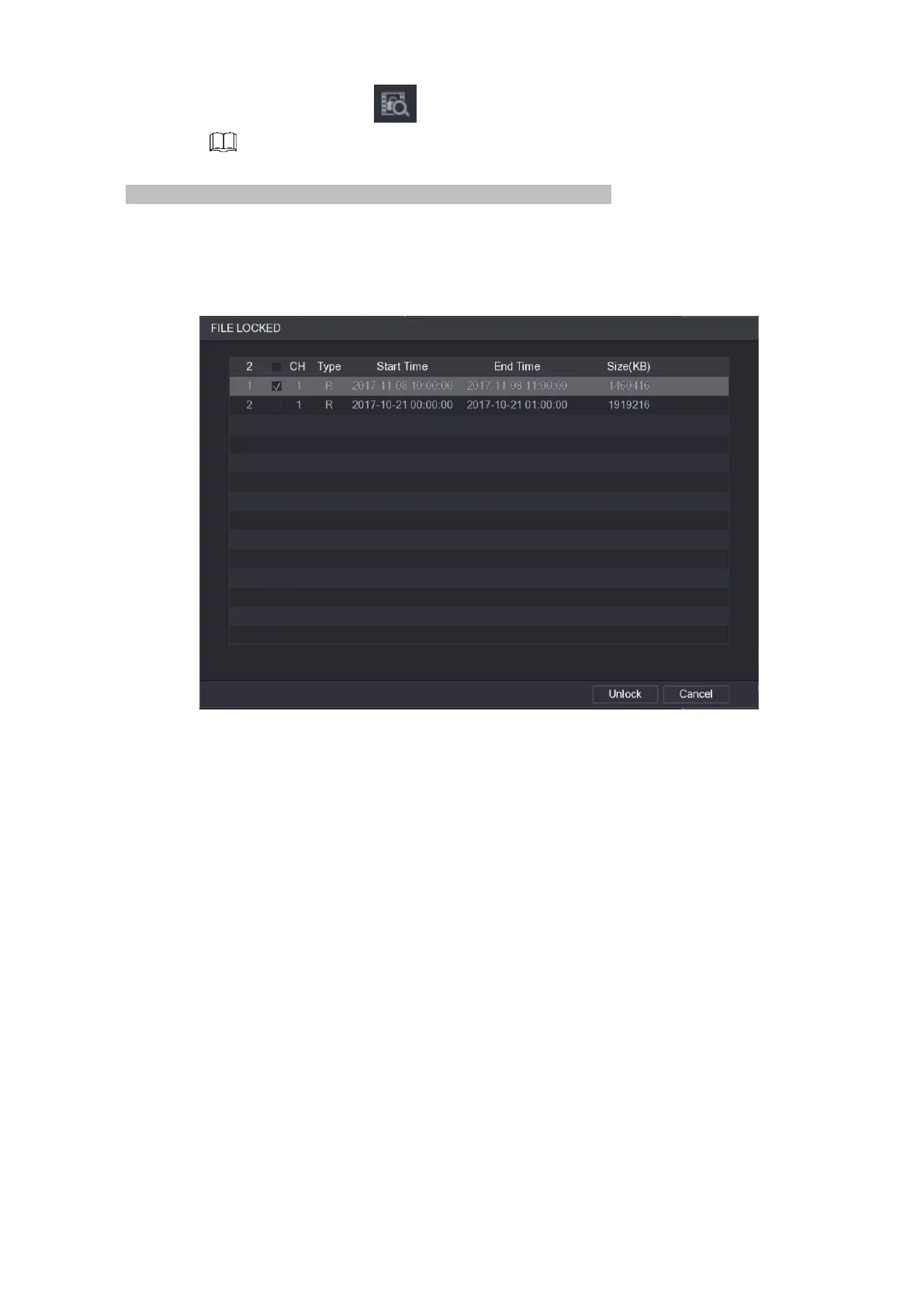
⚫ To view the locked information, click , the FILE LOCKED interface is displayed.
⚫ The recorded video that is under writing or overwriting cannot be locked.
⚫ To unlock the recorded video, in the FILE LOCKED interface, select the video, and then click Unlock. See
Figure 1-103.
Figure 1-103
1.6.8 Other Aux Functions
1.6.8.1 Digital Zoom
⚫ In 1-window playback mode, left click mouse to select any zone on the screen, you can zoom in current
zone. Right click mouse to exit.
1.6.8.2 Switch Channel
⚫ During playback mode, select from the dropdown list to switch playback channel.
⚫ The smart search channel does not support this function either.
⚫ When system is playing back the record file, click the number button at the front panel, system begins
playing the record file of selected channel dated the same time.
1.7 AI
1.7.1 AI Search
⚫ You can search the record file on the NVR and filter the record file meets the corresponding rule. It is
suitable for you to play the specified file.



 To Next Page