Supplemental Guide — Doc. 8327D TSS-7/TSS-10 • 53
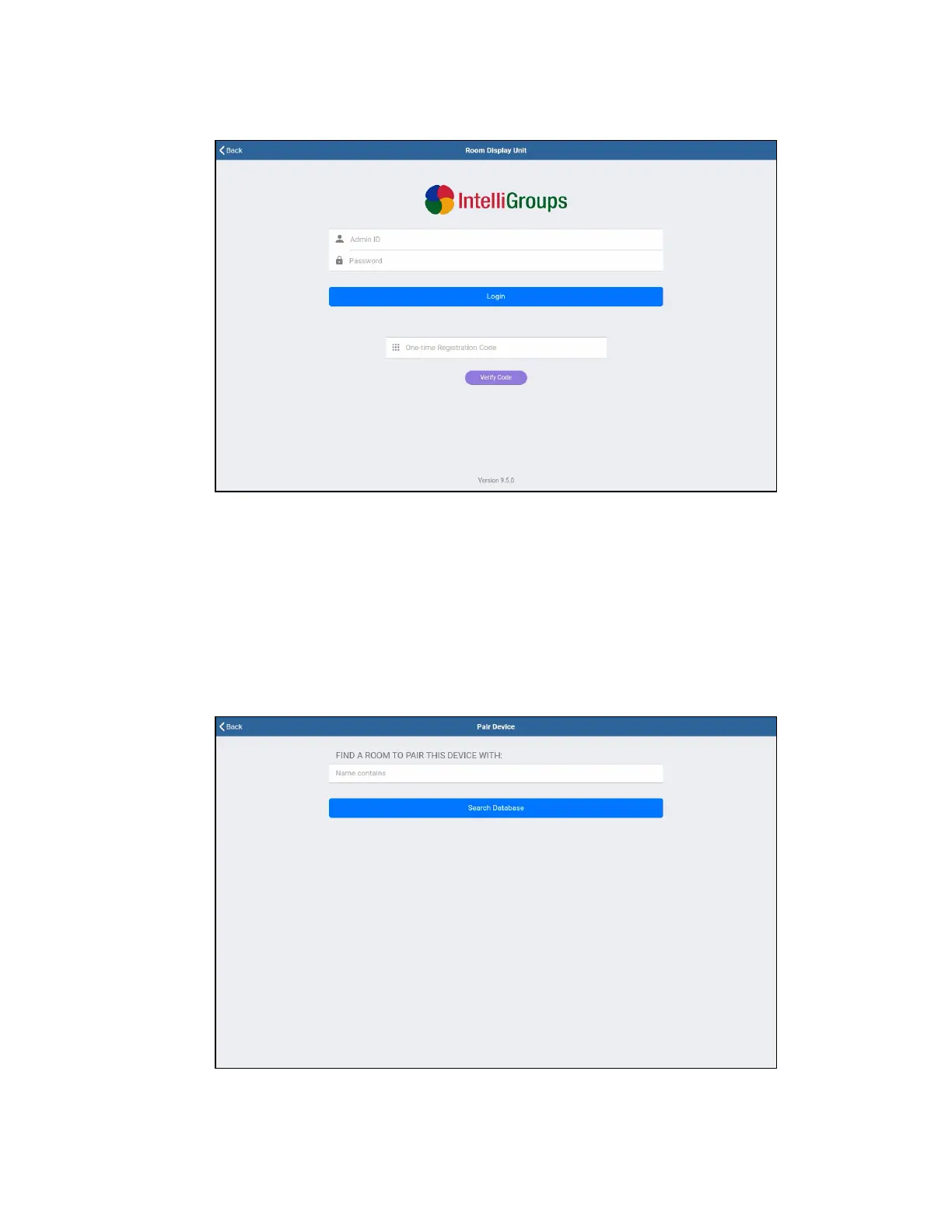
Indoor Finders RoomDisplay Unit Screen
6. Enter the Indoor Finders account credentials:
l Enter the account admin username in the Admin IDtext field.
l Enter the account password in the Password text field.
l If using a registration code, enter the code in the One-time Registration Code
text field, and then tap Verify Code.
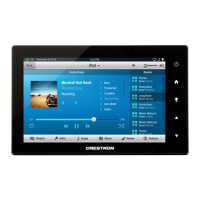
7. Tap Login. If the account credentials are validated successfully, the Pair Device
screen is displayed.
Indoor Finders Pair Device Screen


 To Next Page