Supplemental Guide — Doc. 8327D TSS-7/TSS-10 • 71
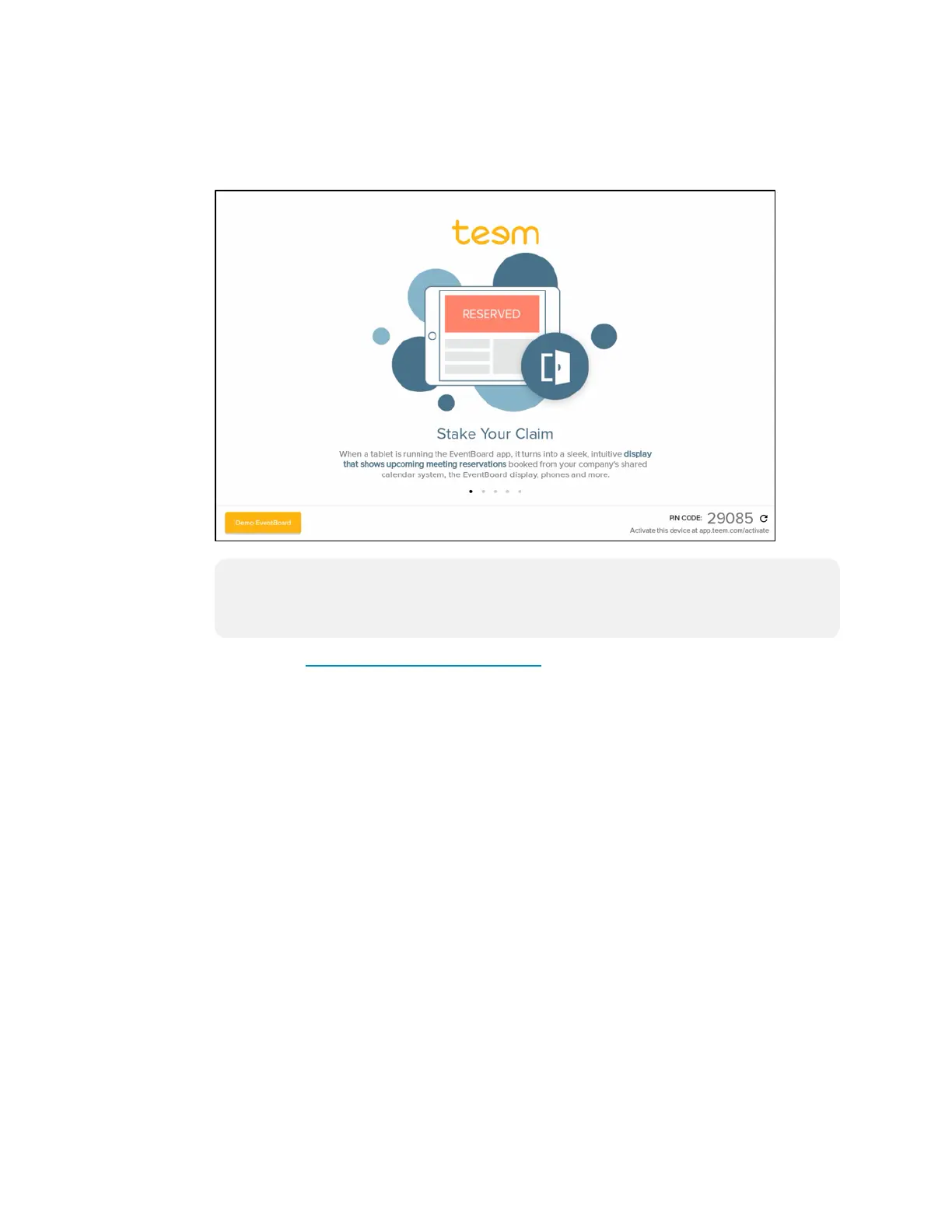
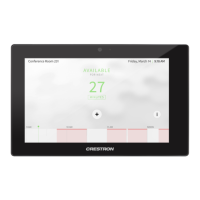
4. Reboot the touch screen. The Teem application user interface is displayed on the
touch screen following the reboot.
Teem User Interface
NOTE: A demo EventBoard® software interface is provided to demonstrate
application features. Tap Demo EventBoard to enter demo mode. To return to
the main registration screen, tap Menu > Stop Demo Mode while in demo mode.
5. Navigate to https://app.teem.com/activate.
6. Note the five-digit activation code that is displayed in the bottom right corner of the
Teem application user interface.


 To Next Page