104 • TST-902 Product Manual — Doc. 7750C
RFTest
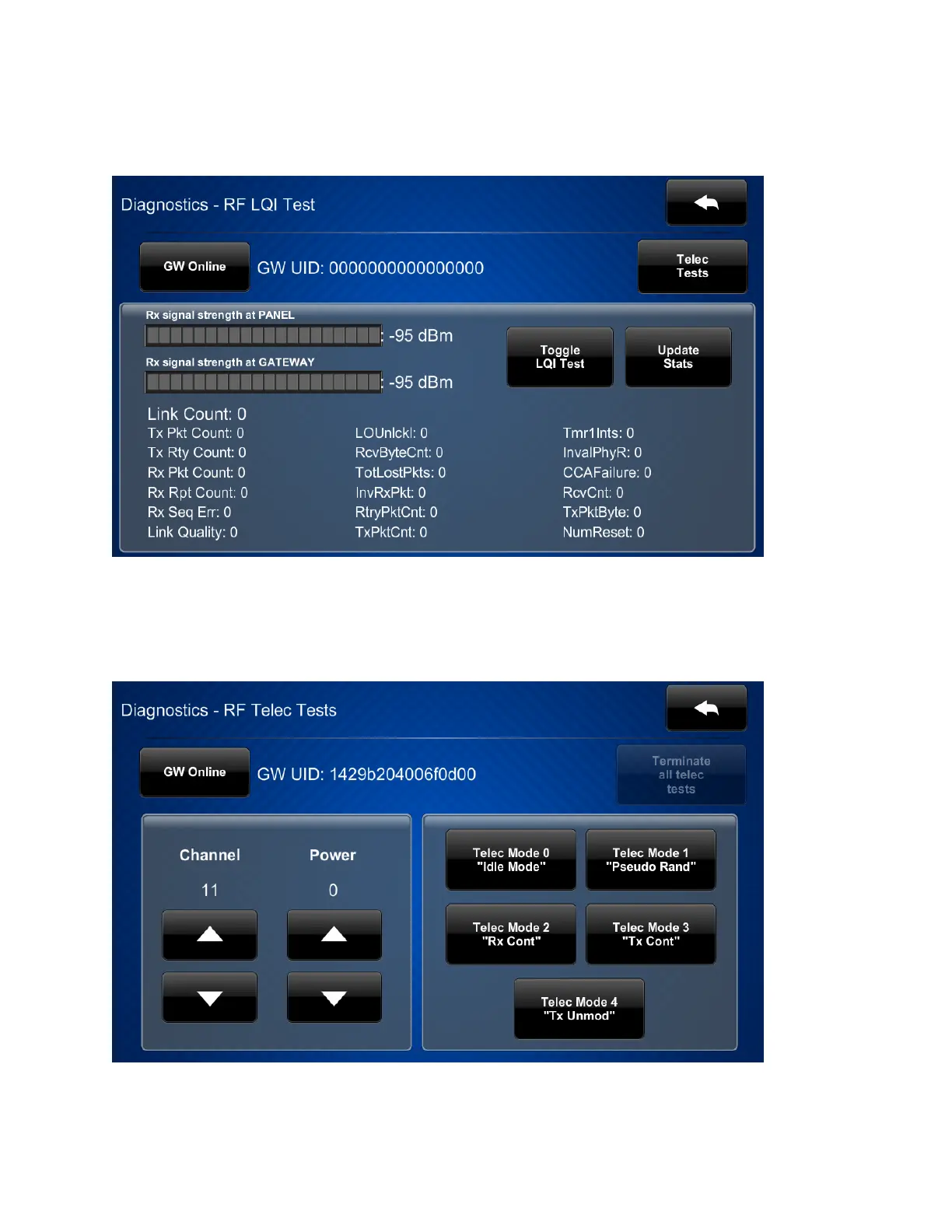
Tap RF Test on the Diagnostics screen to display the Diagnostics - RF LQITest screen.
Use the Diagnostics - RF LQITest screen to view and test the RF connection to an Extended
Range gateway. Statistics for the RFconnection are displayed, as well as controls to toggle the
RFLQI(link quality indicator)test and to update the connection statistics.
Tap Telec Tests to open the Diagnostics - RFTelec Tests screen.











 To Next Page