9
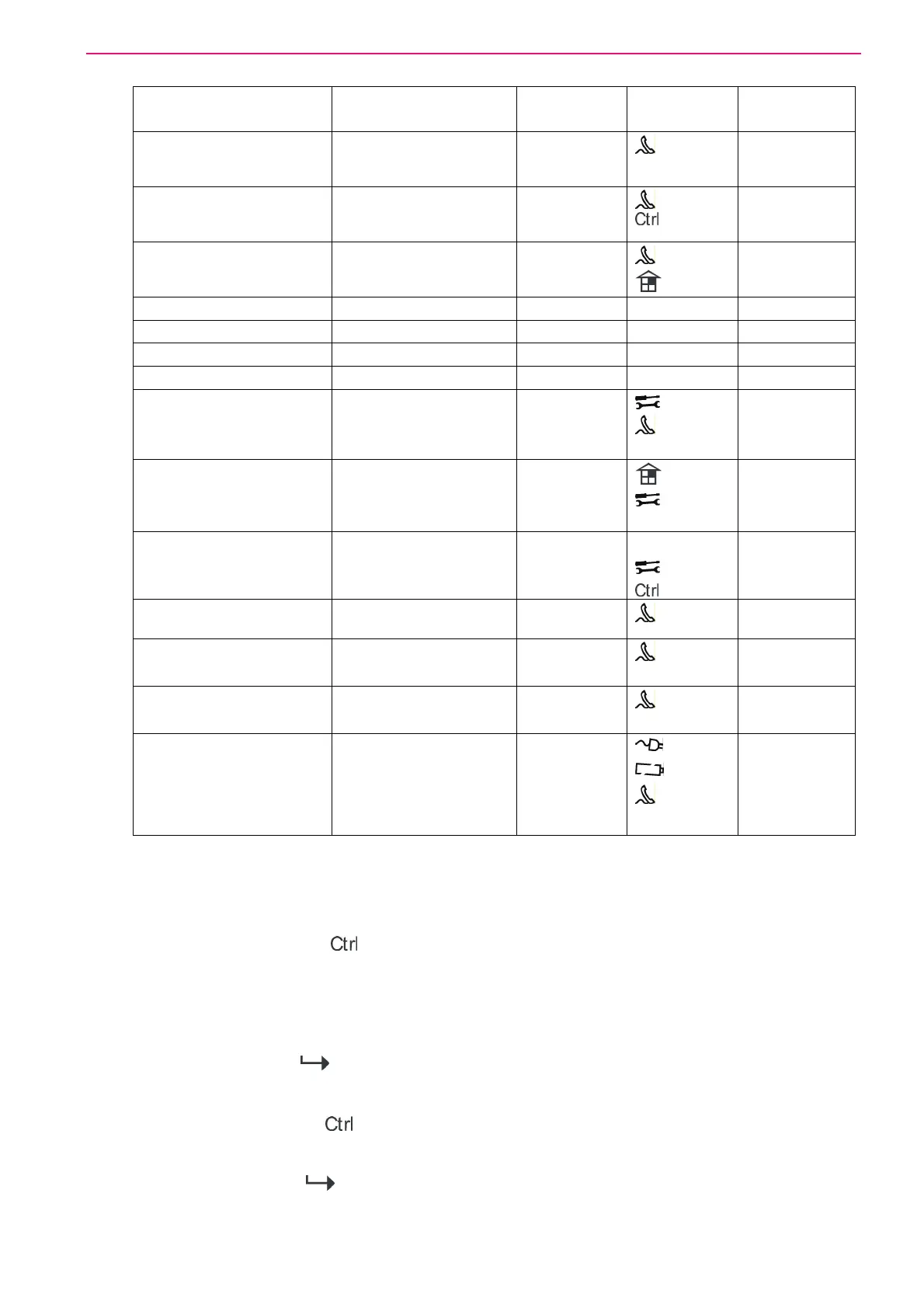
EVENT TYPE DEVICE INDIC
LED
INDIC
Symbol
STATUS
PANIC BUTTON (or
BUTTONS 1&3 PRESSED
TOGETHER)
Keypad Panic
At keypad #
LINE
LED's 1-8
LED's 1-8
Flashing
Flashing
FIRE ALARM
(BUTTONS 4&6 ARE
PRESSED TOGETHER)
Keypad Fire
LINE
CONTROL
Flashing
Flashing
MEDICAL ALARM
(BUTTONS 7&9
PRESSED TOGETHER)
Keypad Medical LINE
BYPASS
Flashing
Flashing
ARMED A Area A is Armed AREA A AREA A On Steady
ARMED B Area B is Armed AREA B AREA B On Steady
STAY MODE A Area A STAY Mode ON AREA A AREA A Flashing
STAY MODE B Area B STAY Mode ON AREA B AREA B Flashing
DURESS ALARM Duress Alarm
At keypad #
TAMPER
LINE
LED’s 1-8
LED’s 1-8
Flashing
Flashing
On Steady
SUPERVISED RADIO
ALARM
Supervised Radio
Passive Infra-Red
Bypass
TAMPER
LED’s 1-16
LED’s 1-16
Flashing
Flashing
On Steady
ZONE INACTIVITY
ALARM
Zones 1-16 LED’s 1-16
TAMPER
CONTROL
LED’s 1-16
On Steady
Flashing
Flashing
TELEPHONE LINE
FAILURE
Phone Line Failure LINE
On Steady
EXCESSIVE RE-TRIES Panel Dialer LINE
LED1
LED1
On Steady
On Steady
FAILURE TO GET A
KISSOFF
Panel Dialer LINE
LED2
LED2
On Steady
On Steady
WALKTEST MODE Manual walk-test mode MAINS
BATTERY
LINE
LED’s 1-16
LED’s 1-16
On Steady
On Steady
On Steady
On Steady
How to Control Outputs and Devices
The keypad enables you to control external devices, such as an air-conditioner or heater. To
activate or halt a device:
1. Press <CONTROL>/
.
The control LEDs is constantly light.
2. Press the number of the device.
Up to eight different devices can be controlled via the keypad.
3. Press <ENTER>/
.
This activates or deactivates the selected device.
4. Press <CONTROL>/
.
The LED is light for each device ON.
5. Press <ENTER>/
to return to normal mode.



 To Next Page