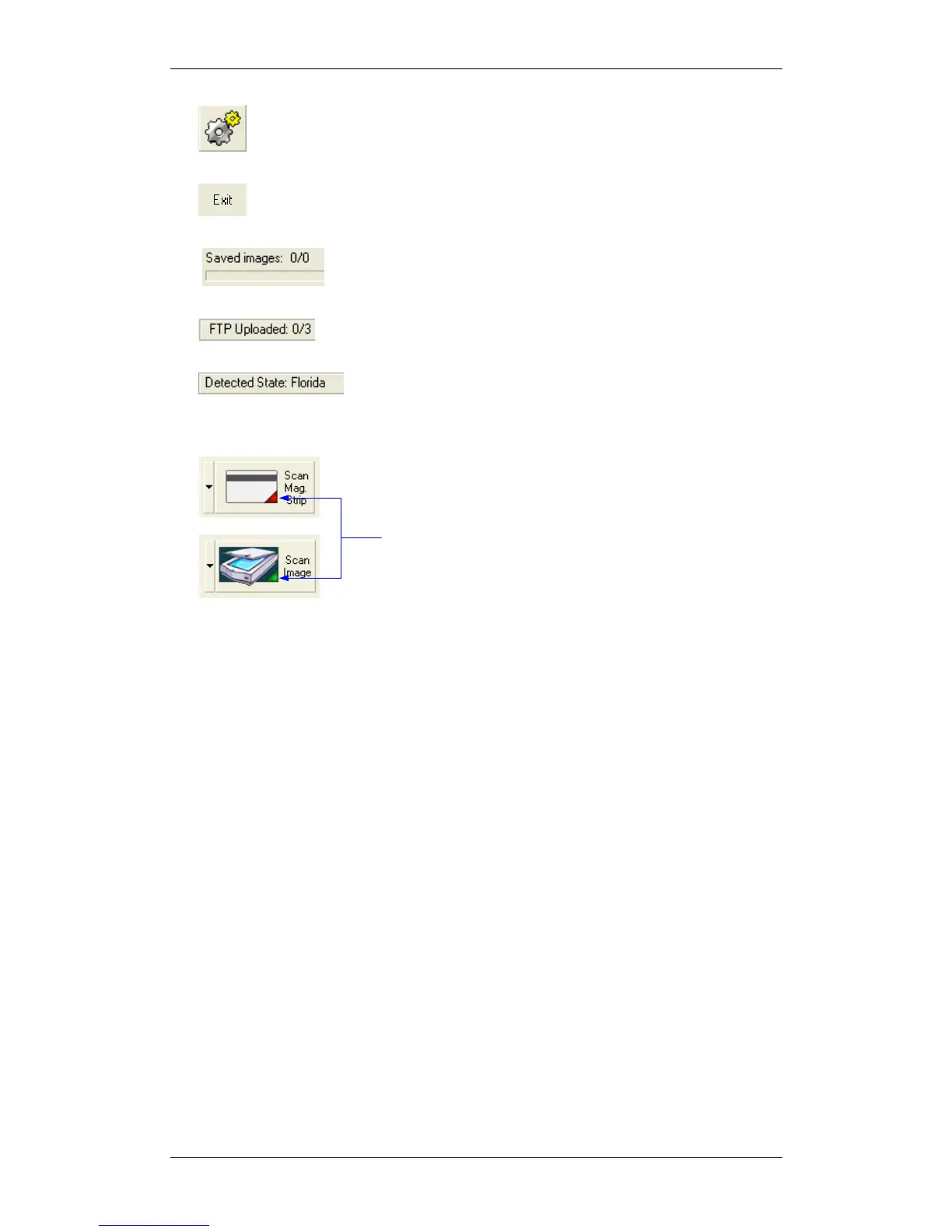
MagshellThe main screen controls
IdScan User Manual version 9.0
©
Card Scanning Solutions, all rights reserved 47
• Open Configuration Dialog: Opens the configuration dialog screen in
which all the application behavior can be set.
• Exit / End of Scan: Used to close the application or to save the current
image (used in automatic save mode only).
• Background Save Progress (Status bar): Shows the
background saving progress (used in automatic save mode only).
• FTP Progress (Status bar): Shows the progress of FTP
Export
• Detected State (Status bar): Displays the detected state
when State Auto Detect is selected.



 To Next Page