29
GenesisPlus Operator Manual
D1151, R
EV C, 10/16
Inadequate or no aiming beam.
Probable Cause: The aiming beam is either set to “OFF” or at a low setting.
Suggestion: Go to READY mode and adjust the aiming beam intensity
on the Genesis or Warts Control Screen. If adjusting the
aiming beam does not resolve the problem, contact Cutera Service
(refer to Appendix D).
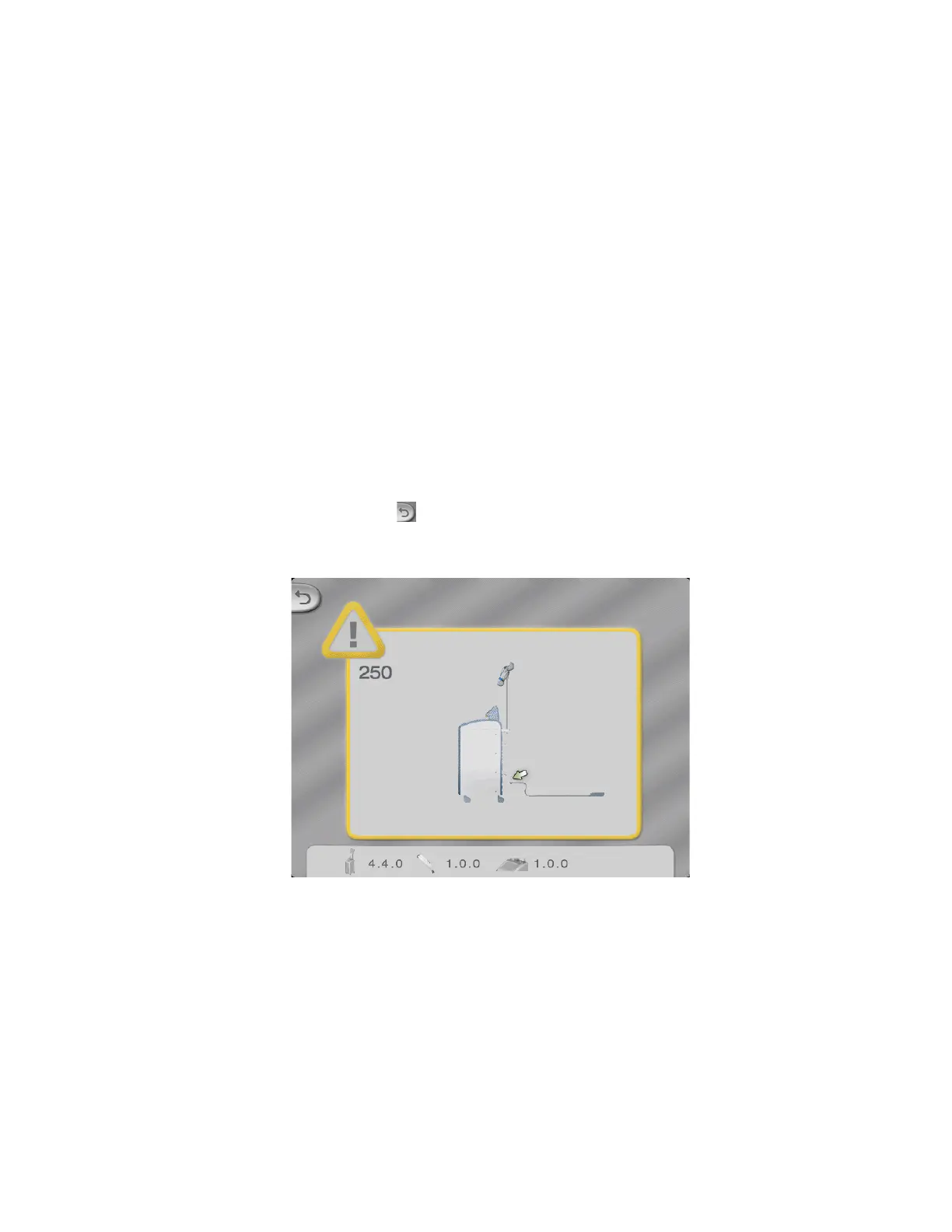
“Connect Footswitch” advisory pop-up screen appears on the touchscreen with its corresponding
error code(s).
Probable Cause: The footswitch is not properly connected to the console.
Suggestion: Ensure that the footswitch is properly connected to the
console.
NOTE
Press the button to clear the advisory message.
System shuts down during operation with no touchscreen display.
Probable Cause: The building power (main electrical service) has been
interrupted.
Suggestion: Verify and/or turn on the building power.



 To Next Page