Appendix B: Special I/O Functions 183
Pulse Mode Programming Procedure
Programming the pulse output for Pulse Mode is a very simple procedure. The following steps allow
the user to set the pulse output to send out the exact number of pulses required by the application.
1. Configure the pulse output for Pulse Mode by turning Off bit 6 of the PMODE register R11.
2. Enable the pulse output R15.0 by turning On bit 5 of the PMODE register R11.
3. Set the Pulse Frequency PFREQ (R12) for the pulses to be sent out.
4. Set the initial Pulse Value PSV (R13) for the total number of pulses to be sent out.
5. Turn on the Pulse Output by turning On bit 7 of the PMODE register R11.
6. Begin the Pulse Output by turning on the Preset bit (bit 4) of the PMODE register R11. This
will move the total number of pulses into the Present Value register, and begin pulsing the
outputs.
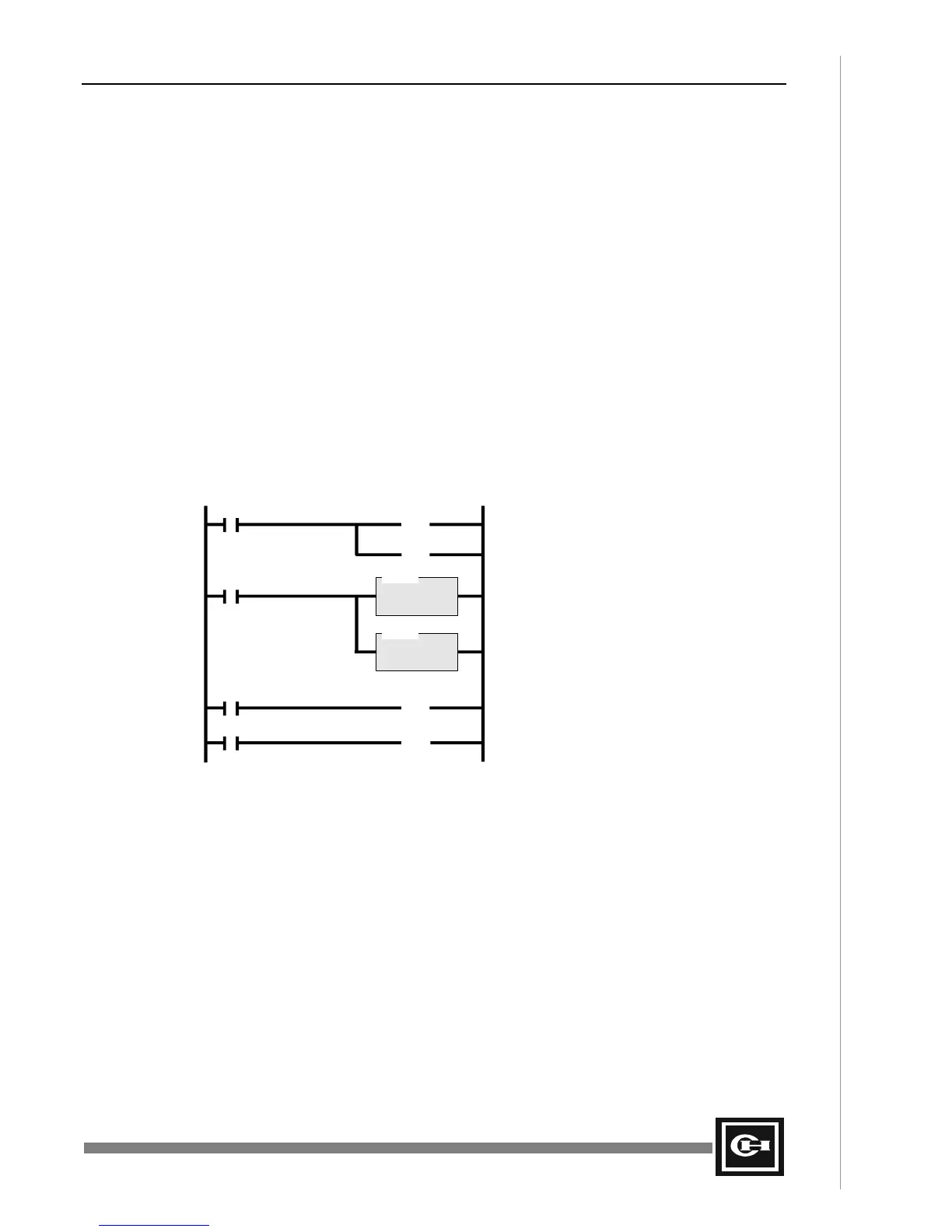
The following ladder program illustrates the above procedure by configuring a Pulse Output on the
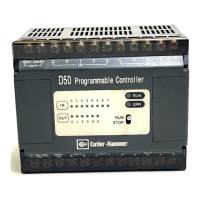
D50 PLC. The Pulse Output is set to send out exactly 200 pulses at a frequency of 50Hz, when the
PLC is first placed into RUN.
F1.0 R11.6
(RST)
DLET
D = R12
S = 50
Set the Frequency (PFREQ) to 50Hz
Turn OFF PWM mode
R11.5
(SET)
Turn ON Pulse Output R15.0
F1.0
F1.0
R11.7
(SET)
Turn ON the Pulse Output
F1.0
R11.4
(OUT)
Begin Pulses by setting the PRST bit
DLET
D = R13
S = 200
Set the Start Value (PSV) to 200
Artisan Technology Group - Quality Instrumentation ... Guaranteed | (888) 88-SOURCE | www.artisantg.com


 To Next Page