Chapter 6: Instructions 81
Instruction
Mnemonic Division Range
Bit
■ Byte
DIV
DDIV
DIVB
DDIVB
Decimal division (DIV, DDIV)
BCD division (DIVB, DDIVB)
■ Word
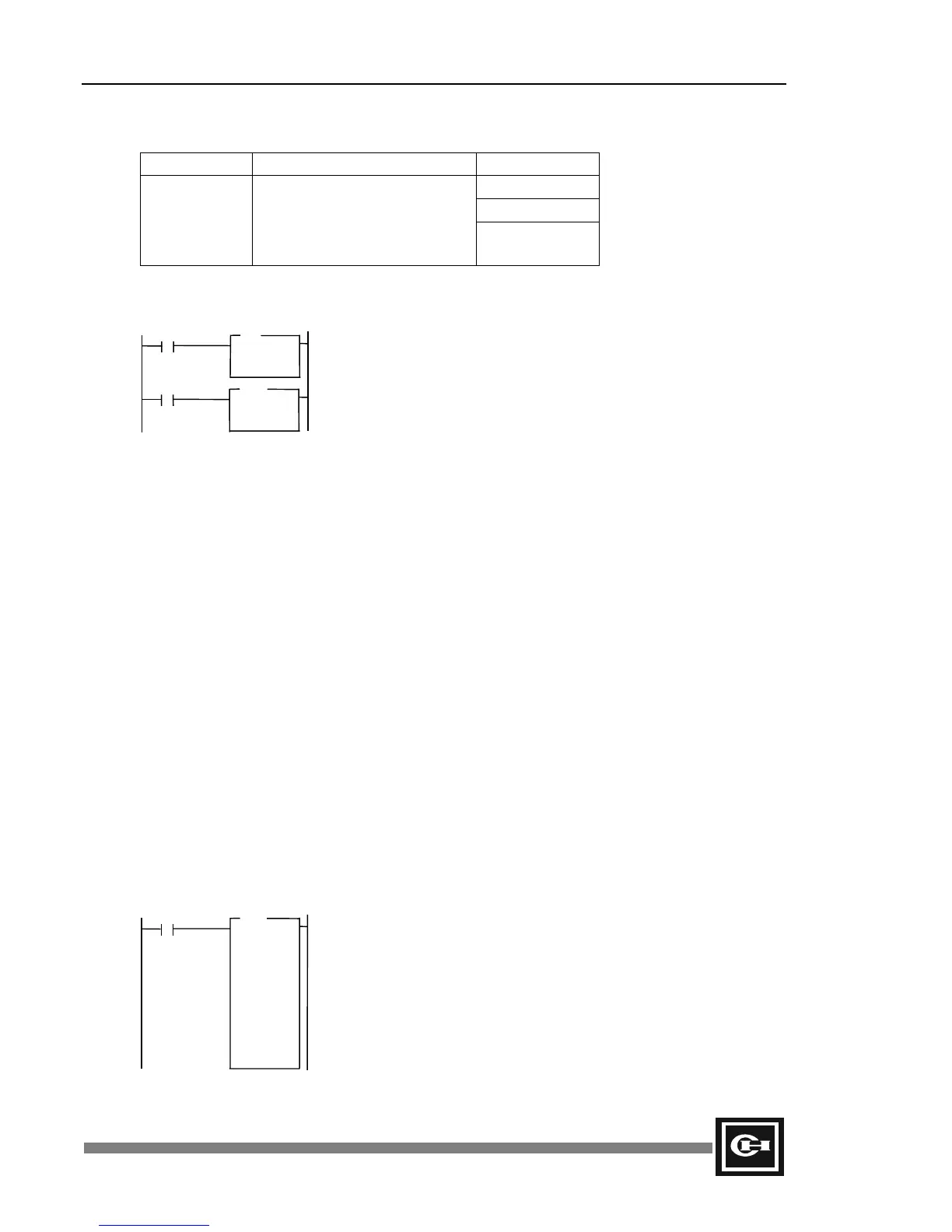
Ladder
D = S1 ÷ S2
Decimal: S1 = 18 and S2 = 3
Hexadecimal: S1 = $12 and S2 = $03
DIV Example:
Decimal: 18
÷ 3 = 6
DIVB Example:
BCD: $12
÷ $03 = $04
Description
1. Divide the data in S1 by S2, then store the result in the D register.
2. When using DIV and DIVB, the calculation ranges are as follows:
S1: 0 to 255 (0 to $FF)
S2: 0 to 255 (0 to $FF)
D: 0 to 255 (0 to $FF)
3. When using DDIV and DDIVB, the calculation ranges are as follows:
S1: 0 to 65,535 (0 to $FFFF)
S2: 0 to 65,535 (0 to $FFFF)
D: 0 to 65,535 (0 to $FFFF)
4. The quotient is stored in the D register, and the remainder in special register SR22.
5. This operation will occur on every scan for which the input condition is true (On). To perform
the operation only on a change of input condition, use the rising/falling edge contact.
Example
Program Expression Operation Results
Initial conditions: W0 = 00024 = $0018
W1 = 01024 = $0400
W2 = 00004 = $0004
W3 = 00128 = $0080
Operation results: W10 = 00006 = $0006
W11 = 00008 = $0008
W12 = 00004 = $0004
DIV
D =
S1 =
S2 =
R
R
DIVB
D =
S1 =
S2 =
DIV
D = W10
S1 = W0
S2 = W2
DDIV
D = W11
S1 = W1
S2 = W3
DIVB
D = W12
S1 = W0
S2 = W2
R0
R
Artisan Technology Group - Quality Instrumentation ... Guaranteed | (888) 88-SOURCE | www.artisantg.com


 To Next Page