EasyManua.ls Logo

CYBELEC ModEva Pac - Bend Numerical; Touch Bend 2 D

CYBELEC ModEva Pac
46 pages
Print Icon
To Next Page IconTo Next Page
To Previous Page IconTo Previous Page
Loading...
9/40
ModEva Pac User Manual
April
2016
V2.3
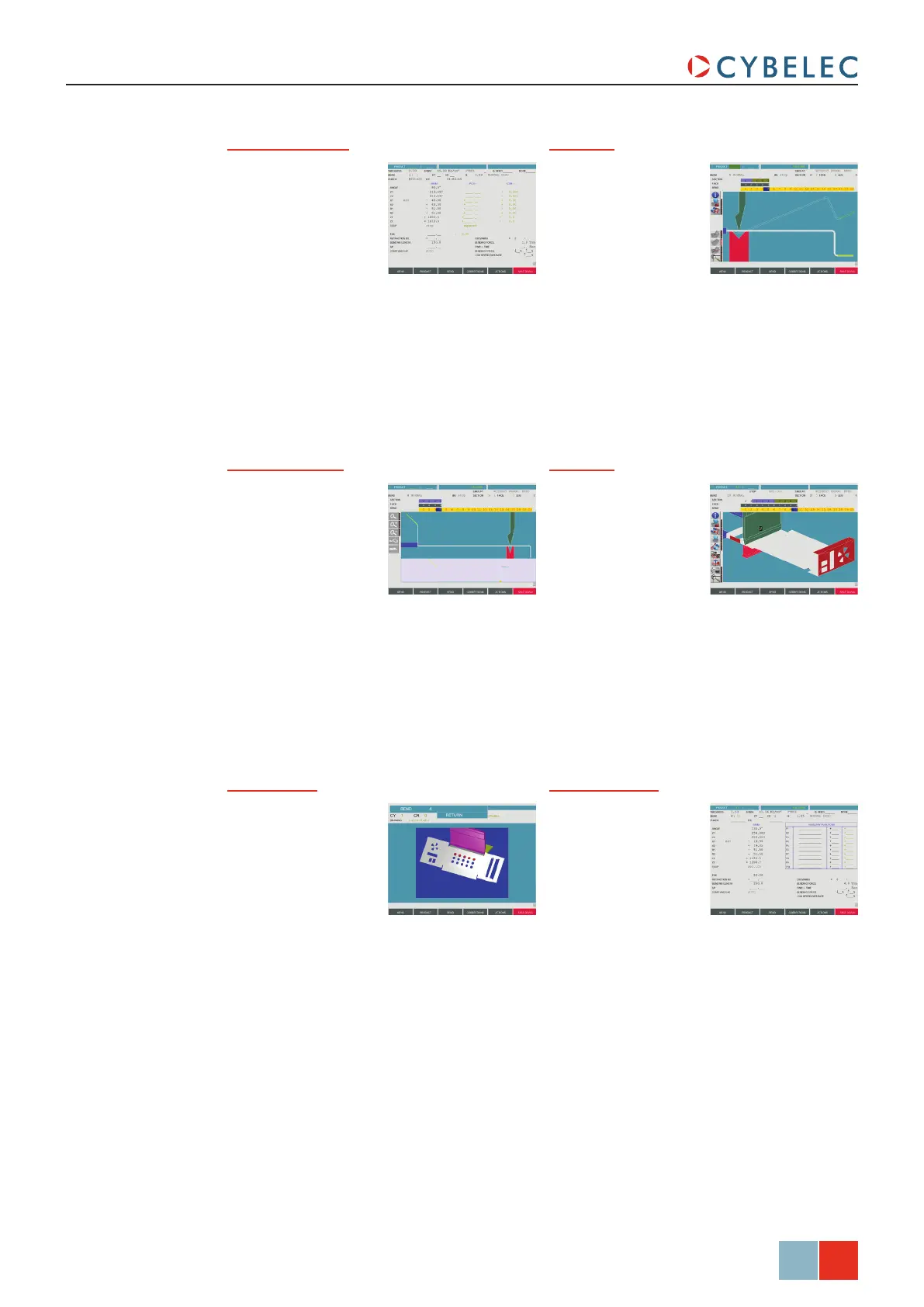
Bend Numerical Bend 2D
Allows simulating
the feasibility of
the product and
correcting the
bending order if
necessary.
See Bend 2D Page,
page 22.
Recapitulates all the
data for the current
sequence.
See Bend Numerical
Page (Direct Pro-
gramming), page
25.
Bend 3DTouch Bend 2D
Allows the operator
to simulate the feasi-
bility of the product
and to correct, if
necessary, the stop
position as well as
the position of the
product relating to the tools.
This page is optional.
Allows the operator
to manually deter-
mine the bend order,
as well as the gaug-
ing position.
See Touch Bend 2D
Page, page 23.
Bend Function
Allows programming
any possible auxil-
iary functions of the
machine.
Image Bend
Allows the operator
to visualize the part
in 3D, while at the
same time getting
instruction on how
to handle the part.
Is only available if
the part was created on a CAD software
able to generate a Cybelec compatible
program with images.

Table of Contents