29/40
Insert a description
of the part here
Select where the le will
be saved here
ModEva Pac User Manual
April
2016
V2.3
MeMorize or Search a ProGraM
MeMorize a proGraM
The memorizing of a product can be carried out from all pages containing the Product
field at the top of the screen.
Setting inStructionS:
1. Set the ModEva in programming mode .
2. Enter a number in the
Product field.
3. Touch the
button and select MeMoriZe Product in the list.
4. If the message
eXiStS appears, it indicates that the number selected is already in use.
Select:
•
canceL to choose another number,
• or
conFirM to overwrite the existing product.
Selecting MeMoriZe Product in FiLe allows giving the product an alphanumerical
name, and also select its location.
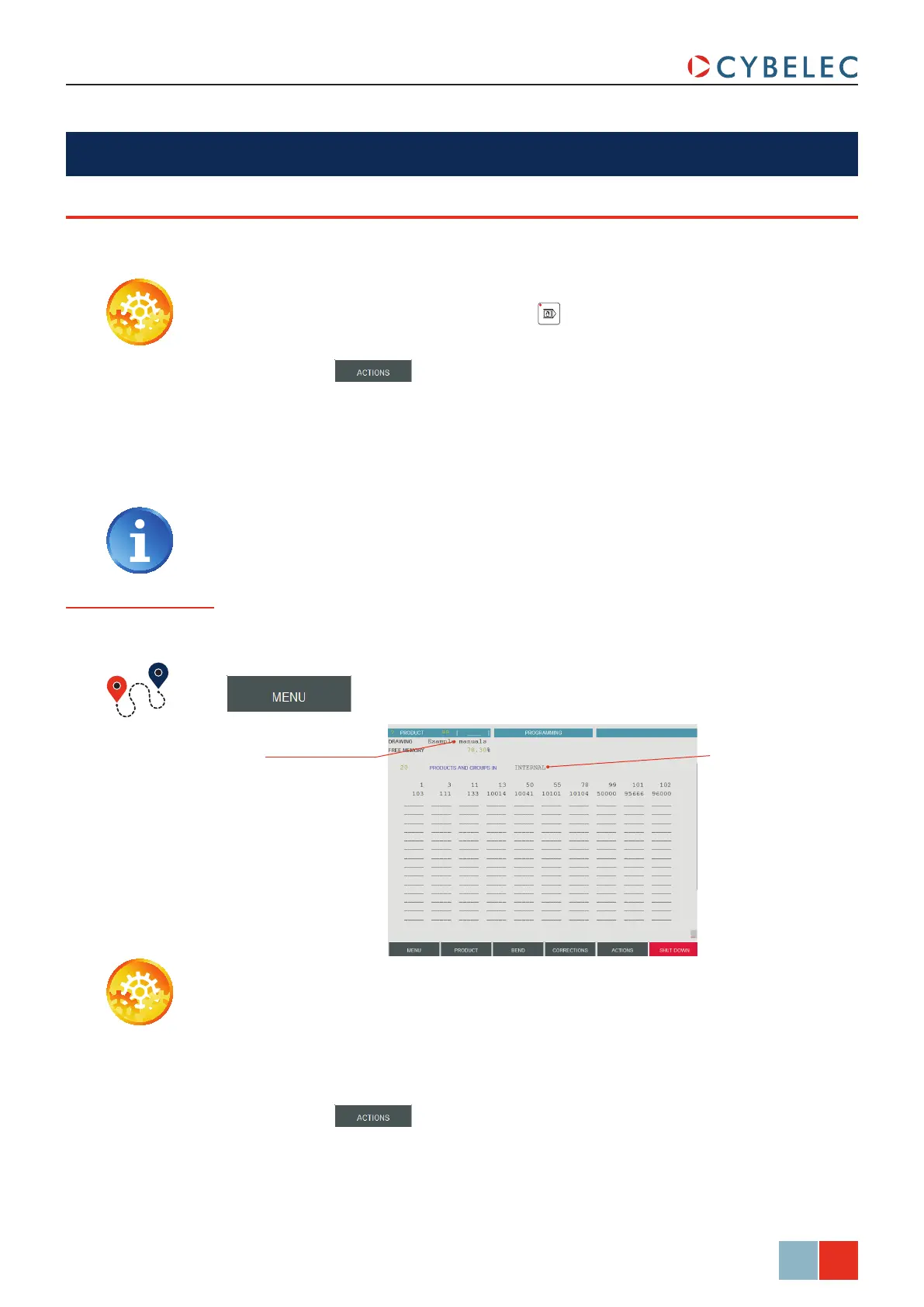
From the List of
Product page
→ List of products
If you wish to do this memorizing by having a global view of the existing products, it can
be done from the List of Product page.
Setting inStructionS:
1. In the draWing field, introduce a reference, if needed.
2. If you want to memorize the product elsewhere than in the internal memory, touch the
ProductS and grouPS in field and make your choice.
3. Touch the
Product field and introduce the storage number (1 to 89.999).
4. Touch the
button and select MeMoriZe in the list.
5. The message
SaVing... appears in the interactive field on the top right-hand corner of
the screen.
6. The number of the product recorded will then appear in the list.



 To Next Page