22/40
ModEva Pac User Manual
April
2016
V2.3
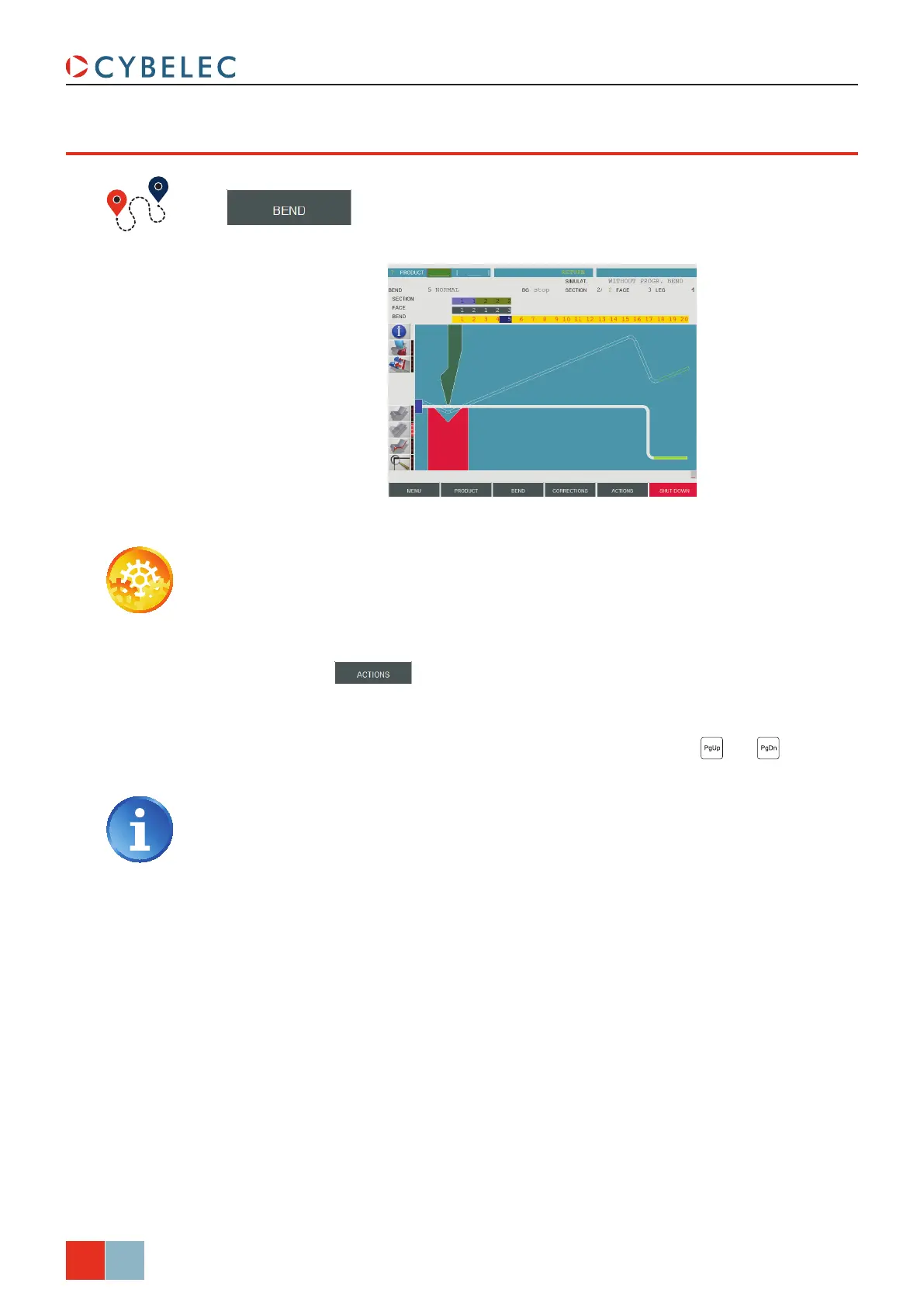
bend 2d paGe
→ Bend 2D
Setting inStructionS:
1. At this point, a product must have been programmed, using one of the modes
previously explained.
2. In the
SiMuLat. field, choose the option WitHout Progr. BendS.
3. Touch the
button and select SearcH Bending range in the list.
4. The message
SiMuLating runS…, then caLcuLating... appears in the interactive field on
the top right-hand corner of the screen.
5. The succession of sequences can then be visualized using the
and keys.
The operator has the possibility to modify the bending order (see Touch
Bend 2D Page, page 23) or to ask the software to respect specific criteria
like minimum number of swings or returns. To do that, please refer to the 2D
Reference Manual, section Simulation criteria.
6. In case the software program does not find any solution, the bending order must be
imposed manually (see Touch Bend 2D Page, page 23).



 To Next Page