37/40
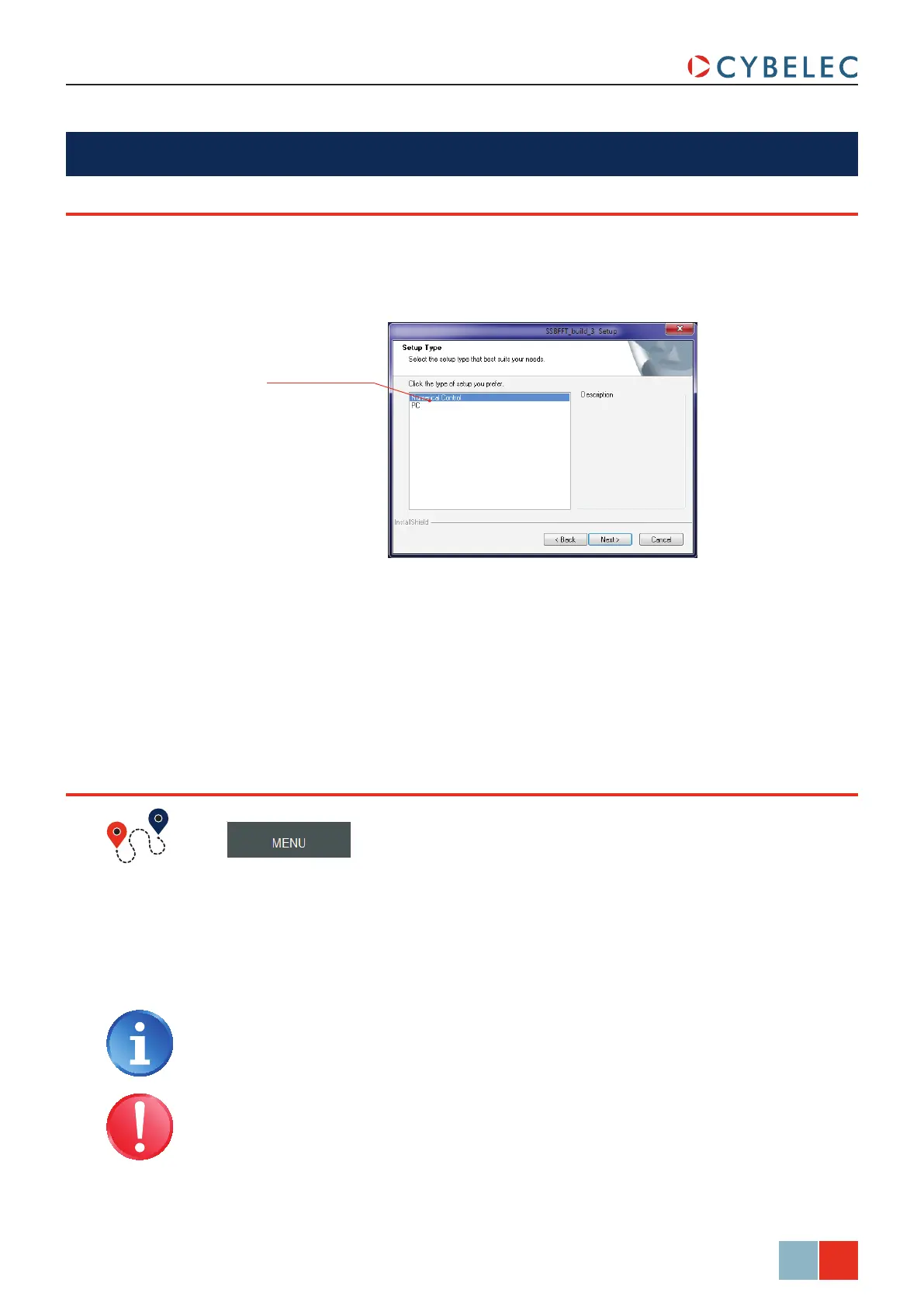
Select here the type of
installation desired
ModEva Pac User Manual
April
2016
V2.3
cybelec Software
The software delivered with the ModEva can be installed on the numerical control itself of
course, but also on a PC. When running the software’s installation program, the choice is
given in a window as shown below.
It is possible at any time to quit the task after having memorized the current state.
However it is important to leave the software in the correct way by using the
Quit
function.
This procedure will close the PC-ModEva software and bring you to the Windows
environment.
leavinG The SofTware
inSTallinG The SofTware
→ Quit → Confirm
The same procedure can be used on the PC software, or press the F6 key twice
on any page.
The Windows Operating System, like on every computer, is very
sensitive to inappropriate shutdown. Make sure that you properly turn
the system off, and NEVER by cutting the power off! This can destroy
the CF card!



 To Next Page