11/40
ModEva Pac User Manual
April
2016
V2.3
Language
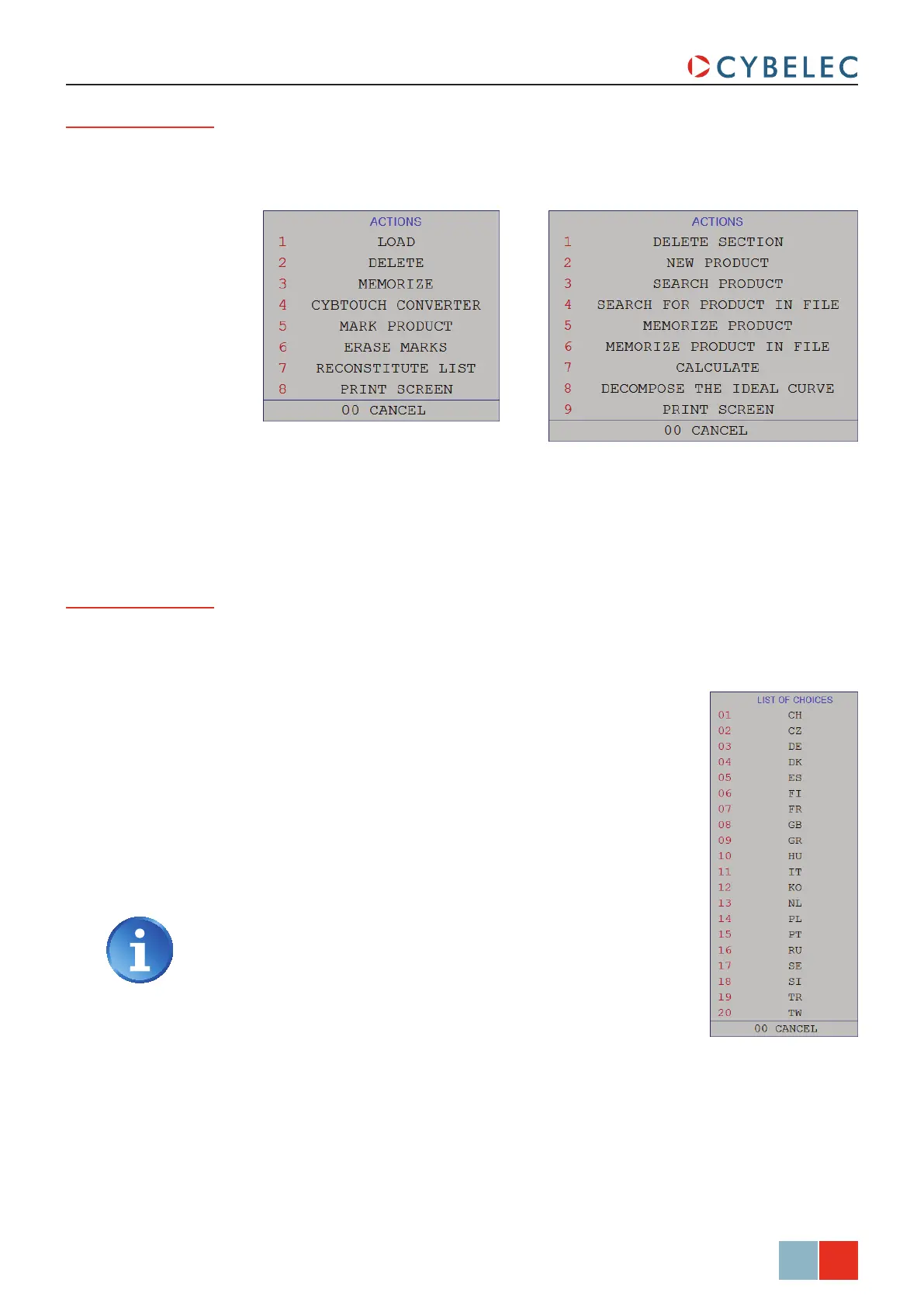
To browse through the available languages, simply touch Language field on the screen.
Available languages are:
• cH 中文.
• cZ Český.
• de Deutsch.
• dK Dansk.
• eS Español.
• Fi Suomi.
• Fr Français.
• gB English.
• gr Ελληνικά.
• Hu Magyar.
• it Italiano.
• Ko 한국의.
• nL Nederlands.
• PL Polski.
The list of available languages is subject to change and may
increase over time.
• Pt Português.
• ru Русский.
• Se Svenska.
• Si Slovenski.
• tr Türkçe.
• tW 台灣.
Actions Button
The actionS button allows you to choose from a list of action available on the page where
you currently are. The content of the list changes contextually. Here below are examples
of the pop-up windows being displayed when touching the actionS button.



 To Next Page