15/40
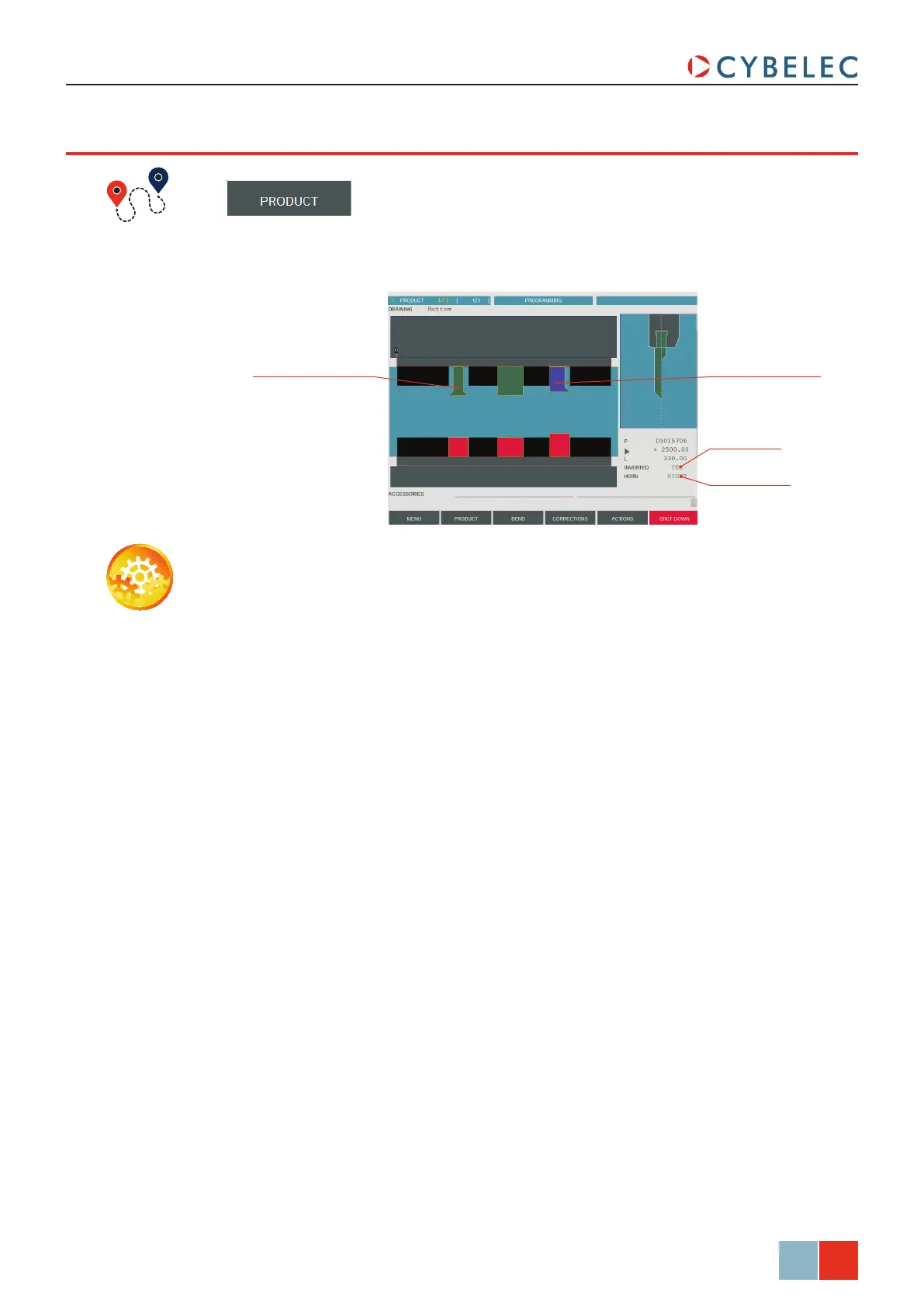
Inverted tool
Horned punch
Double horned punch Right horned punch
ModEva Pac User Manual
April
2016
V2.3
addinG workinG STaTionS
→ Tools position
Setting inStructionS:
1. Once the first working station is defined, a touch on either the beam or the table will
allow adding another tool.
2. The procedure to select, define and position the tool is the same as the one explained
before (see Positioning a Punch, page 13 and Positioning a Die, page 14).
Most parts require different sets of tools to be bent. It is therefore possible to define
several working stations in the tooLS PoSition page.



 To Next Page