24/40
ModEva Pac User Manual
April
2016
V2.3
Setting inStructionS:
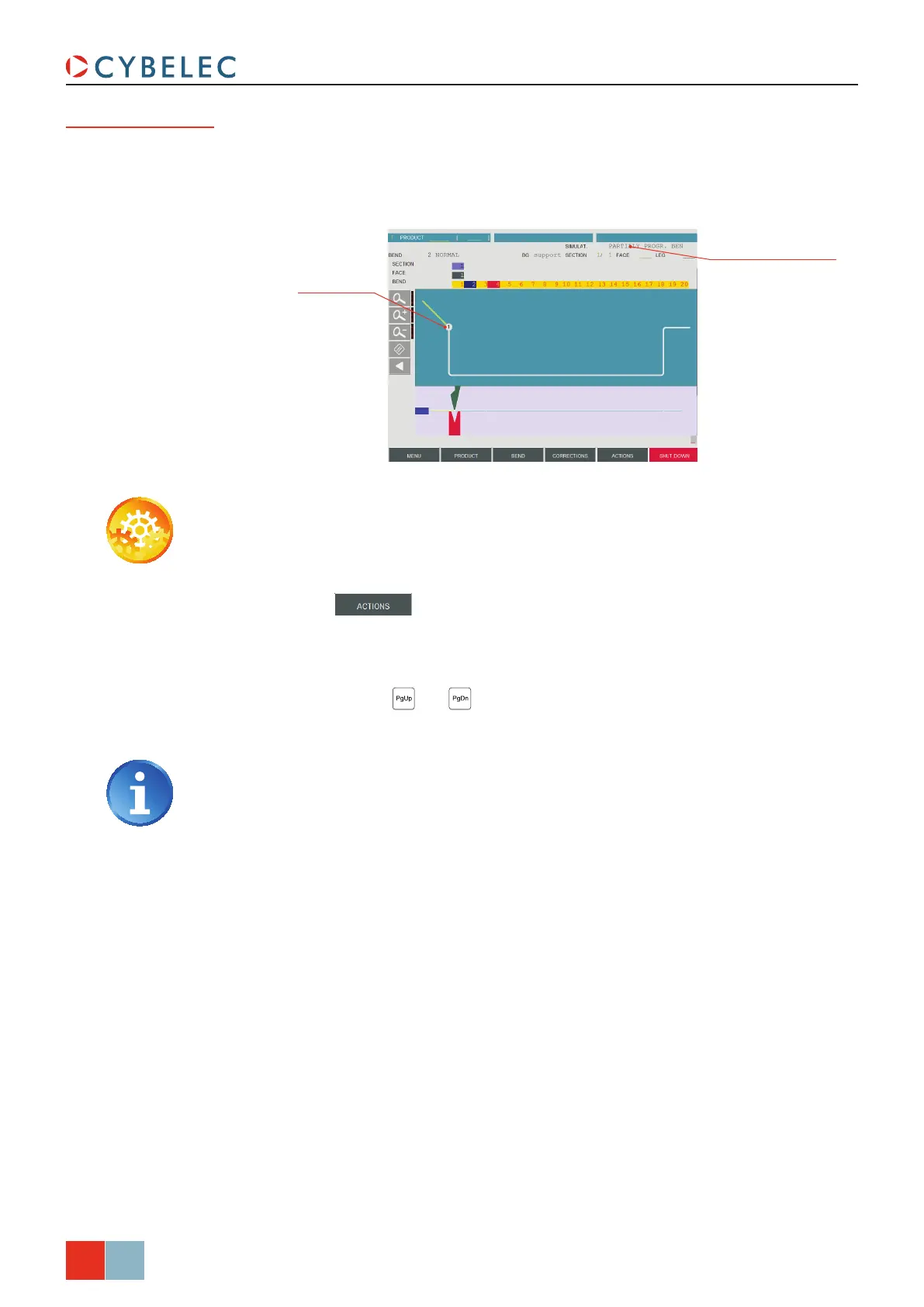
1. Touch the bend(s) that you want to execute first.
2. In the
SiMuLat. field, choose the option PartiaLLy Progr. BendS.
3. Touch the
button and select SearcH Bending range in the list.
4. The message
SiMuLating runS…, then caLcuLating... appears in the interactive field
on the top right-hand corner of the screen.
5. The bending order is calculated for the remaining bends. The whole can be visualized
as usual using the
and keys.
When the operator needs to impose the first bend – or couple of bends – to be executed
on a part, but the rest can be automatically calculated, the following method can be used:
Partial bend
order calculation
Select PartiaLLy Prog.
Bend
Dene the bend(s)
by touching it
If other bends than the first one must be defined, please see Bend 2D Page,
page 22.



 To Next Page