18/40
ModEva Pac User Manual
April
2016
V2.3
6. Touch the Section field, enter the value of 2 and leave the field. This automatically
initializes a new page for programming section 2.
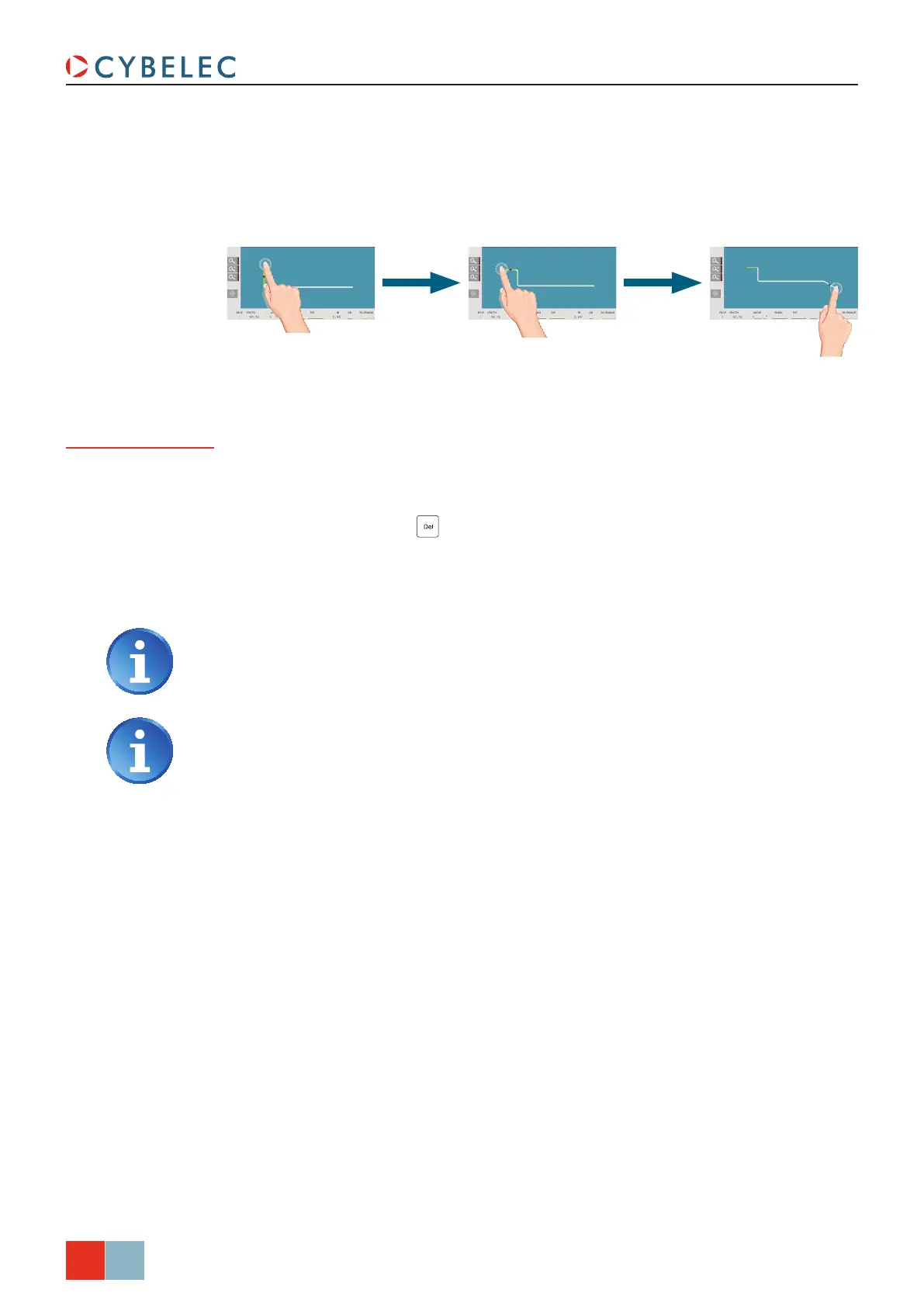
7. Draw the profile of section 2 (see Creating a Part Program, page 16) by touching
the screen where you want to add a segment.
8. Proceed in the same manner as for section 1 to adjust lengths and angles values.
Programming 99 in the cr field will automatically calculate the maximum
possible step bends. The resulting value may be reduced. However, if it is
increased over the maximum calculated value, the resulting radius and angle
will be drastically affected.
A special punch or /and die means there must be an additional working station.
10. Once all the segments and angles adjusted, go to the Bend 2D Page (see
page 22).
9. If a bend needs special parameters (large radius, special tool), it can all be
programmed on the bend data line of the corresponding sequence.
• Activate a special tool by touching the corresponding field, and select it from a list
(deactivate with the
button).
• Change the value of the radius (
ri field) and define how many steps the NC will
make to execute it (cr field).
Special functions
for a bend



 To Next Page