16/40
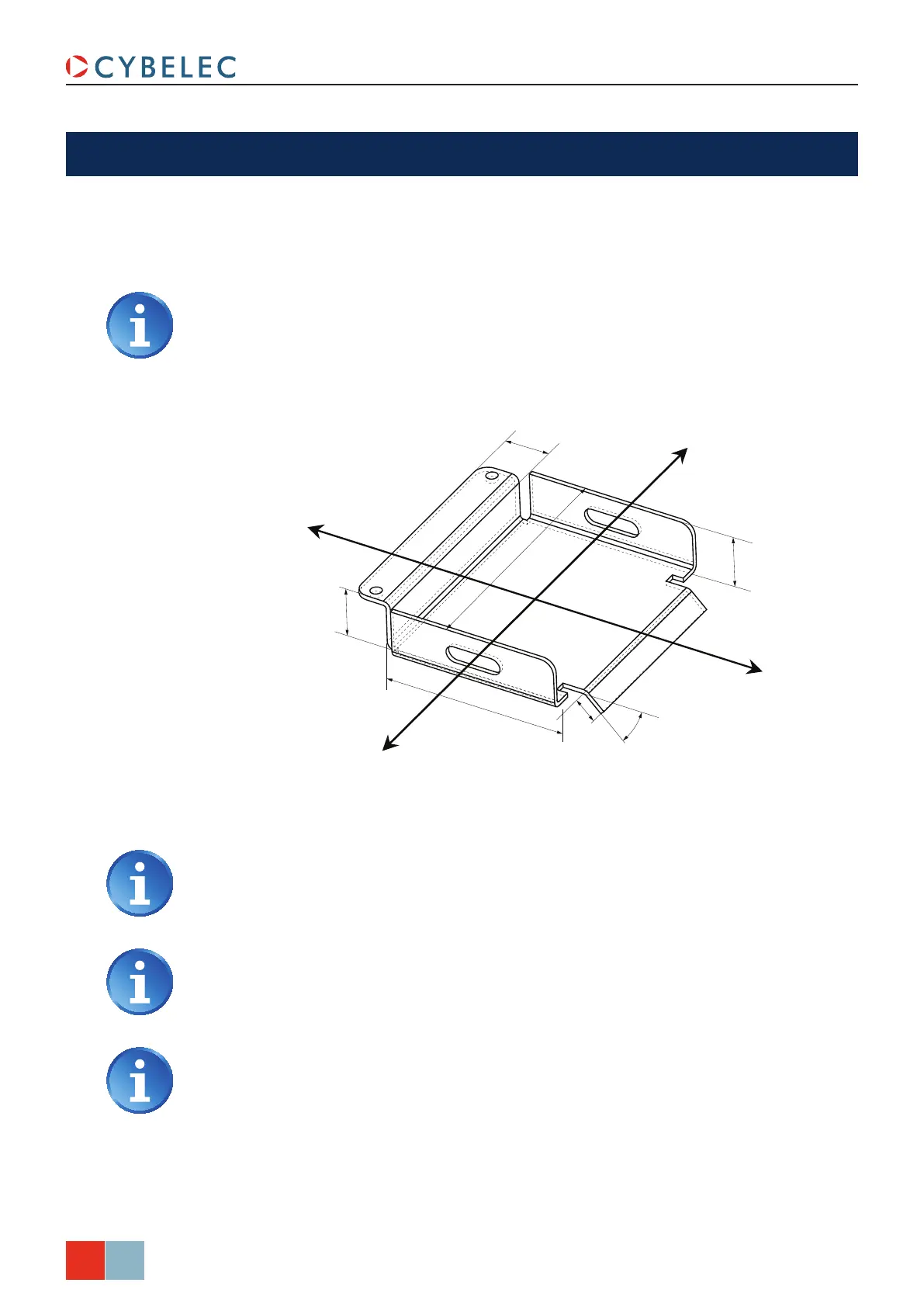
45.0
45°
30.0
40.0
20.0
200.0
150.0
ModEva Pac User Manual
April
2016
V2.3
creatinG a Part ProGraM
This chapter describes, by means of a concrete example, diverse ways of using your
ModEva.: with the TouchProfile Programming, with the L-Alpha Programming (see
page 19), with the Bend Numerical Page (Direct Programming) (see page 25) and with
the 3D Programming (optional, only for off-line version) (see page 20).
We assume in this part that all the necessary tools have already been
programmed as well as the machine parameters.
The product being used as an example is composed of 2 sections (profiles), but the
procedure is identical for one or several sections.
The side flaps with the oblong holes, which are included in section 1, will be made first,
so that a punch of identical length as that for section 2 can be used.
Section 1
Section 2
We presume that the operator knows how to reach level 1. Should this not be
the case, see chapter Protection of Access Levels, page 32.
These procedures indicate to the operator a programming method
recommended by CYBELEC, enabling to assimilate by the example the
functioning of the software.
For additional information, please consult the 2D Reference Manual and/or the
3D Reference Manual, which each contains a table of contents and a detailed index
facilitating the search for information.



 To Next Page