EZ-USB Development Kit User Guide, Doc. # 001-66390 Rev. *D 15
Getting Started
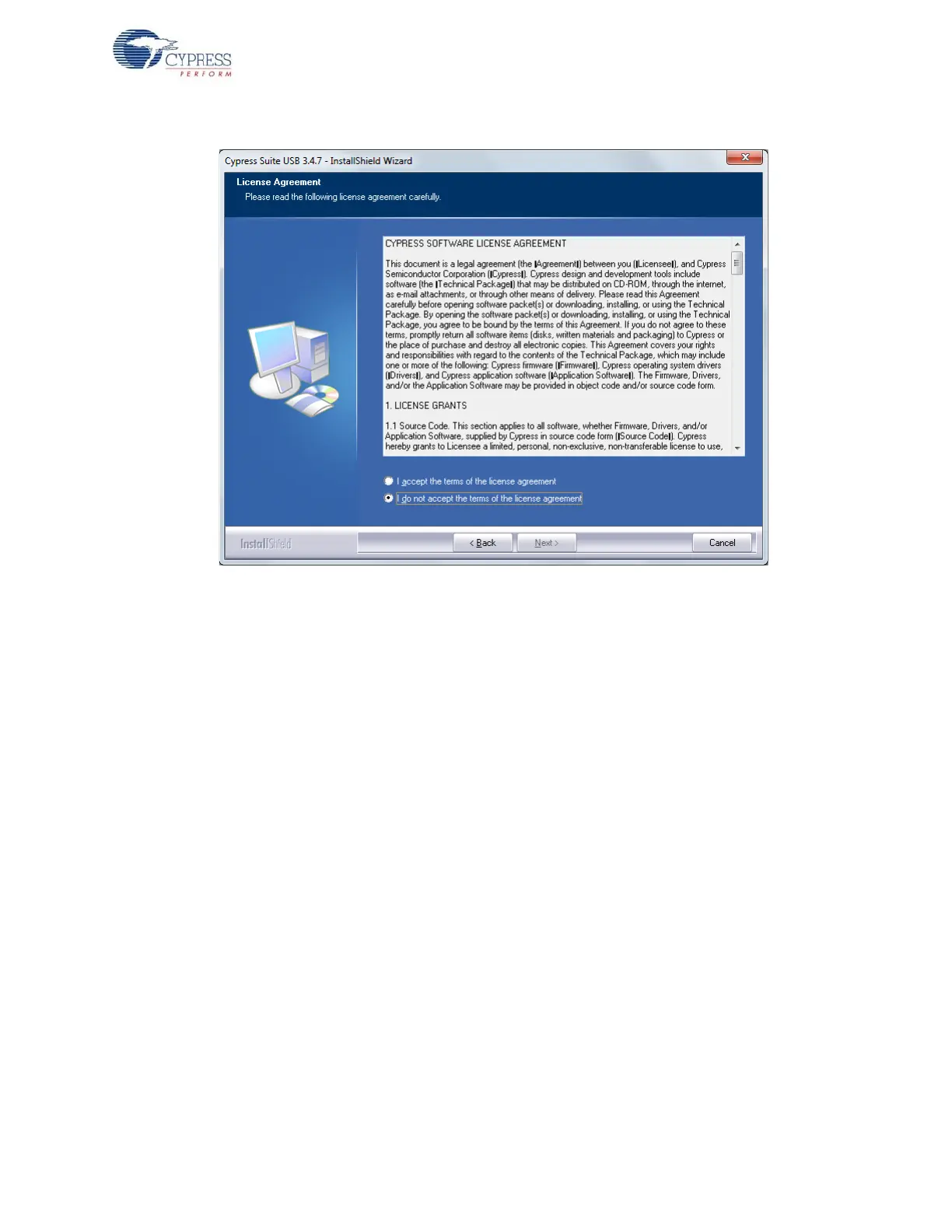
Figure 2-11. SuiteUSB License Agreement Window
12.Enter the user credentials in the SuiteUSB window, as shown in Figure 2-12. Click Next. The
default directory of the SuiteUSB is C:\Cypress\Cypress Suite USB 3.4.7. The default
directory can be changed at this stage. Click Next after selecting the directory. Click the Install
button in the subsequent window. The SuiteUSB package installation progress is shown in the
next window. Finally the SuiteUSB Finish window appears. Click Finish button to complete the
installation process of SuiteUSB.



 To Next Page