14 EZ-USB Development Kit User Guide, Doc. # 001-66390 Rev. *D
Getting Started
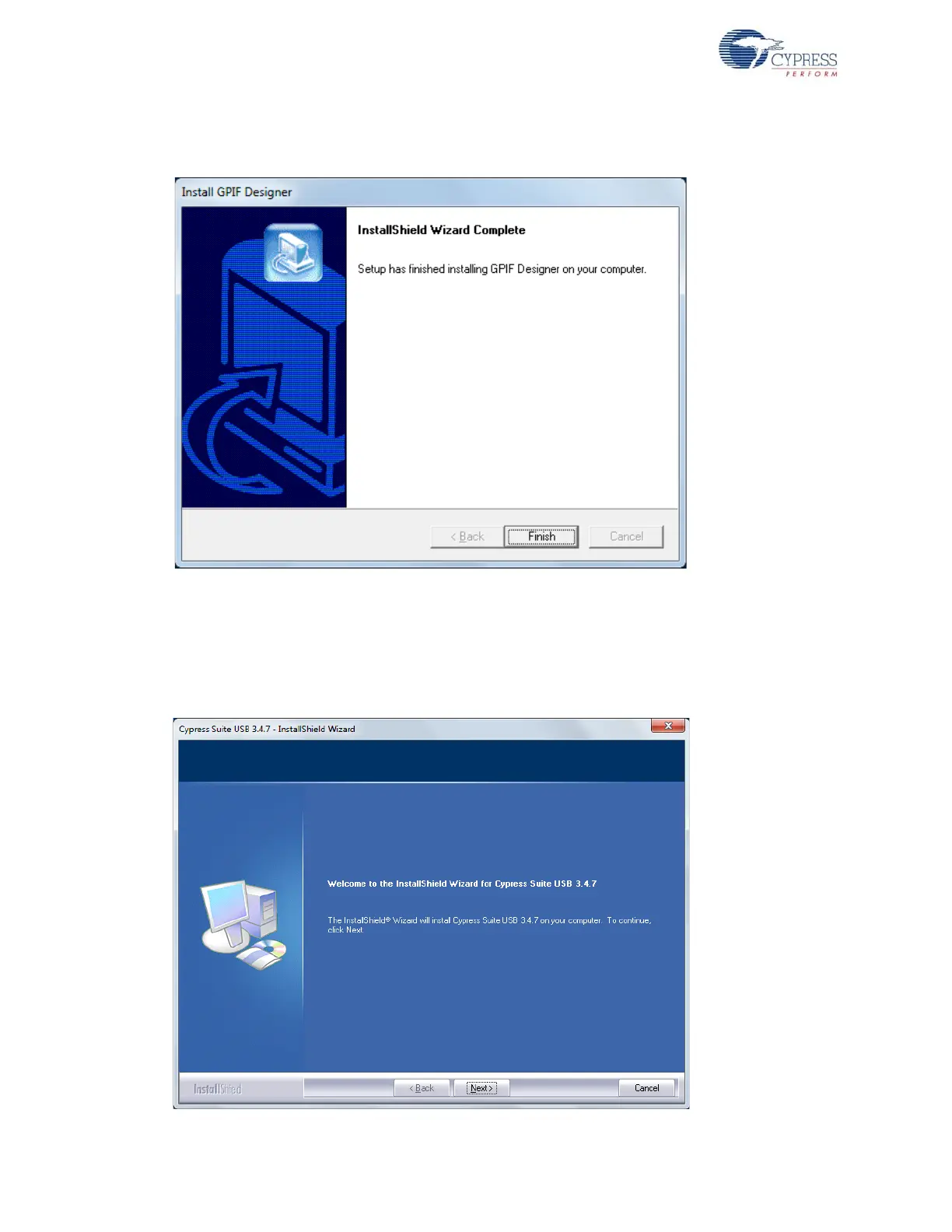
10. Click Next in the subsequent windows and the Finish window appears, as shown in Figure 2-9.
Figure 2-9. GPIF Designer Welcome Window
11. The SuiteUSB 3.4.7 package install shield is triggered after the GPIF designer software installa-
tion. If the software is already installed in the PC, then the installer will not trigger the installation.
If the PC does not contain the software, then the SuiteUSB welcome screen appears, as shown
in Figure 2-10. Click Next and accept the Cypress Software license agreement, as shown in
Figure 2-11.
Figure 2-10. SuiteUSB Welcome Window



 To Next Page