98 EZ-USB Development Kit User Guide, Doc. # 001-66390 Rev. *D
EZ-USB Development Kit Firmware Examples
e. mon-int-sio0.hex/ mon-int-sio1.hex: This Keil debug monitor file resides in internal EZ-USB
RAM memory for corresponding SIO-0 and SIO-1 UART ports.
f. mon-int-sio0.spt/mon-int-sio1.spt: This Keil debug monitor script file resides in internal EZ-
USB RAM memory for corresponding SIO-0 and SIO-1 UART ports.
The debug monitor script file mon-ext-sio1-c0.spt is renamed as mon.spt and used as the default
debug monitor script file.
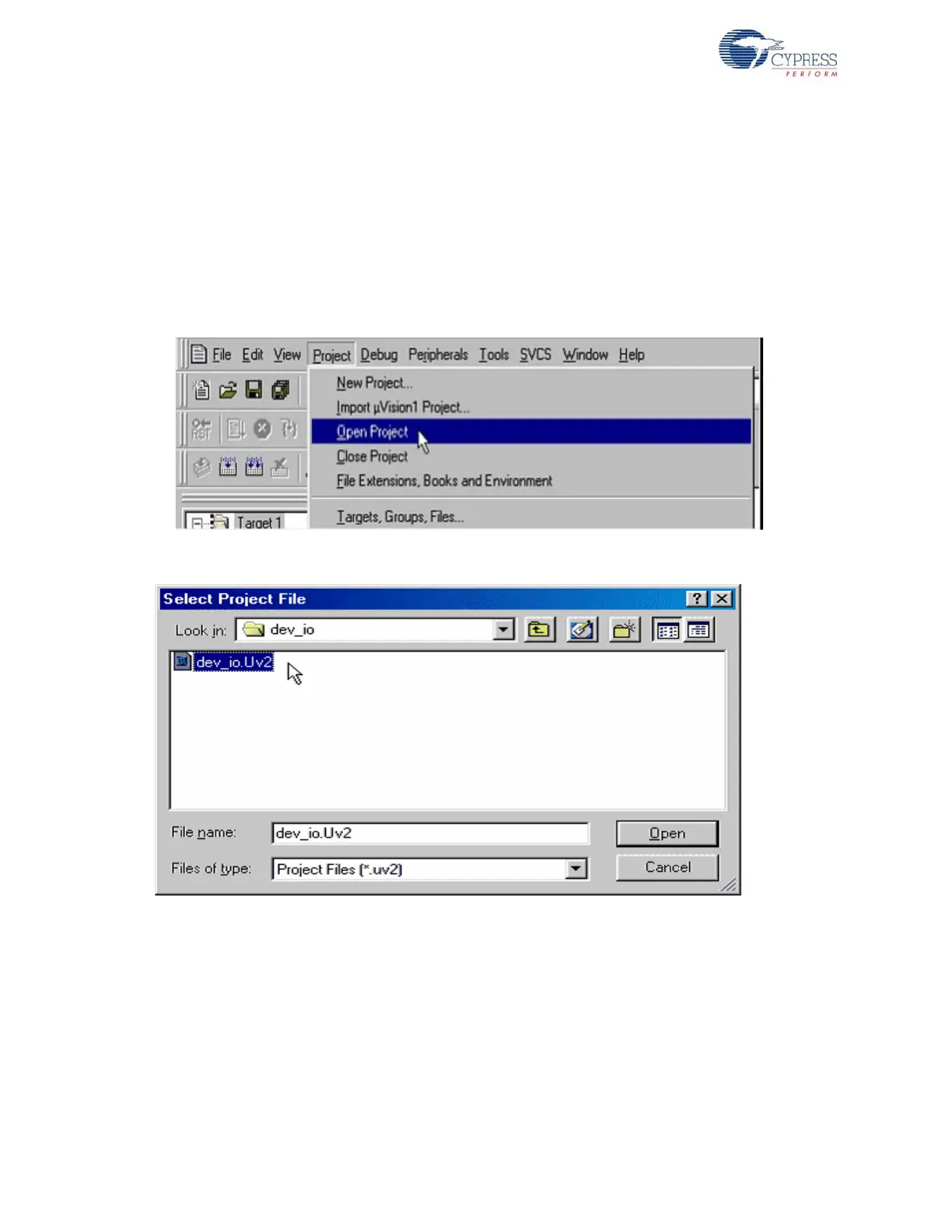
8. Open Keil µVision2 IDE by selecting Start > Programs > Keil µVision2. Open the dev_io project
file at <Installed_directory>\<Version>\Firmware\dev_io, as shown in Figure 8-20
and Figure 8-21.
Figure 8-20. Opening Project File using Keil uVision2 IDE
Figure 8-21. Selecting Project File using Keil uVision2 IDE
9. Make sure you use the correct serial port and the baud rate is set correctly. To do this, select
Project > Options for Target 'Target 1' > Debug > Settings.
Note Your PC may have a single serial port. In this case, use the relevant COM port by checking
under Ports (COM and LPT) in the Device Manager (type devmgmt.msc in Windows Start >
Run) as shown in Figure 8-22. Check the box labeled Serial Interrupt.



 To Next Page