20D-Link D-ViewCam User Manual
Section 3 - Conguration
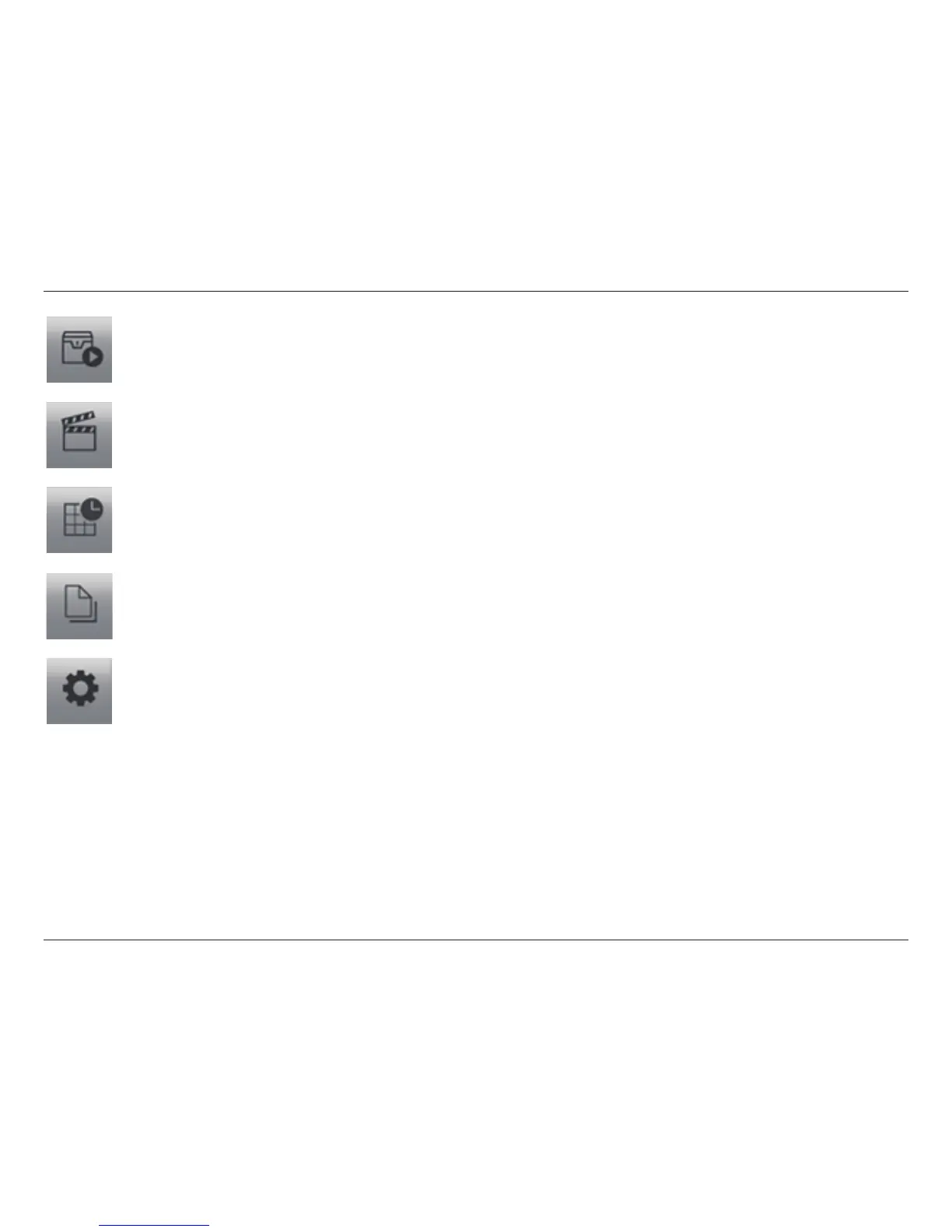
Monitor:
Click on the Start Monitor icon and select from the menu to start/stop recording schedule system or the guard system features.
You can also open monitor tools such as event report, E-Map, I/O control panel, and system lock.
Playback:
Click on the icon to open the Playback Console. You can watch recorded video, search recorded video, adjust the image of
the stored data, save video/pictures, print images, check log information and event records, and set up recording function
conguration. See PlayBack on page 61 for details.
Schedule:
Organize the recording time schedule and congure recorder settings. See Schedule on page 52 for details.
Guard:
Add/edit type(s) of events that you want to detect and setup action(s) responding to events. See Guard on page 75 for
details.
General Setting an Utilities:
Select to modify general settings, user account settings, save/ load conguration settings, access log viewer and backup les,
and congure network services. See Cong on page 25 for details.


 To Next Page