84D-Link DCS-5220 User Manual
Appendix D - Frequently Asked Questions
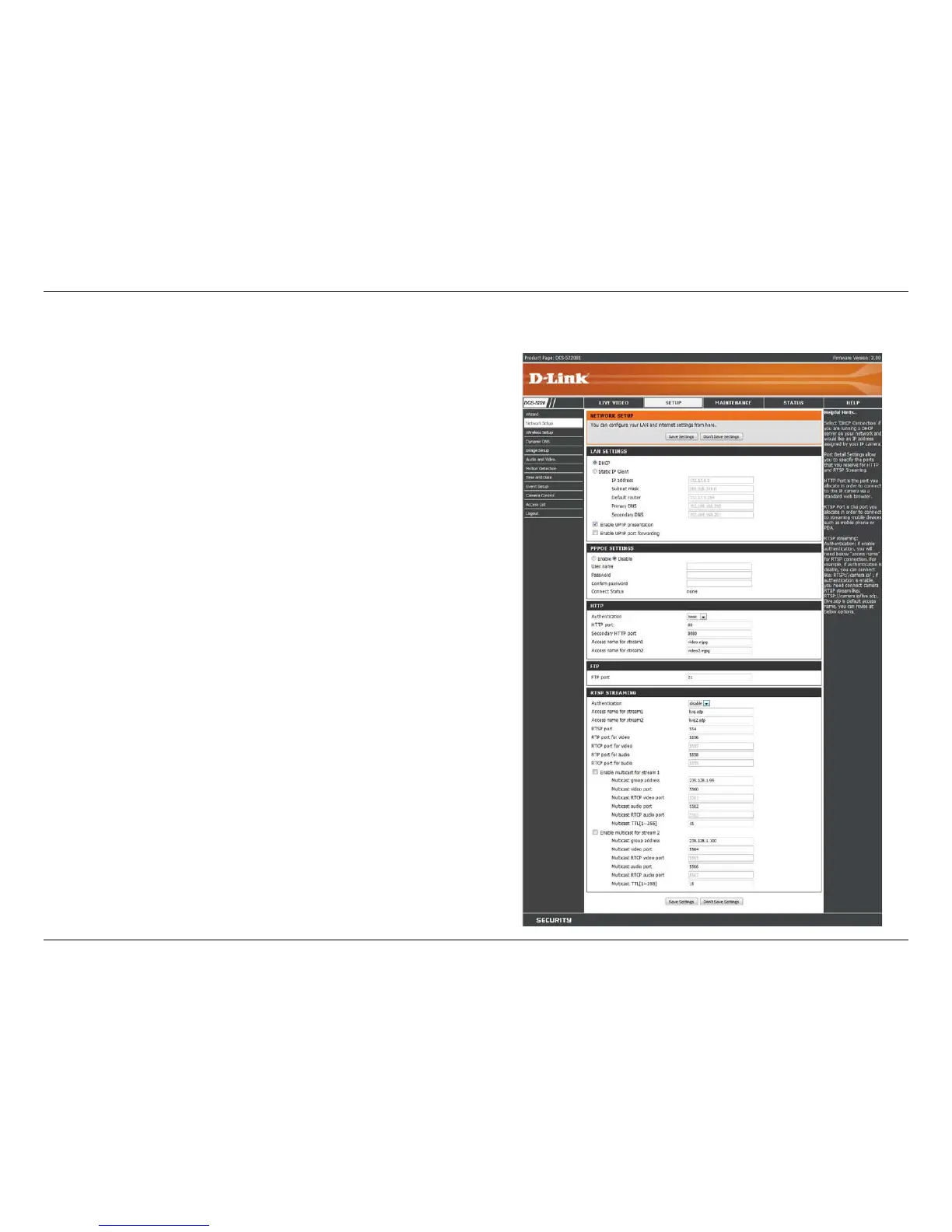
The Setup > Network Setup page displays the port settings for your camera. If necessary, these ports can be
changed if they are already in use by other devices (e.g. in a multiple camera environment).
Note: Ports 5556 - 5559, and both HTTP port and RTSP port
are required to be opened for the DCS-5220. Please refer to
page 86 on how to open ports in the router.


 To Next Page