22D-Link DSL-245GE User Manual
Section 4 - Conguration
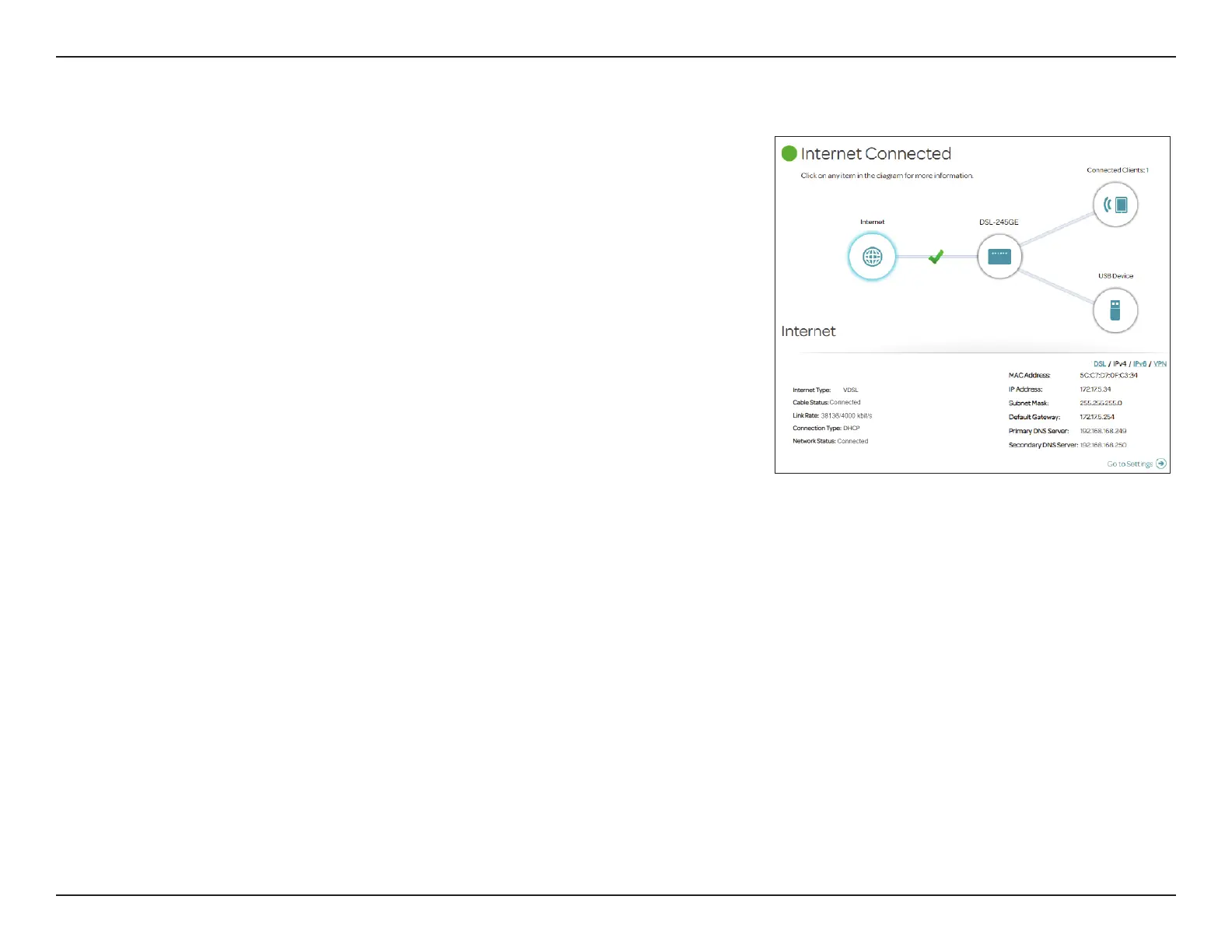
To bring up more details about your Internet connection, click on the Internet
icon. The Internet Connection status being displayed will reect the status of
the currently selected WAN conguration: DSL, IPv4, IPv6, or VPN.
If your Internet is disconnected, indicated by a red X, you can launch the Setup
Wizard to correct the issue by clicking Wizard from the Settings menu at the
top of the page.
To recongure the Internet settings, refer to Internet on page 29.
Internet



 To Next Page