40D-Link DSL-245GE User Manual
Section 4 - Conguration
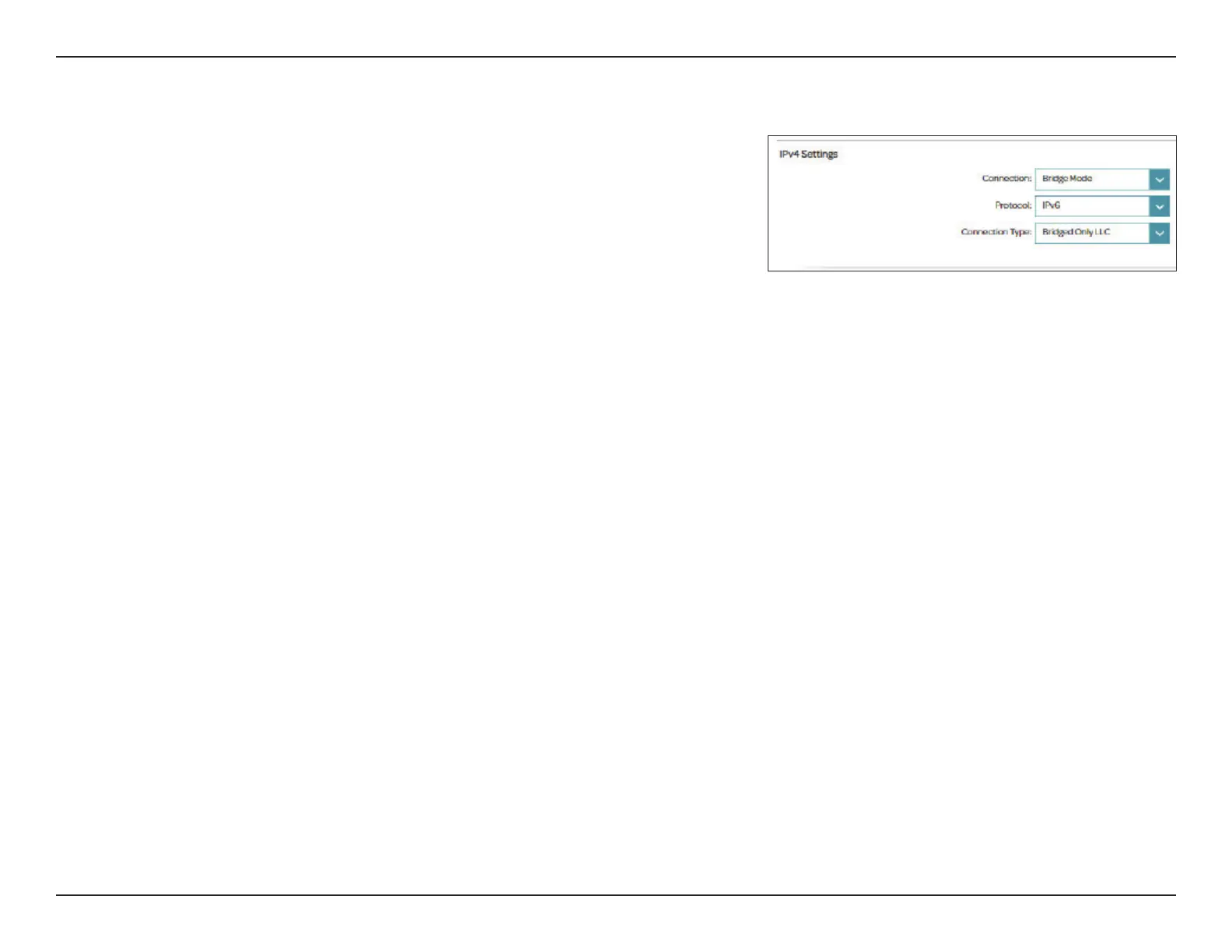
Connection Type: Bridge Mode
Select Bridge Mode to use the DSL-245GE as a network bridge to extend an
existing network.
IPv4 Settings
Connection: Select Bridge Mode.
Protocol Select IPv4, IPv6 or IPv4/IPv6 for both IPv4 and IPv6 addressing
mechanism.
Connection Type: Select Bridged Only LLC or Bridged Only VC-Mux as the
encapsulation method. This is only available for ADSL.
Click Save when you are done. Or click Delete to delete the conguration
prole for the interface.



 To Next Page