29D-Link DSL-245GE User Manual
Section 4 - Conguration
Settings
Wizard
Internet
To access the Setup Wizard page, go to Settings > Wizard. This is the same wizard that appears when you start the router for
the rst time. Refer to Setup Wizard on page 15 for more information.
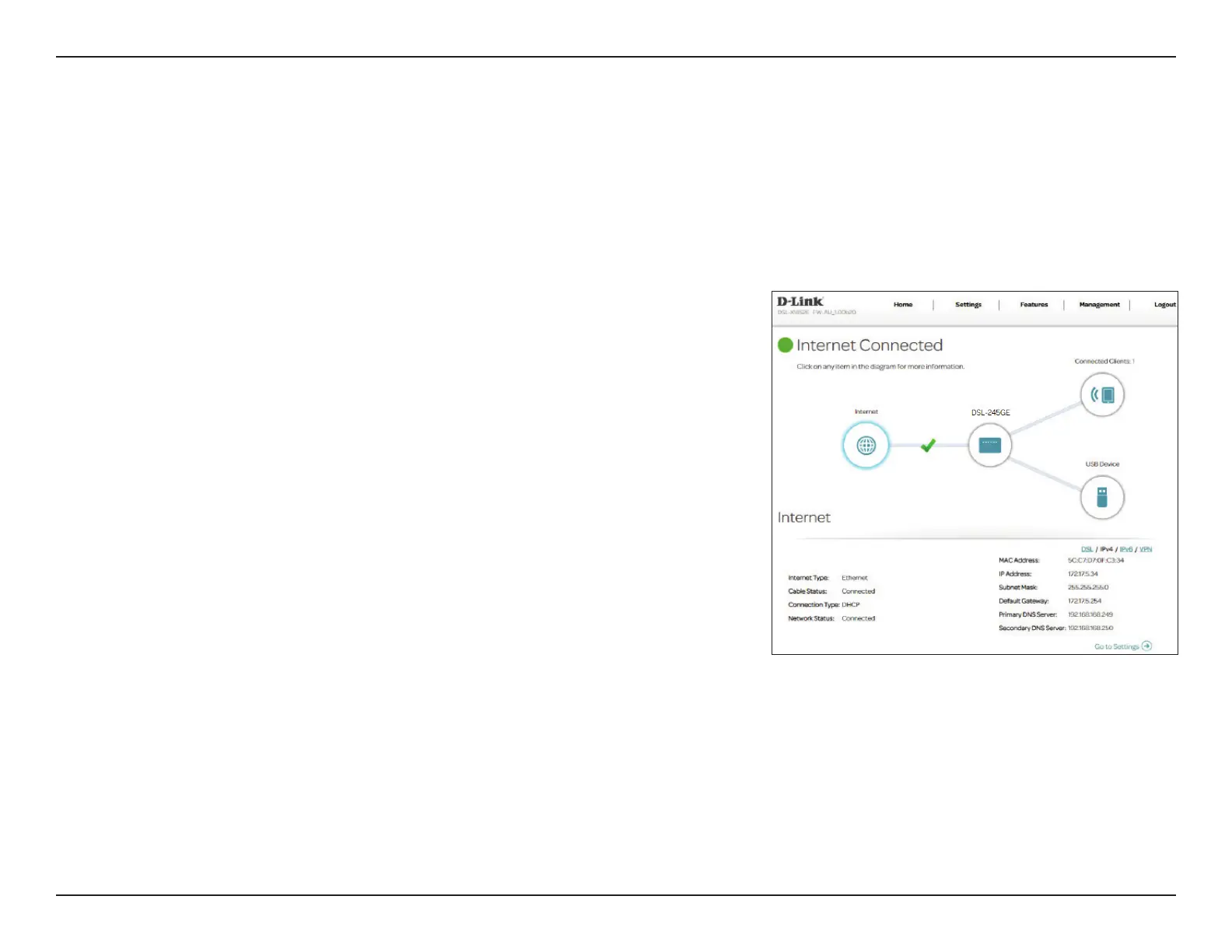
The following pages will describe how to connect your DSL-245GE to the
Internet. To access this page, go to Settings > Internet at the top of the page.
The DSL-245GE supports multiple WAN connection types. We recommend that
you set up Internet WAN connections one at a time, save the conguration,
and conrm the connection works before returning to this section to add
additional WAN connections.
Dierent WAN access types are described in the following sections.
WAN CONNECTION TYPE
Congure your
WAN Connection:
Select the WAN interface to congure. The options are XDSL (for
ADSL or VDSL) or Ethernet.
Select a WAN Connection and refer to its conguration page for setup
information.
For ADSL, refer to Internet - ADSL on page 30.
For VDSL, refer to Internet - VDSL on page 32.
For Ethernet, refer to Internet - Ethernet on page 33.



 To Next Page