64D-Link DSL-245GE User Manual
Section 4 - Conguration
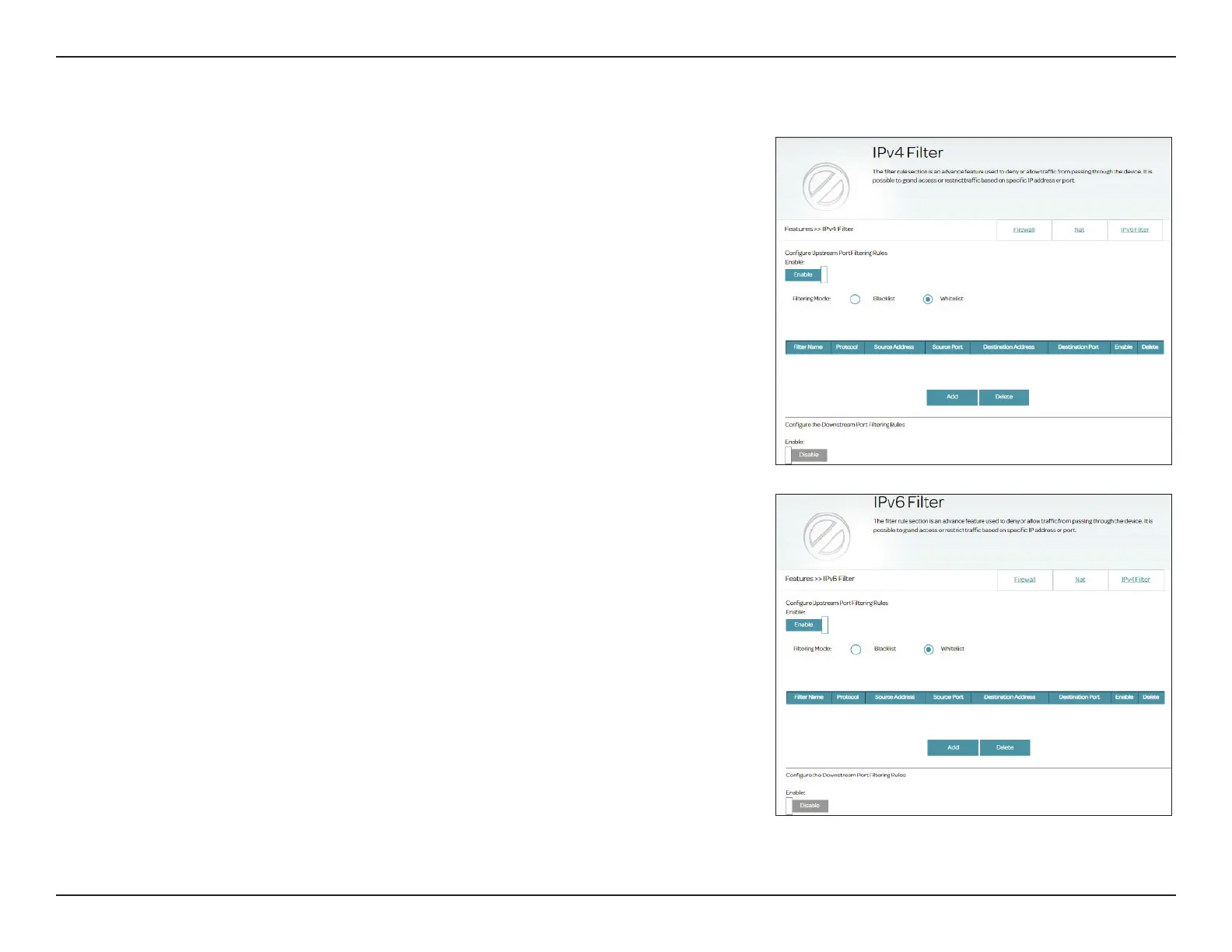
IPv4/IPv6 Filter
The Firewall contains ltering functions to lter trac based on the network protocols and
source and destination IP addresses.
Go to Features > Firewall, then click the IPv4 Filter tab or the IPv6 Filter tab to congure
rules for trac ltering. To congure a rule to lter unwanted trac, rst enable this feature
by clicking Enable for either Upstream Port Filtering Rules for trac that is sent out of the
router (from LAN to WAN) or Downstream Port Filtering Rules for trac that is received
by the router from an external network (from WAN to LAN).
Congure the following settings
:
Filtering Mode: Select either Blacklist or Whitelist to deny or permit the following
ltering list.
Filter Name: Enter a name for the ltering rule.
Protocol: Select the network protocol for the trac: TCP/UDP, TCP, UDP, or
ICMP (or ICMPv6 for IPv6).
Source IP
Address/Port:
Enter the starting source IP address (e.g. 1.1.1.1 for IPv4 or 2001::1
for IPv6) and starting port that the rule will apply to. Depending on
whether it is a upstream or downstream trac, this can be either a
WAN or LAN IP address. Both a single IP address and a range of IP
addresses can be used.
End Source IP
Address/Port:
Enter the ending source IP address (e.g. 1.1.1.5 for IPv4 or 2001::5
for IPv6) and ending port that the rule will apply to. For a single
IP address assignment, enter the same address as the starting IP
address. Depending on whether it is a upstream or downstream
trac, this can be either a WAN or LAN IP address.
Source Subnet
Mask/Prex
Length:
Enter the subnet mask of the source IP address for IPv4 addressing
scheme (four 8-bit octets). Or enter the prefix length for IPv6
addressing scheme (1-128).



 To Next Page