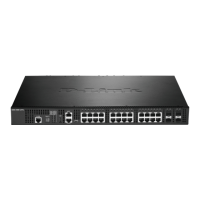
DXS-3350SR Gigabit Layer 3 Switch
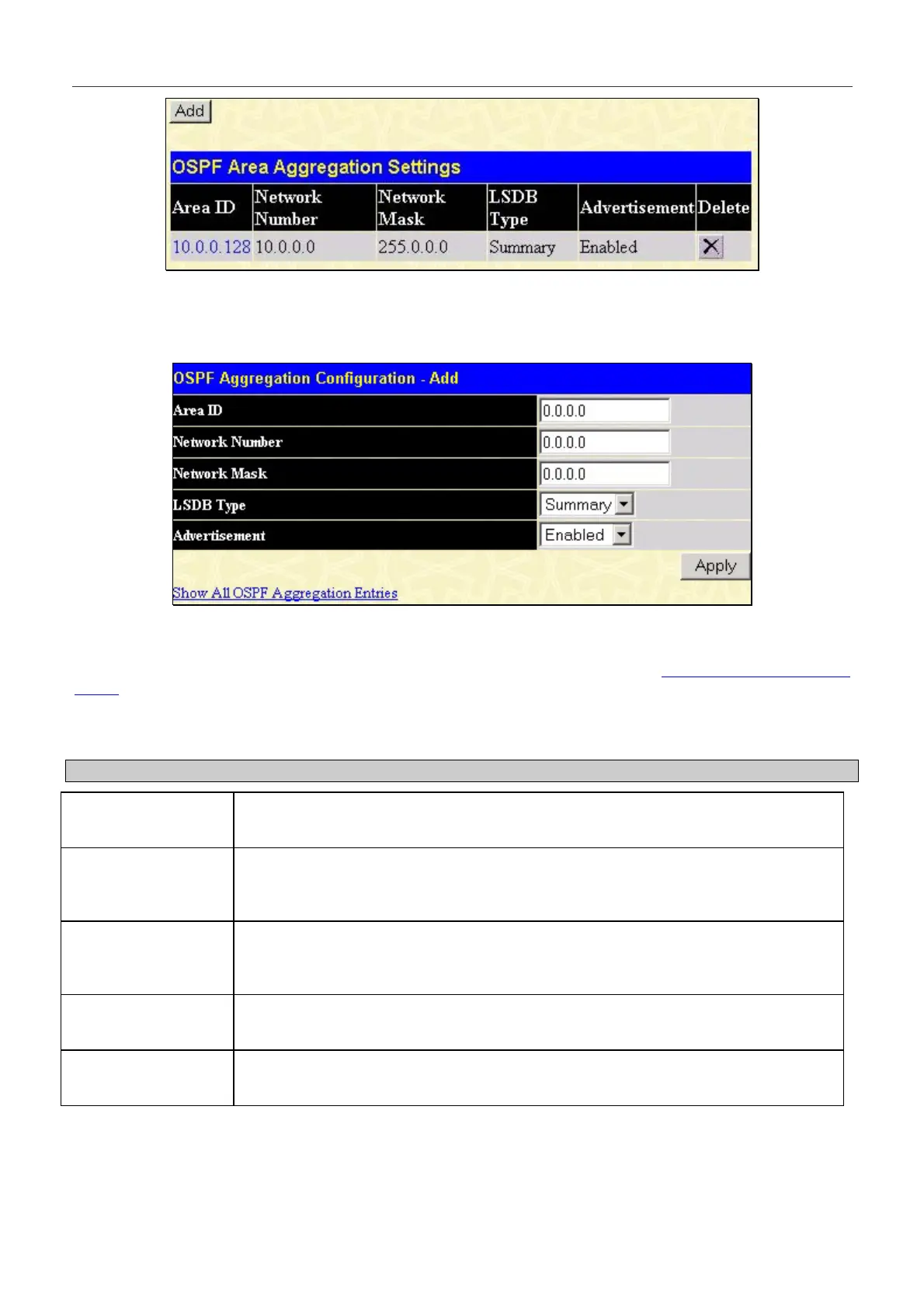
Figure 6- 98. OSPF Area Aggregation Settings table
Use the menu below to change settings or add a new Area Aggregation setting.
Figure 6- 99. Add/Modify OSPF Aggregation Configuration
Specify the OSPF Aggregation settings and click the Apply button to add or change the settings. The new settings will
appear listed in the OSPF Area Aggregation Settings table. To view the table, click the Show All OSPF Aggregation
Entries link which will return to the previous window.
Configure the following settings for OSPF Area Aggregation:
Parameter Description
Area ID
Allows the entry the OSPF Area ID for which the routing information will be
aggregated. This Area ID must be previously defined on the Switch.
Network Number
Sometimes called the Network Address. The 32-bit number in the form of an IP
address that uniquely identifies the network that corresponds to the OSPF Area
above.
Network Mask
Enter the subnet Mask of the Network Number entered above. Each address range is
defined as a pair (address, mask) and both must be correctly entered to properly
configure the OSPF Aggregation.
LSDB Type
This field denotes only one LSDB Type, Summary, on the Switch. Future releases of
this Switch will have the capability to choose alternate LSDB types.
Advertisement
Select Enabled or Disabled to determine whether the selected OSPF Area will
advertise it’s summary LSDB (Network-Number and Network-Mask).
164


 To Next Page