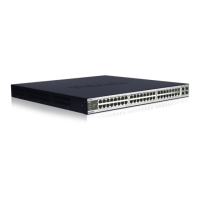
DXS-3350SR Gigabit Layer 3 Switch
Ports
• Forty-eight (48) 1000BASE-T ports that may be used to link network devices to the Switch, including PCs, hubs
and other Switches to provide a gigabit Ethernet uplink in full-duplex mode.
• Four (4) high-performance SFP combo ports for a fibre-optic connection to various network connections, for use
over great distances.
• Two (2) 10 gigabit stacking ports at the rear of the Switch for stacking Switches utilizing either a ring or star
topology.
• An optional module slot at the rear of the Switch to add an optional 2-port 10-gigabit XFP module for uplionking
using fibre optic cabling.
• RS-232 DCE Diagnostic port (console port) for setting up and managing the Switch via a connection to a console
terminal or PC using a terminal emulation program.
NOTE: For customers interested in D-View, D-Link Corporation's proprietary SNMP
management software, go to the D-Link Website (www.dlink.com.cn) and download
the software and manual.
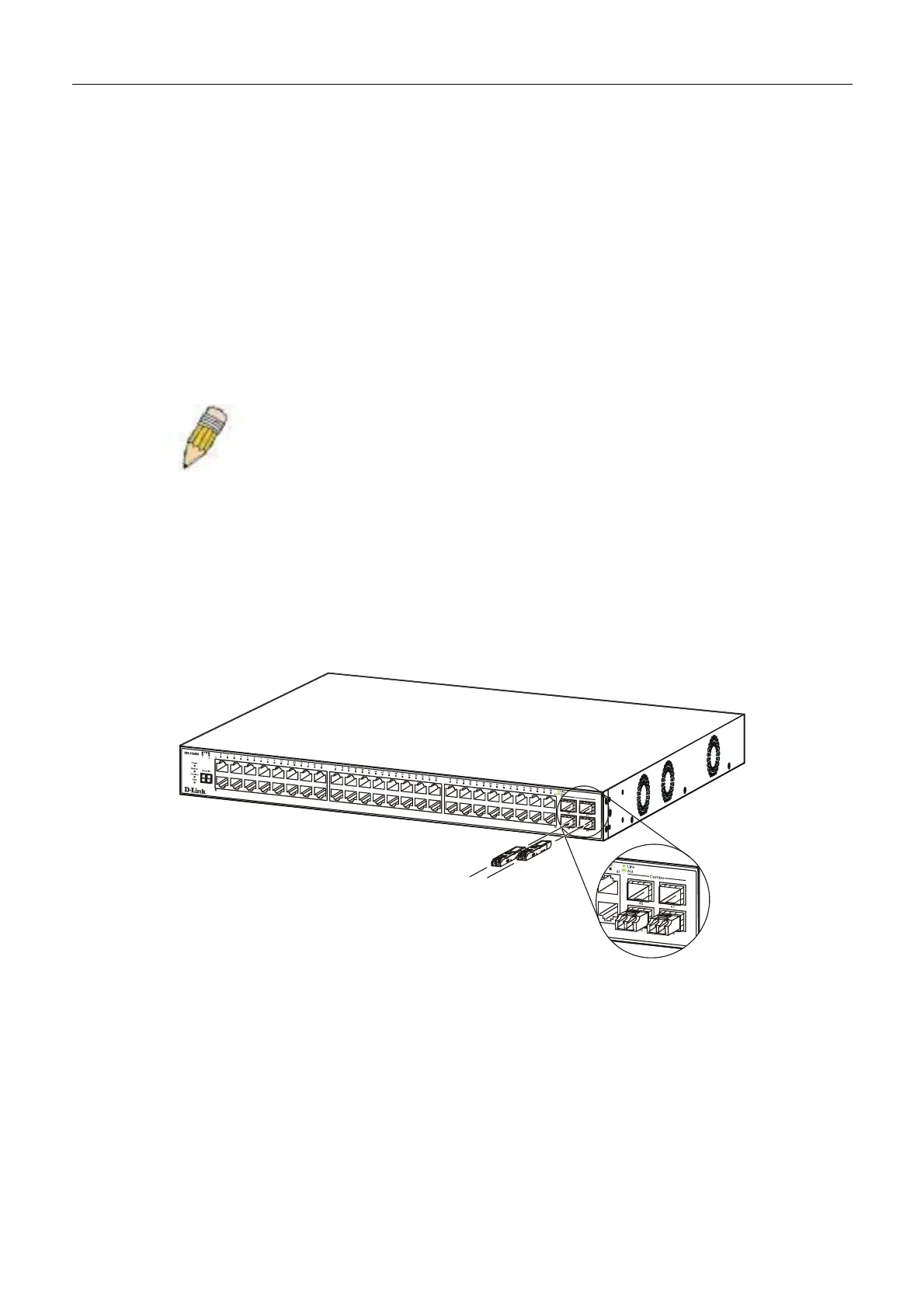
Installing the SFP ports
The Switch is equipped with 4 SFP (Small Form Factor Portable) ports, which are to be used with fibre optical transceiver
cabling in order to uplink various other networking devices for a gigabit link that may span great distances. These 4 SFP
ports support full-duplex transmissions, have auto-negotiation and can be used with DEM-310GT (1000BASE-LX), DEM-
311GT (1000BASE -SX), DEM-314GT (1000BASE -LH) and DEM-315GT (1000BASE -ZX) transceivers. See the figure
below for installing the SFP ports in the Switch.
Figure 1- 1. Inserting the fibe-optic transceivers into the DXS-3350SR
9


 To Next Page