6ñ8
Auto travel preset button
The unit will sean selected b
stations in sequent from the s
t
LW)
1) Sel
2) Pre
sec
The
pea
Sca
the
hea
Press
secon
d
the stat
the ord
1) Pre
sec
2) Pre
for
ceiv
sto
ea
c
the
it ag
Presetting
stations
Recalling the
AUT
Preset stations
Scanning the
AUT
Preset stations
Desired operation
Mode select button
It is possible to switch immediately to you desired mode.
* A cassette tape must have been set.
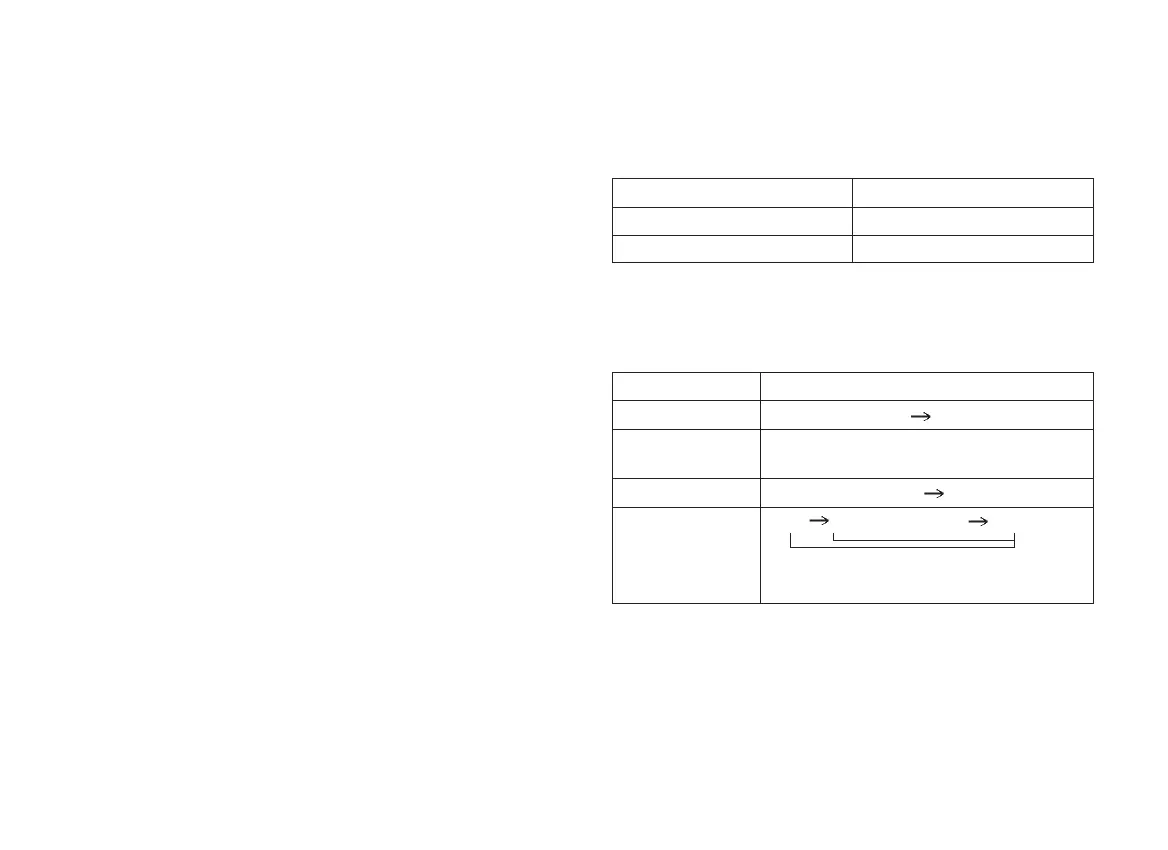
Display select button (10)
Press this button to select the desired display.
Desired mode Pressing button
Radio Band(8)
Tape Tape(9)
Mode Display shift
PS(Prior display)
Frequency
Frequency
Tape(Prior display)
Frequency
PTY
PS(Prior display)
Frequency
(When pressing the button for more than
1.5 seconds.)
Radio(FM RDS)
Radio(FM NON-
RDS, MW)
Tape
FM PTY
GENERAL OPERATION
On/off - Volume control knob (1)
Rotate this knob (1) to turn on the unit. You can also regulate the
volume control with this knob. Turn it clockwise to increase volume.
Turn it counterclockwise to decrease volume. Rotate this knob
(1) further counterclockwise to turn off the radio.
Balance control knob (1)
Pull and rotate this knob (1) clockwise to increase the right speaker
volume, counterclockwise to increase the left speaker volume.
You should be able to feel the mid position of this control at this
point, volume from left and right should be equal.
Fader control knob (2)
Rotate the fader control knob (2) counterclockwise to increase
the rear speaker volume, clockwise to increase the front speaker
volume.
Bass/treble control knob (3)
The bass control is used to adjust the bass(low-frequency) sound
quality. Turn it clockwise to increase bass tone, counterclockwise
to decrease bass tone.
The treble control is used to adjust the treble(high-freqency)
sound quality. Pull this knob and turn it clockwise to increase the
treble and counterclockwise to decrease the treble.
Untitled-46 10/31/2006, 12:54 PM8



 To Next Page