DLS 4 / DLS 8 / 8 PLUS / DLS 16 / 16 PLUS
50
Dallmeier electronic
NOTE
If SF is not activated for any camera, the Smart-
Finder tab is empty.
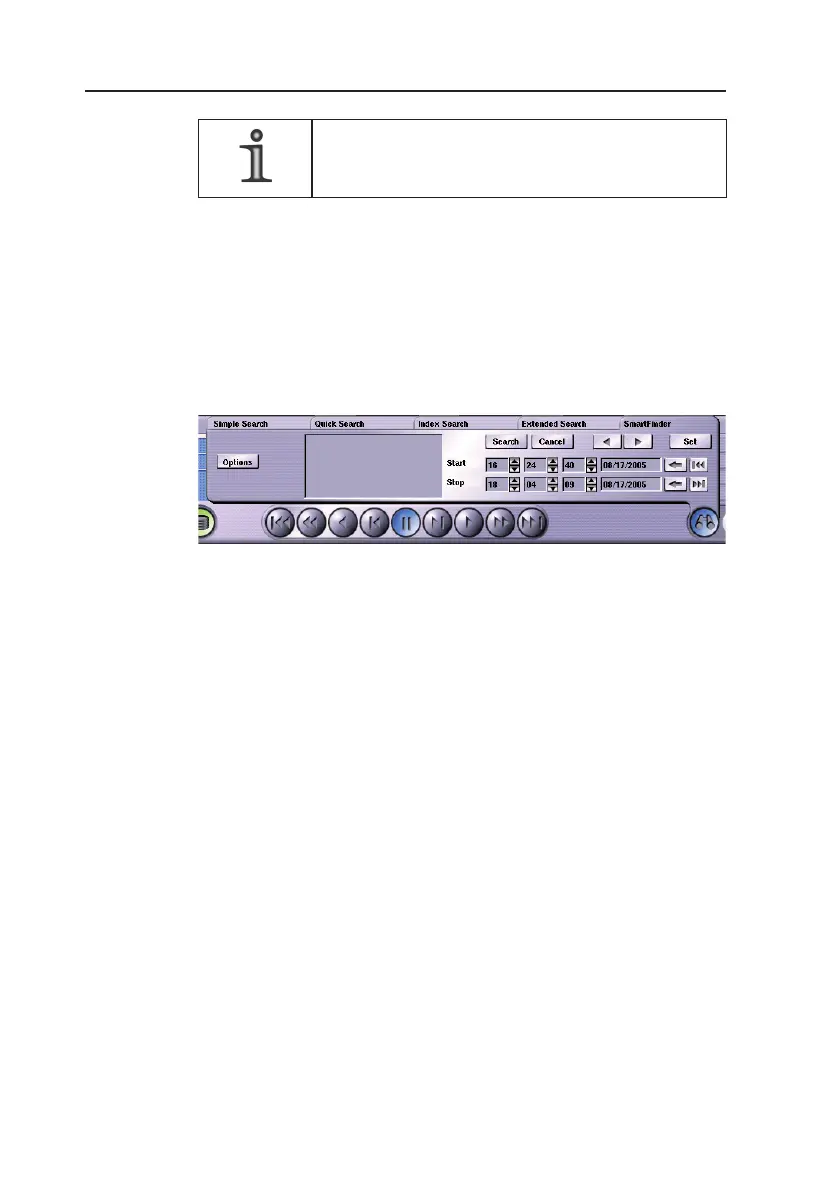
The following steps are therefore necessary in order to use the
SmartFinder search function:
1. Feed a track.
2. Click the Search functions (binoculars) button.
3. Click the SmartFinder tab.
Fig. 8-8
8.5.1 Basic procedure
Steps A to D rst show the basic course of the search function.
Further settings can be found in the Advanced search options
section.
A) Selecting the search range in the picture
Ø Click the Set button.
Ø Drag a rectangle in the picture by using the mouse.
This rectangle marks the range in the picture in which a search
for picture changes is to be carried out afterwards.
A maximum of four picture ranges can be selected.
Moving the marking
If you click in the center of a marking, you can move it while
keeping the mouse button pressed.



 To Next Page