Protects the Print Head and other parts inside, and reduces noise.
Adjusts the position of a cut sheet.
Supports the cut sheet so as to ensure the paper in and out easily.
Extended support for large size cut sheets.
24-pin printing mechanism.
Adjusts the gap between the Print Head and various form thickness.
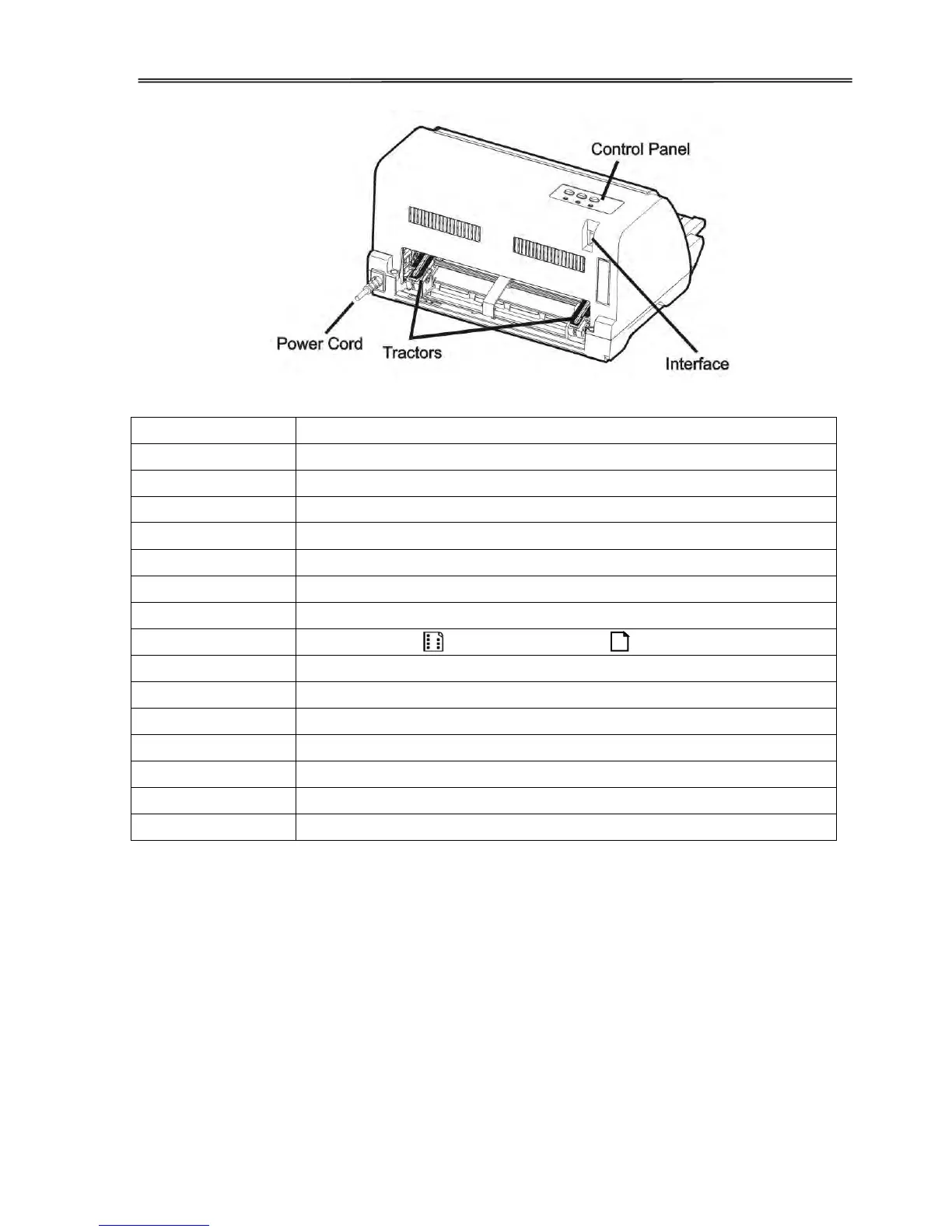
Shows printer status, for printer setup.
Two positions: =continuous forms; = single sheet paper
Manual adjusts the vertical position of the paper.
Powers the printer ON or OFF.
Holds inked Ribbon in it.
Guides Ribbon installation on the Print Head.
For feeding and adjustment of continuous forms.
Connects the printer and power socket.
Connects interface cable from the host.



 To Next Page