Tally Dascom 1330
11
3 Paper Installation
The printer can handle either single sheets or continuous forms. Single sheets, also called cut
sheets, include envelopes or non-continuous (single or multipart) forms. Continuous forms
include labels and multipart forms fed into the printer using the stationery tractors. The printer
is capable of printing up to original + 6-ply multipart paper.
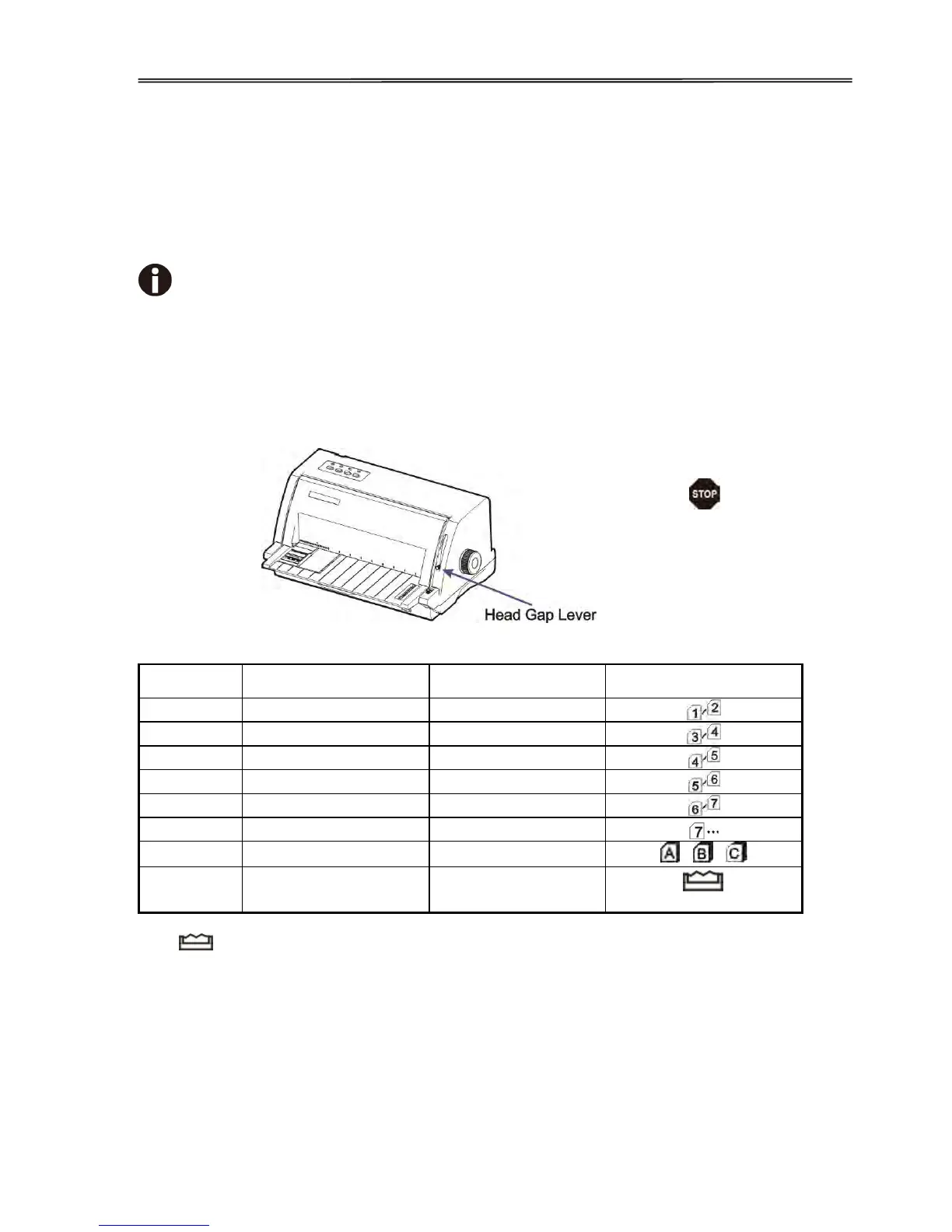
To ensure the print quality and protect the Print Head, set a proper print gap by the
gap lever (see 3.1) for the form thickness and do not load folded, damaged,
wrinkled, or curled paper.
3.1 Adjusting Print Gap
Sliding the Head Gap Lever on the right side up and down can increase and reduce,
respectively, the print gap to support various form thickness.
The “ ” position is only for unloading or installing the ribbon. When the lever is set higher
than appropriate, it will result in poor print. Improper head gap setting shortens the ribbon and
head life.



 To Next Page