Tally Dascom 5130P
7
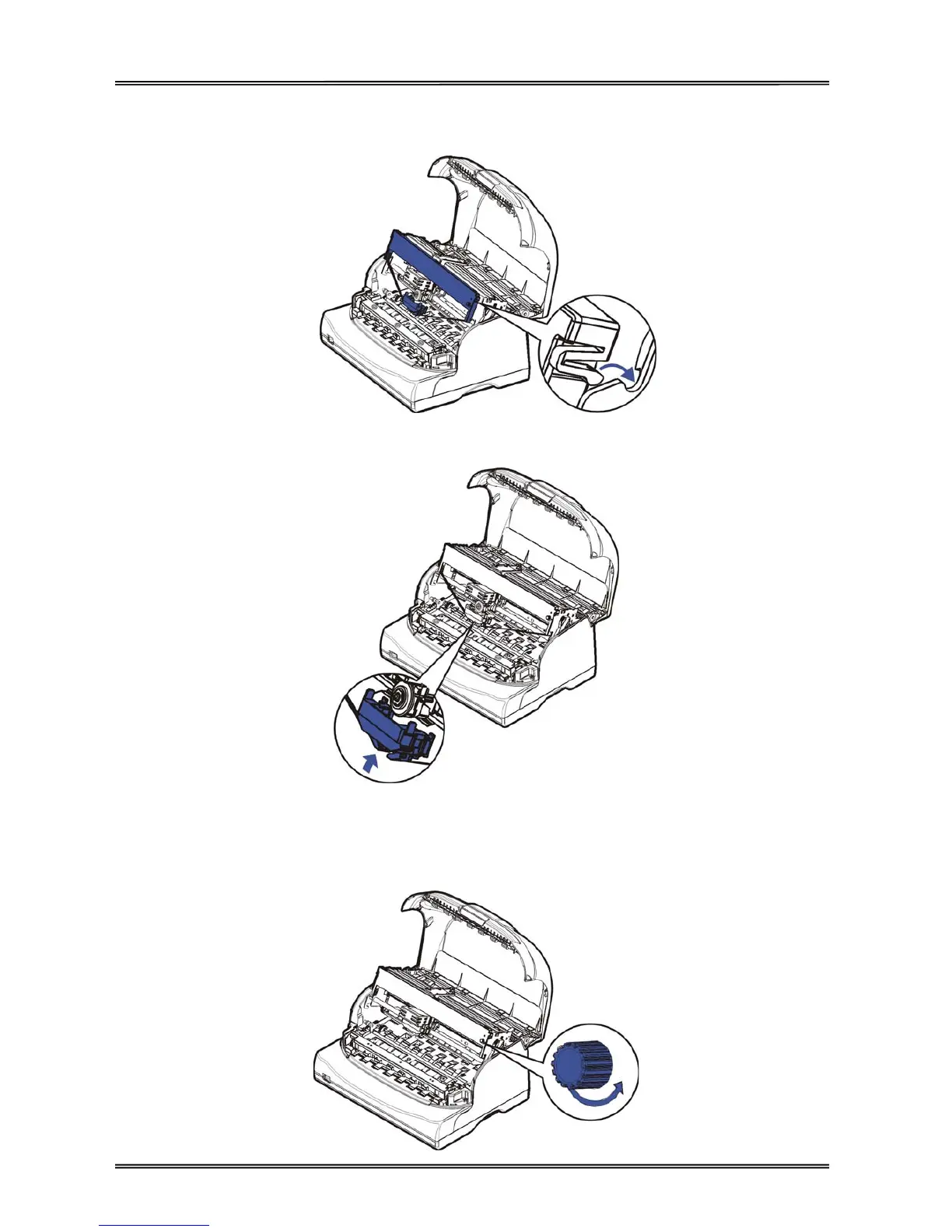
5. Install the recess positions on the ribbon cartridge into the printer mounting, and push both sides of the
ribbon cartridge to ensure they click into position.
6. Press the ribbon guides onto the print head from underneath until it clicks into position.
7. Turn the ribbon knob until the ribbon fabric is taut. Move the carriage left and right to ensure the carriage
and ribbon fabric can move smoothly.



 To Next Page