EasyManua.ls Logo

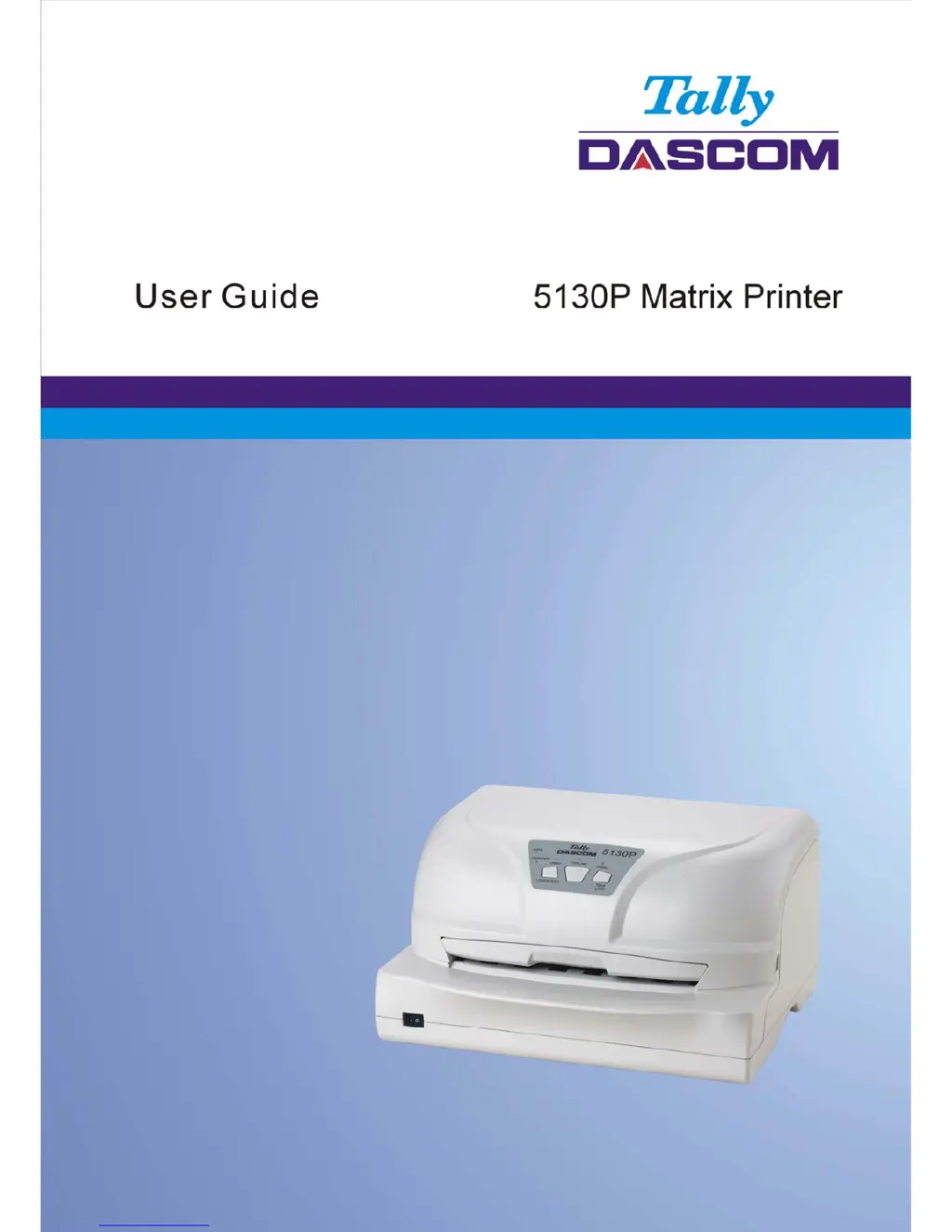
Dascom 5130P - User Manual

Dascom 5130P
120 pages
Print Icon
To Next Page IconTo Next Page
Loading...

Table of Contents

Questions and Answers

Summary

Important Safety Instructions

Printer Installation Guide

Unpacking the printer

Procedure for safely removing the printer from its packaging.

Placing the printer

Guidelines for selecting an optimal and safe location for the printer.

Installing and removing ribbon cartridge

Step-by-step instructions for installing and removing the ribbon cartridge.

Connecting the interface cable

Instructions for connecting serial, parallel, or USB interface cables to the printer.

Connecting the mains power

Procedure for connecting the printer to the electrical power supply.

Installing the printer driver

Guide for installing the necessary printer driver software on a computer.

Paper Installation Guide

Control Panel Operation

Setup Menu

Calibrations

Print Alignment

Adjusts printer alignment for optimal print quality.

Setting TOF

Configures the Top Of Form setting for accurate paper positioning.

Setting Left margin

Adjusts the left margin for precise text placement.

Troubleshooting and Maintenance

Troubleshooting

Solutions for common print quality and paper handling problems.

Care and Maintenance

Guidance on cleaning and maintaining the printer for longevity.

Specification

Dascom 5130P Specifications

General IconGeneral
BrandDascom
Model5130P
CategoryPrinter
LanguageEnglish

Related product manuals